Feature · Worldbuilding · Cloud & Desktop

Build a universe your players can live in.

Design races, factions, maps, and timelines that actually stay consistent — then export your world to PDF, Markdown, or straight into your game engine. In the cloud with your team, or as free files on your desktop.

Entities & cross-references PDF · Markdown · JSON export Real-time collaboration Works offline (Desktop) Free Desktop app Engine-ready data
imsc.space · Wings of Freedom ● live
This is a real project — open Wings of Freedom in a new tab and explore it.
Demo project
The problem

Your world is huge. Your doc is a mess.

🗺️
Lore scattered

Characters in one doc, regions in another, timeline in a third. Nothing links together, and nobody has the whole picture.

🔗
Nothing stays consistent

The capital city has three names and two histories. Everyone notices — right after it ships.

👥
The team can't keep up

Everyone edits the same wiki and overwrites each other. New joiners can't tell what's canon and what's an old draft.

🔧
The world is stuck in the doc

Want lore in the engine or a PDF? Re-type it all by hand — and it's outdated the moment you paste it.

IMSC is the fix: characters, maps, and timelines as real, connected entities — consistent by construction, shared with your team, and exported in one click.

Structured world data

A living wiki that agrees with itself.

Your world isn't paragraphs — it's regions, factions, races, characters, and events. In IMS Creators they're real entities with real links. Edit one, and every reference updates across the whole project.
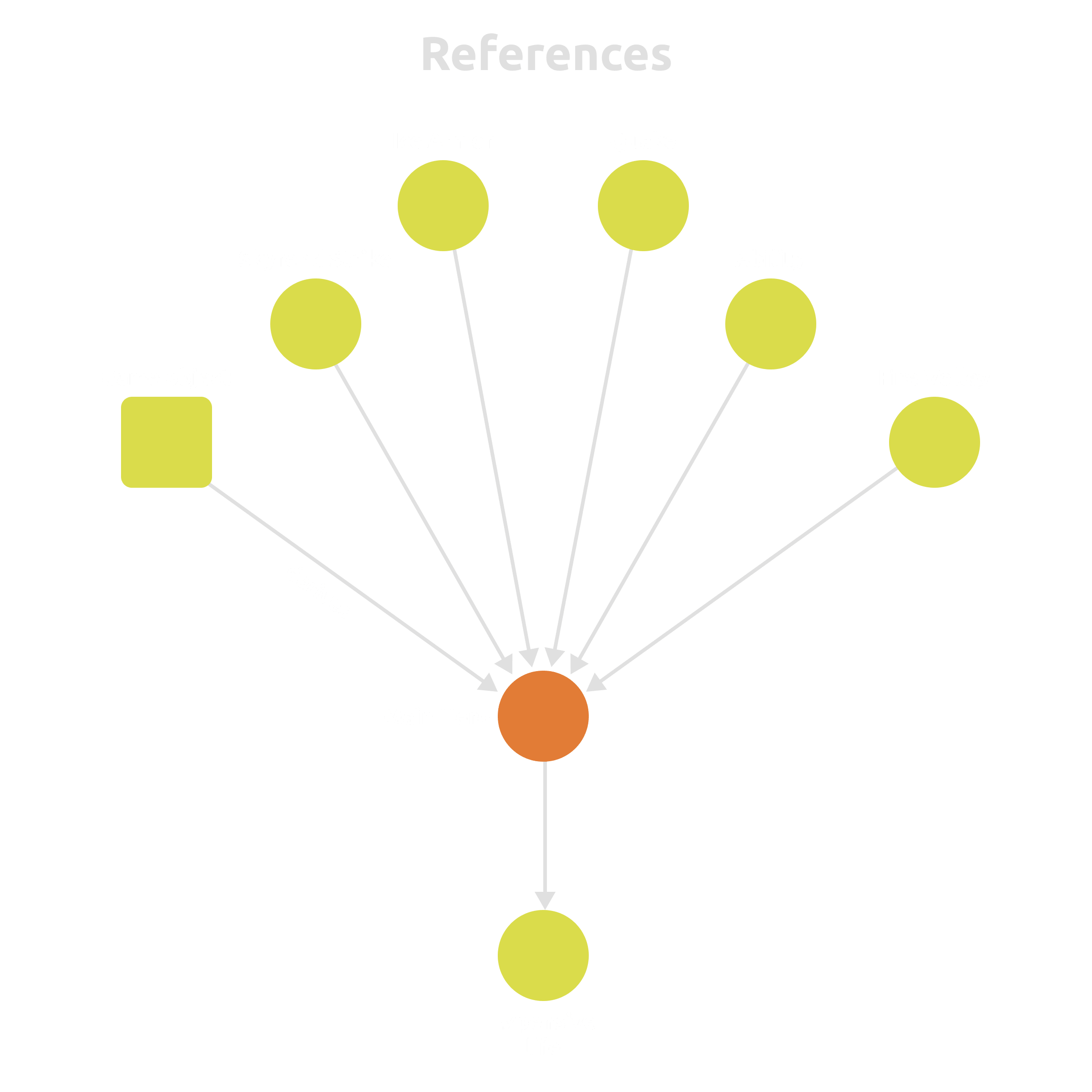
  • Structured profiles for regions, factions, races, characters, events — not walls of text.
  • Cross-references keep the world consistent automatically.
  • Rich blocks: tables, galleries, checklists, diagrams, dialogues.
Connected worldbuilding entities in IMS Creators
Characters & cultures

Races, factions, and traditions that stay canon.

Design unique cultures with a system of interconnections — appearance, behavior, and social structures as structured fields. Link every character to their region, faction, dialogue, and the tasks that bring them into the game.
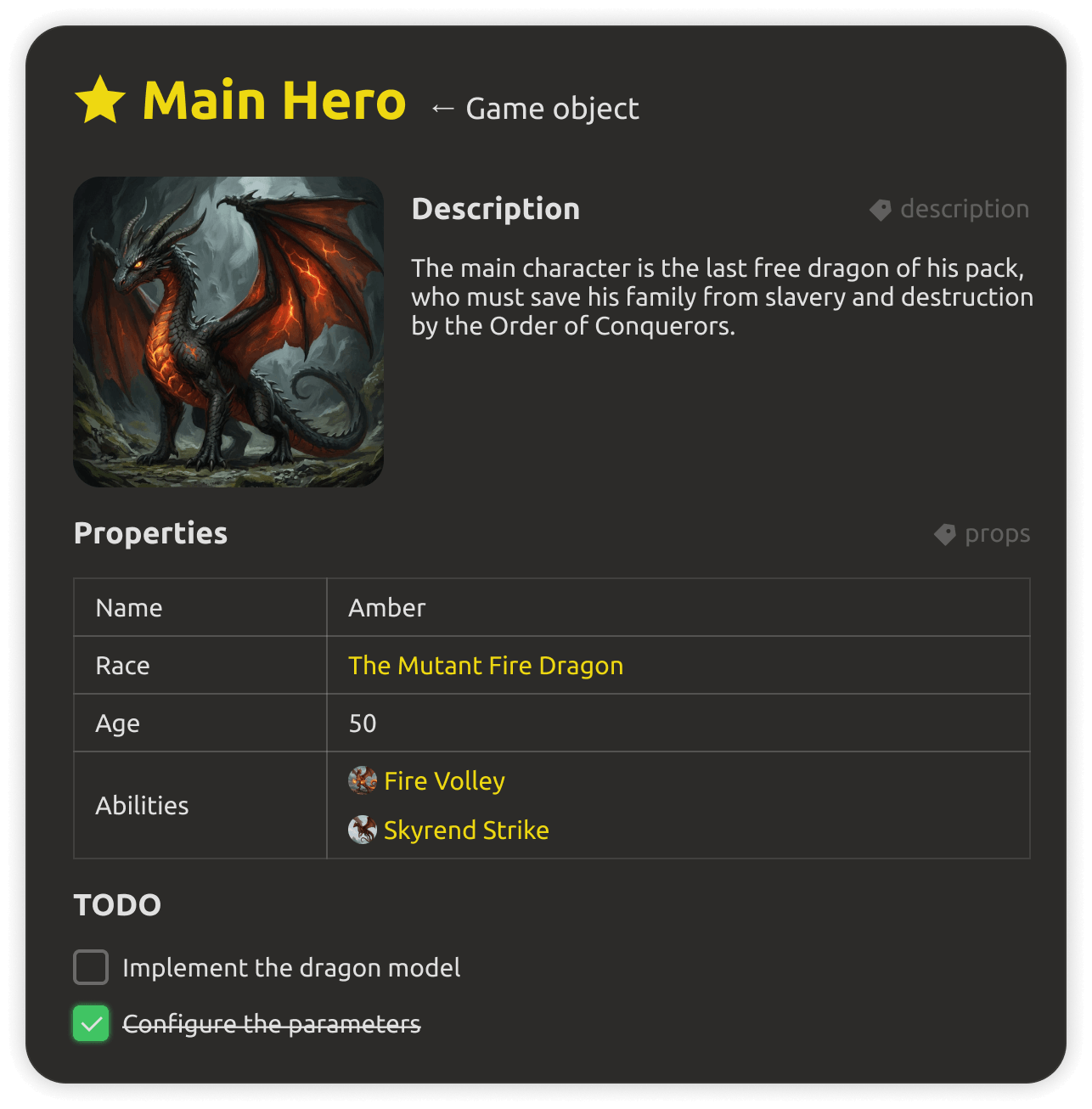
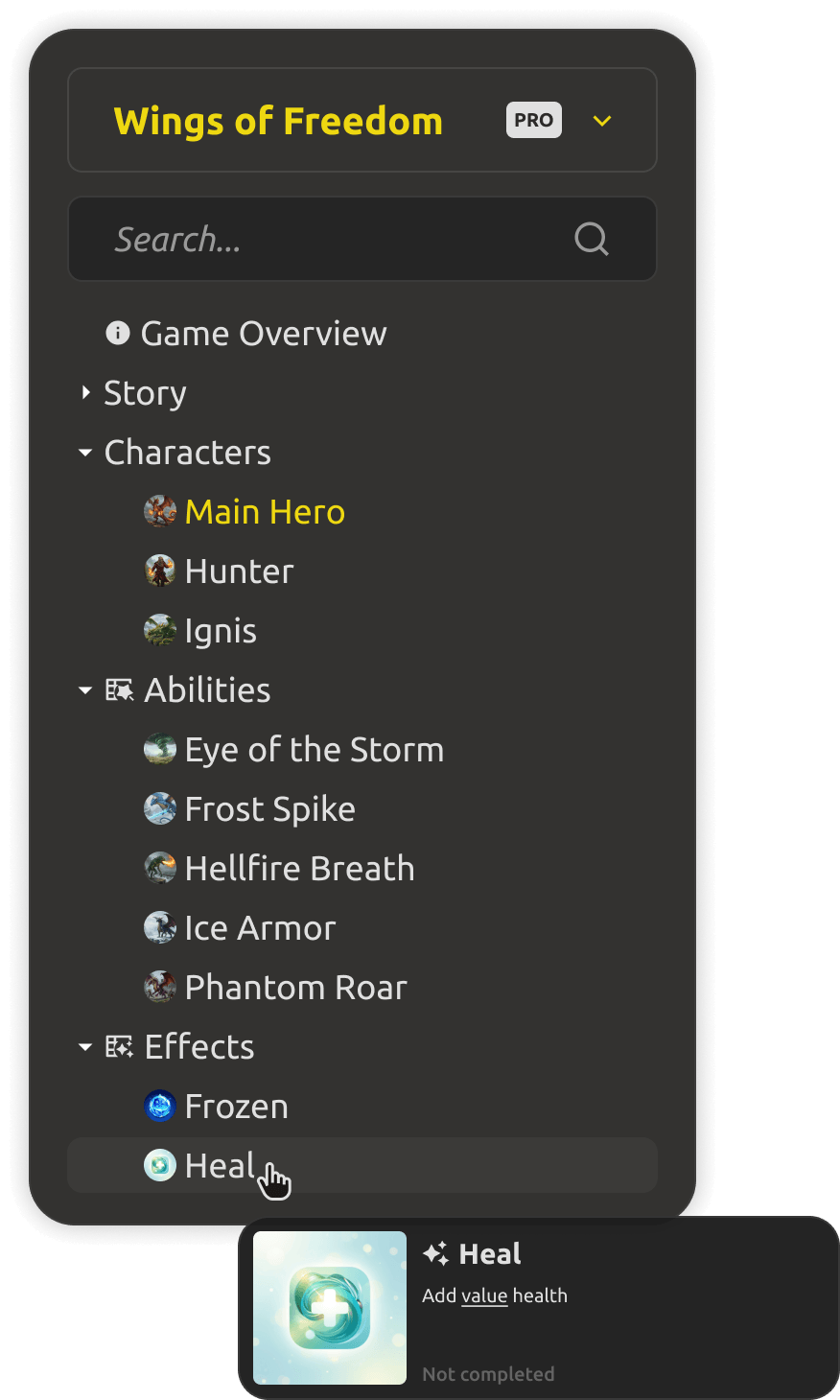
  • Detailed profiles: appearance, behavior, social structures.
  • Races and factions connected to their regions and history.
  • Link characters to dialogues, quests, and tasks in the project.
Characters and cultures in the worldbuilding tool
Interactive maps

Map the world, not just draw it.

Create detailed maps with an easy-to-use editor — drag and drop objects, customize terrain, and visualize geography. Every location can be a real entity, linked to the characters, factions, and quests that live there.
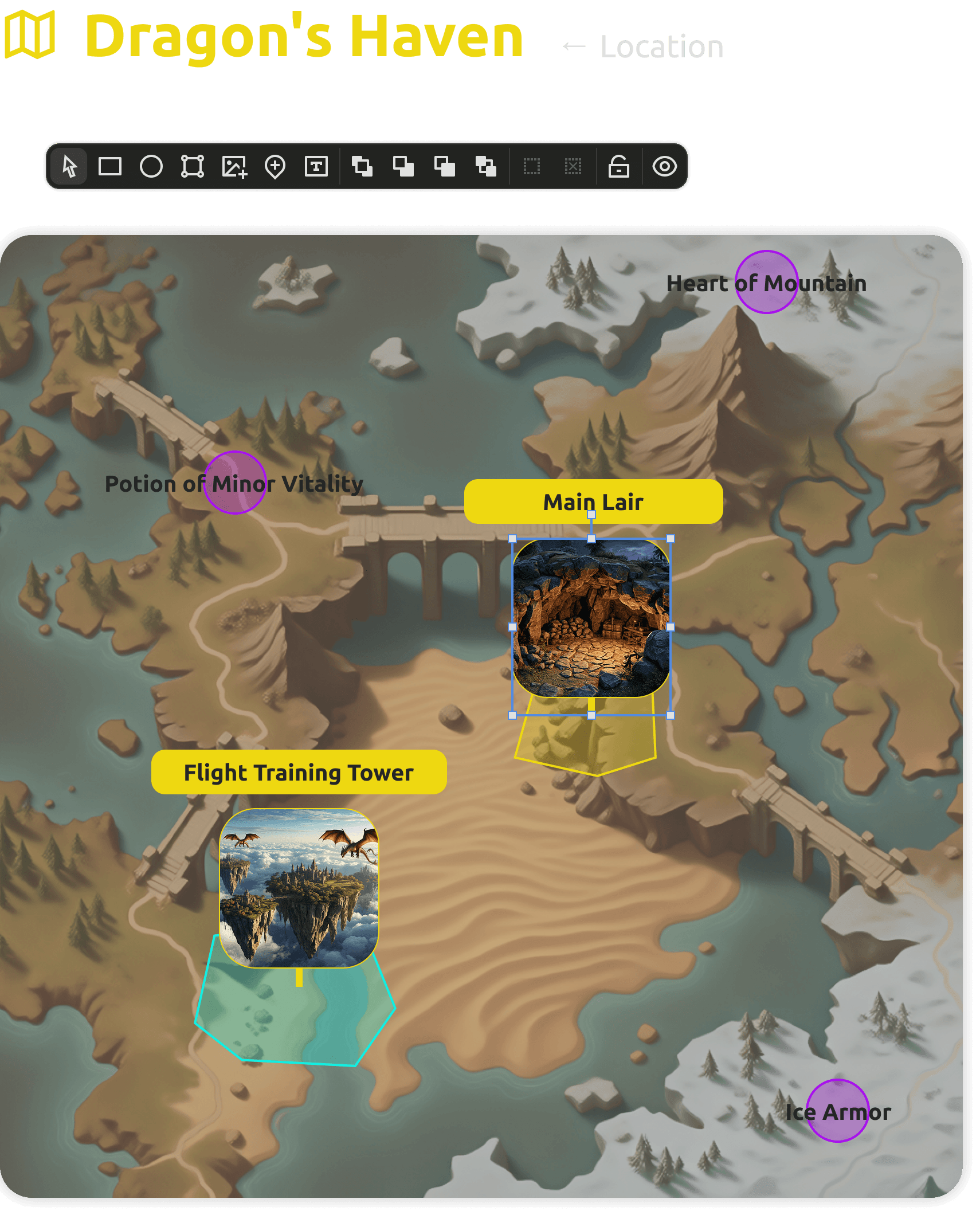
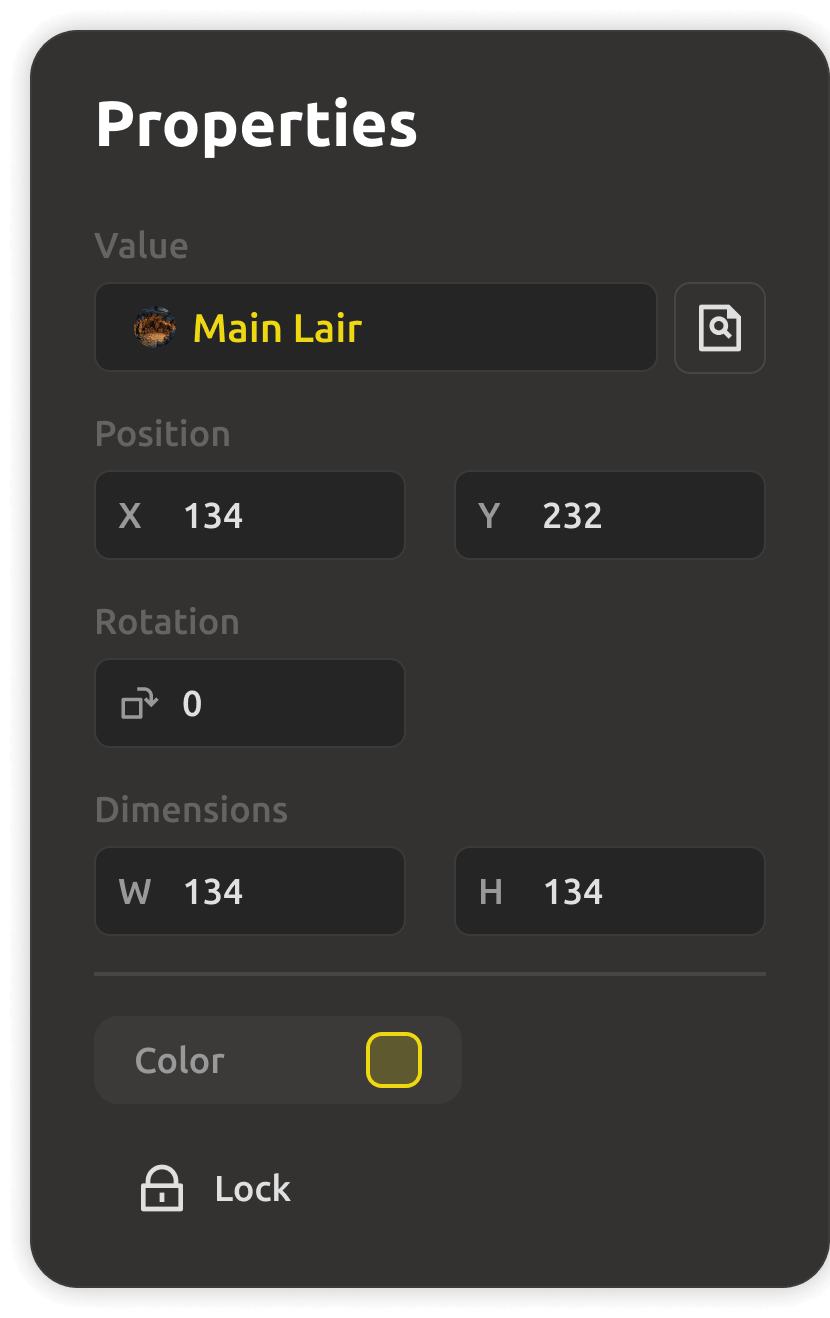
  • Drag-and-drop object placement and terrain customization.
  • Locations linked to lore, characters, quests, and levels.
  • Visualize the whole geography of your world in a few clicks.
Interactive map editor with drag-and-drop objects
History & timeline

A history that agrees with itself.

Develop complex event timelines with cause-and-effect relationships between key historical moments. Every event links forward and backward — so the fall of the empire and the rise of the rebellion stay consistent with each other.
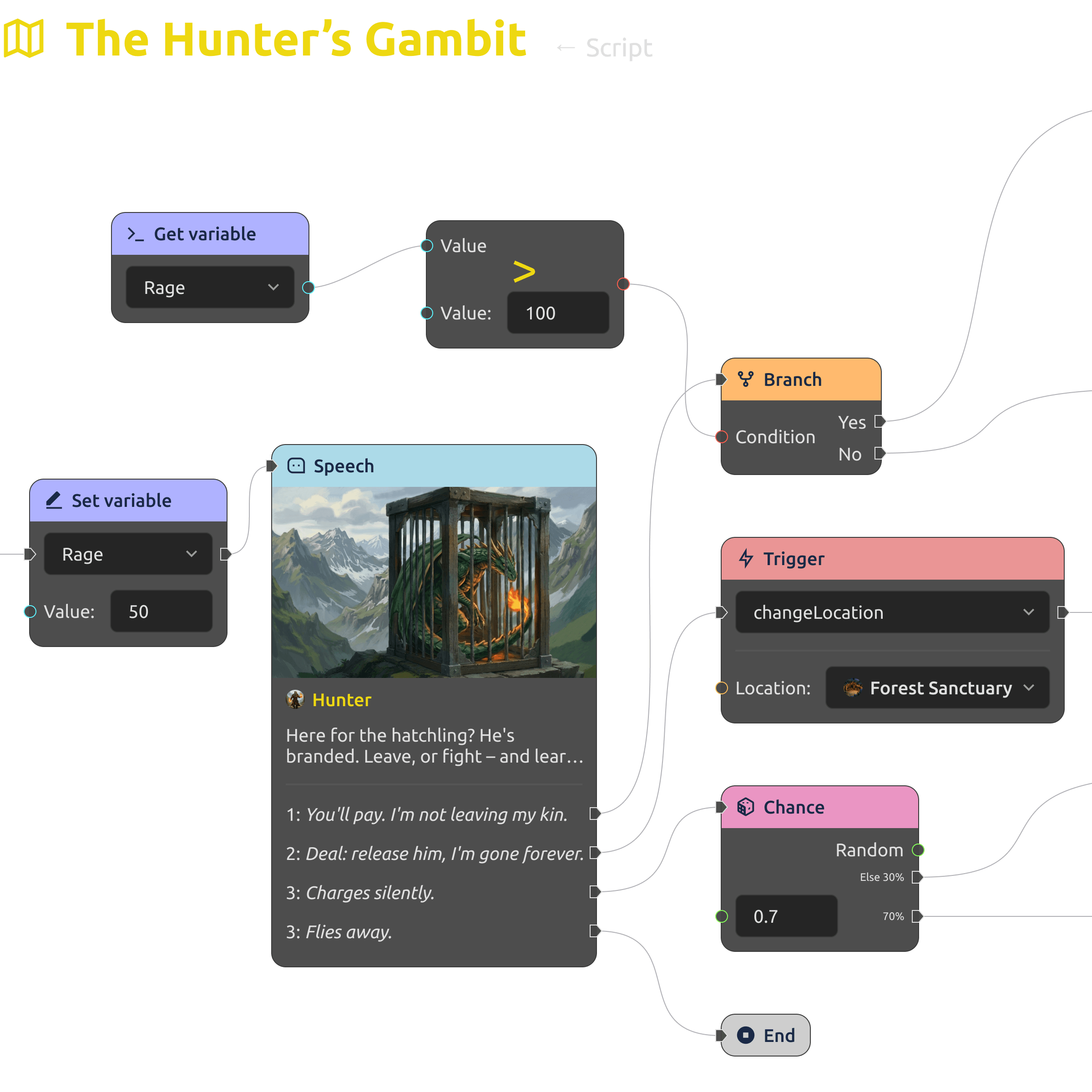
  • Event timelines with cause-and-effect links.
  • Key historical moments connected to characters and regions.
  • A coherent picture of your world's development, always up to date.
History and timeline in the worldbuilding tool
Export & integration

Your world, everywhere you need it.

Export finished materials to PDF, Markdown, or JSON/CSV for use in game engines like Unity and Unreal. The lore for the writers' bible, the data for the engine — from the same source, never re-typed.
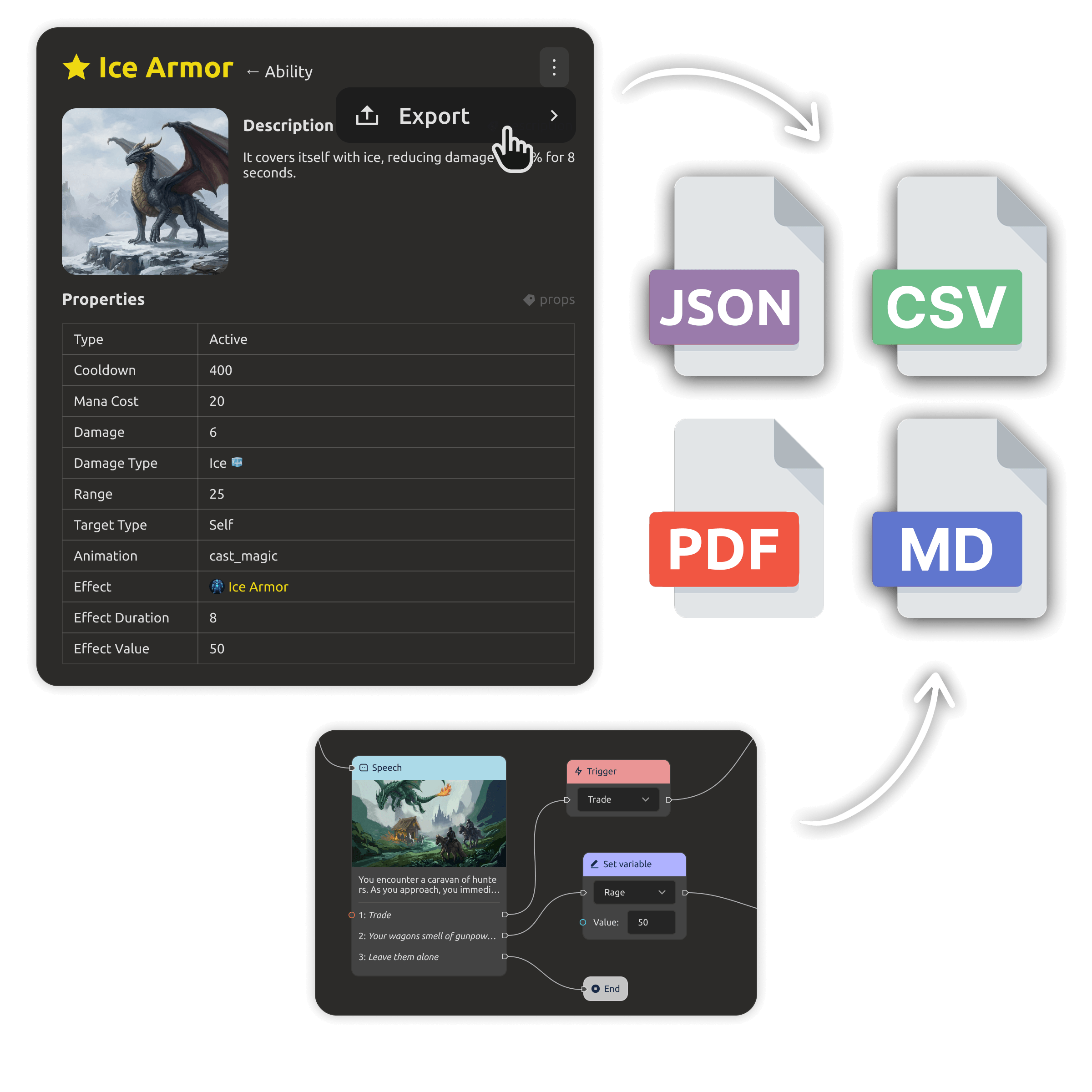
  • PDF and Markdown export for docs, bibles, and pitch decks.
  • JSON/CSV export to Unity, Unreal Engine, Godot.
  • One source of truth — writers and engine read the same data.
Exporting worldbuilding materials to PDF and engines
One system · two ways to build

Cloud with your team, or files you own.

Start free
Cloud workspace
$4/mo

per teammate · Yearly billing

For teams building the world together — shared entities, maps, and timelines, with a 30-day free trial.

  • 30-day free trial · no credit card
  • Shared world data, maps, and timelines
  • Granular access control & roles
  • Engine export & AI team-assist
Desktop app
$0/forever

open source (MIT)

The same worldbuilding workspace as a local-first app — free forever, no account needed.

  • Works fully offline, files on your disk
  • Open formats: Markdown + JSON
  • No account, no lock-in — data you own
  • Sync cloud projects to your desktop (PRO)
Download for free
PRO upgrade · Cloud

Ready to upgrade to PRO? Buy now — the full cloud workspace for your team, with the same world and data you already have.

Buy now

Trying the cloud is free for 30 days — no credit card. The Desktop app stays free forever.

Prices are per teammate and do not include tax (calculated at checkout based on your country).

Need IMS Creators on your own infrastructure? Look our special offer →
What you get

Everything a worldbuilder should have.

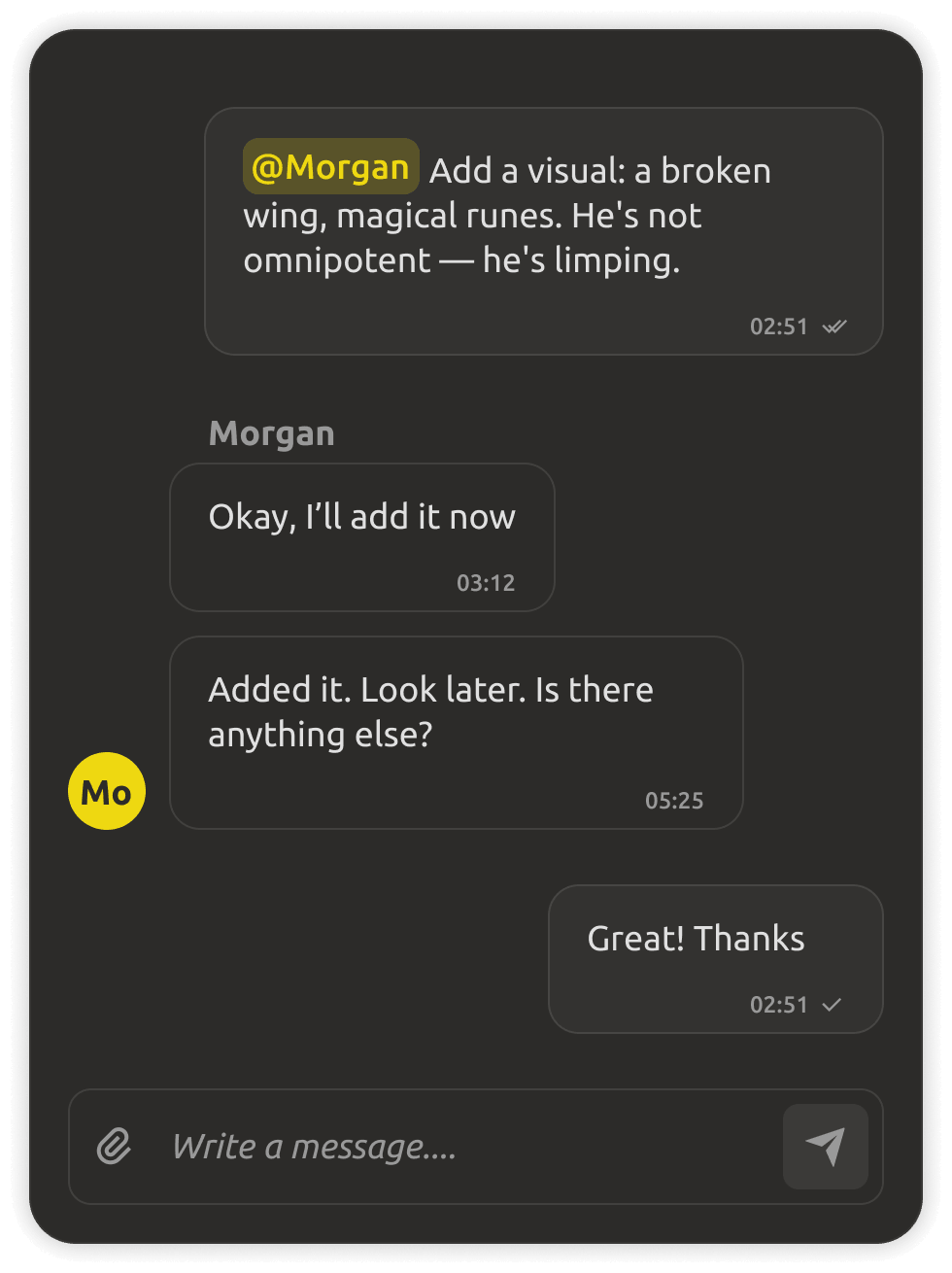
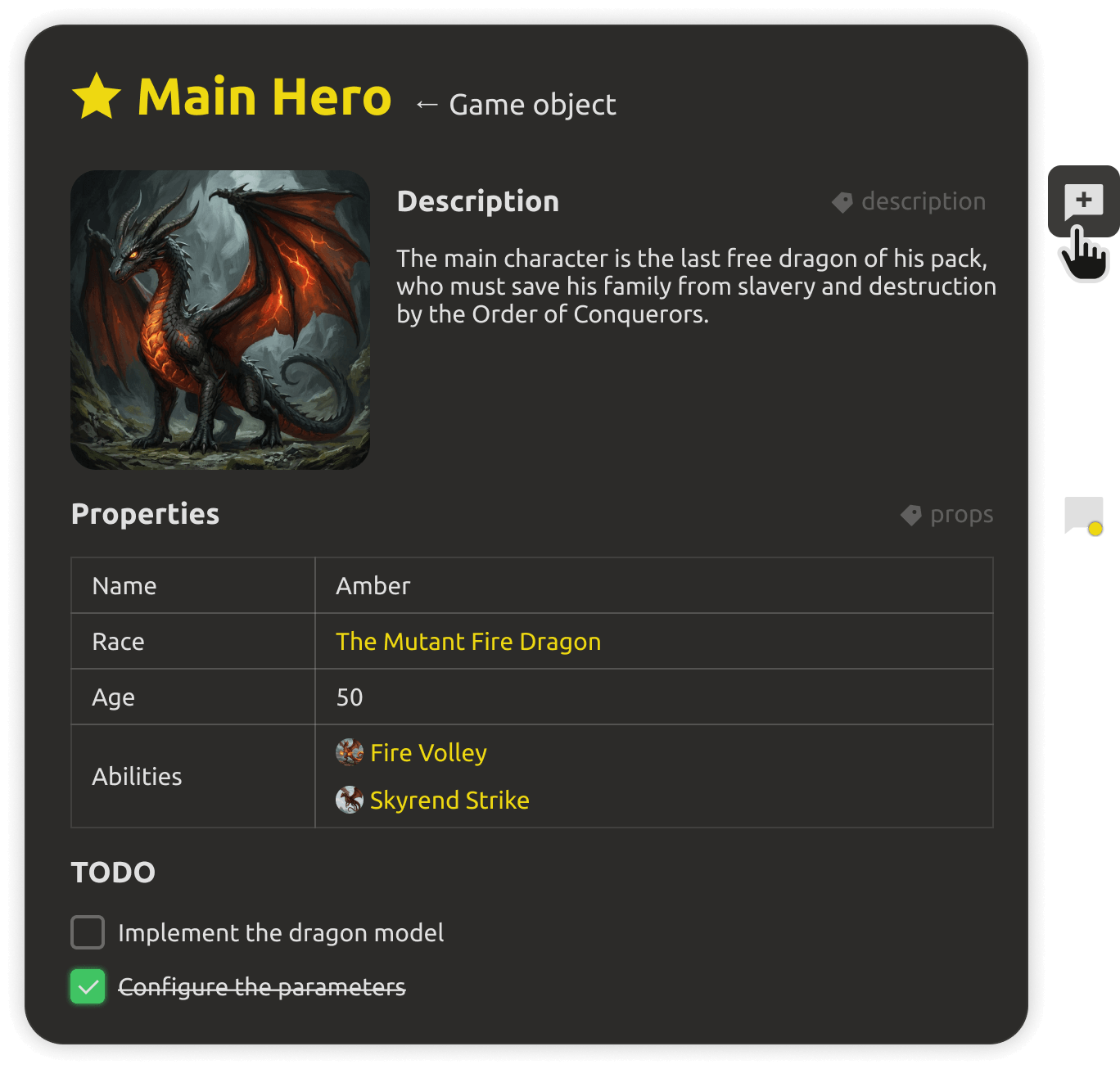
Collaborating on worldbuilding in real time
Real-time collaboration

Work on the project simultaneously with your team: assign roles, track changes, and discuss edits as they happen.
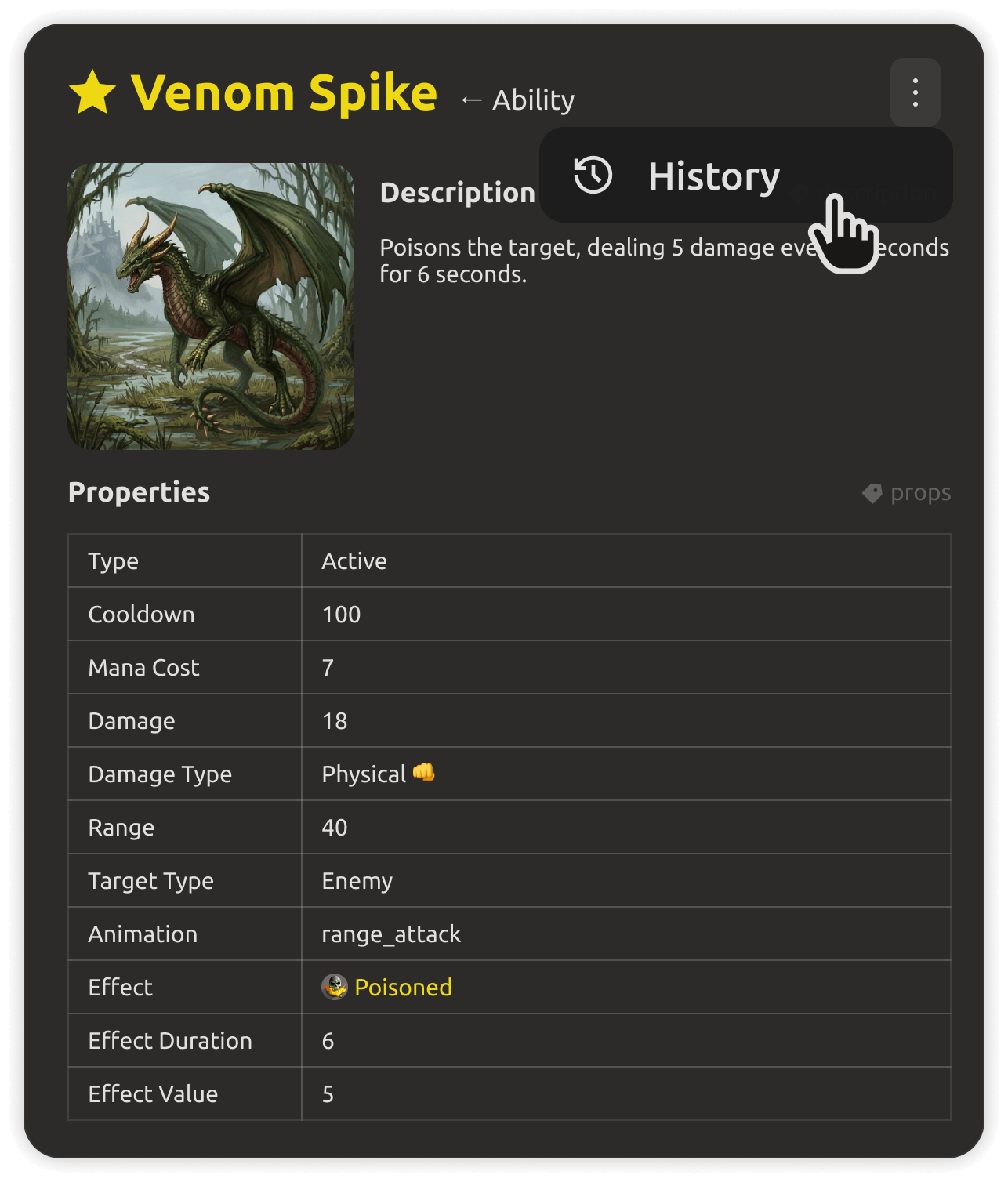
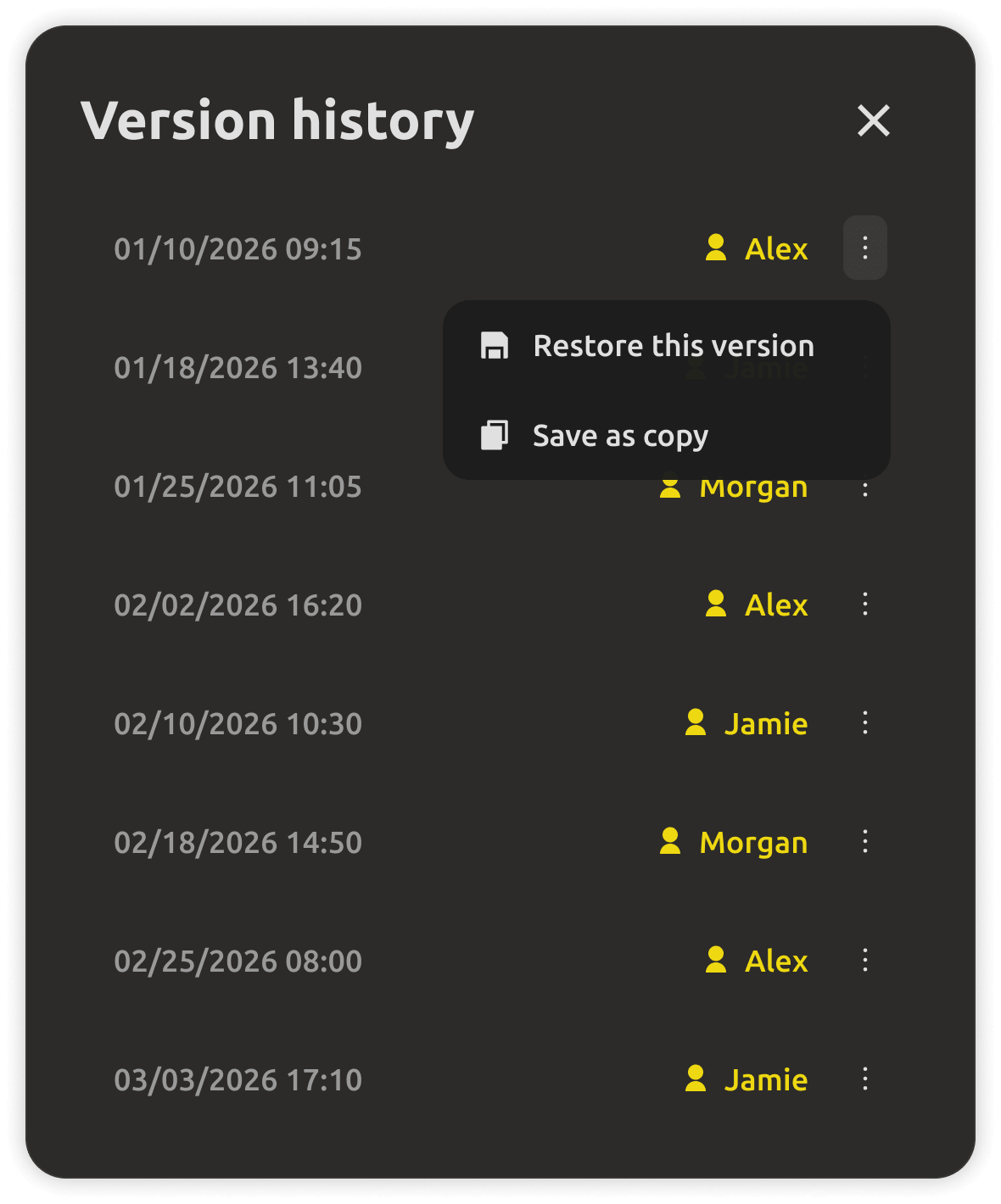
Change history of the world
Change history

See who changed what, when. Review edits, restore older versions, and keep lore decisions traceable.
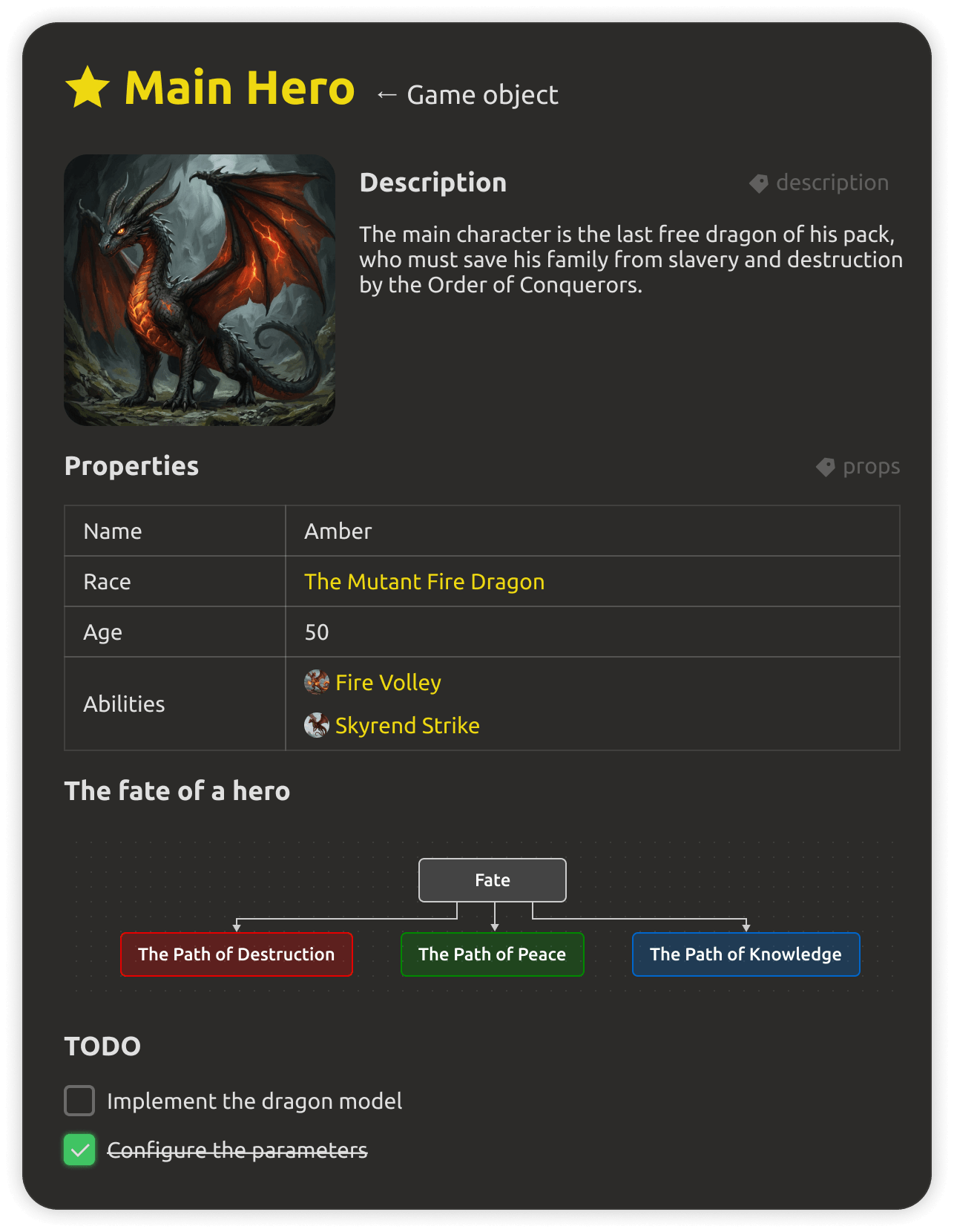
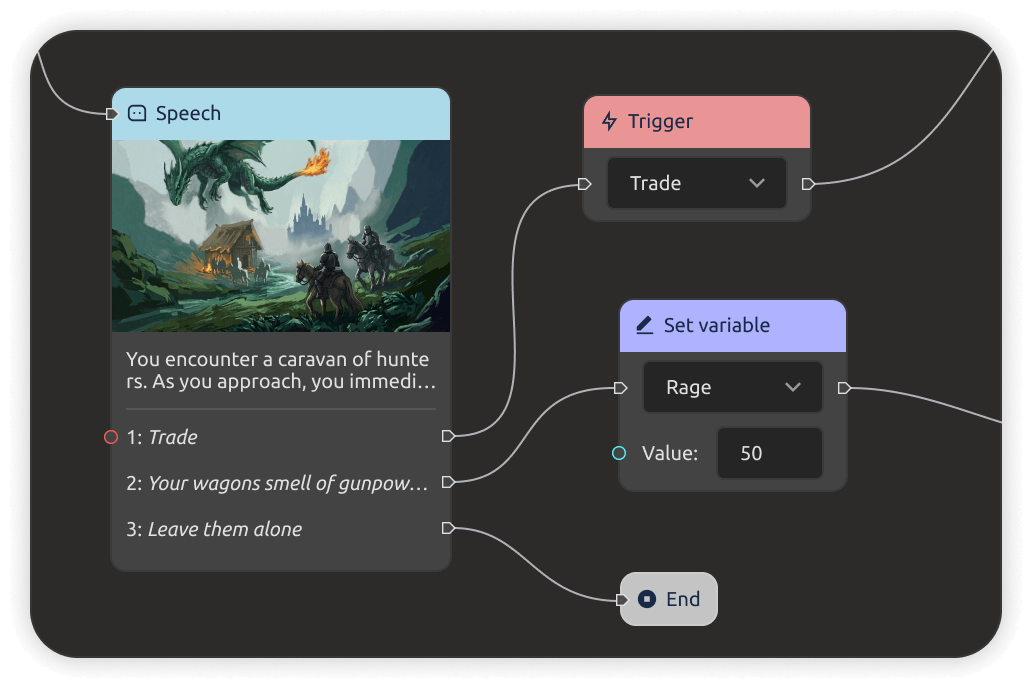
Rich tables and galleries in docs
Rich documents

Tables, galleries, checklists, and diagrams inside your docs — no more cramming lore into plain paragraphs.
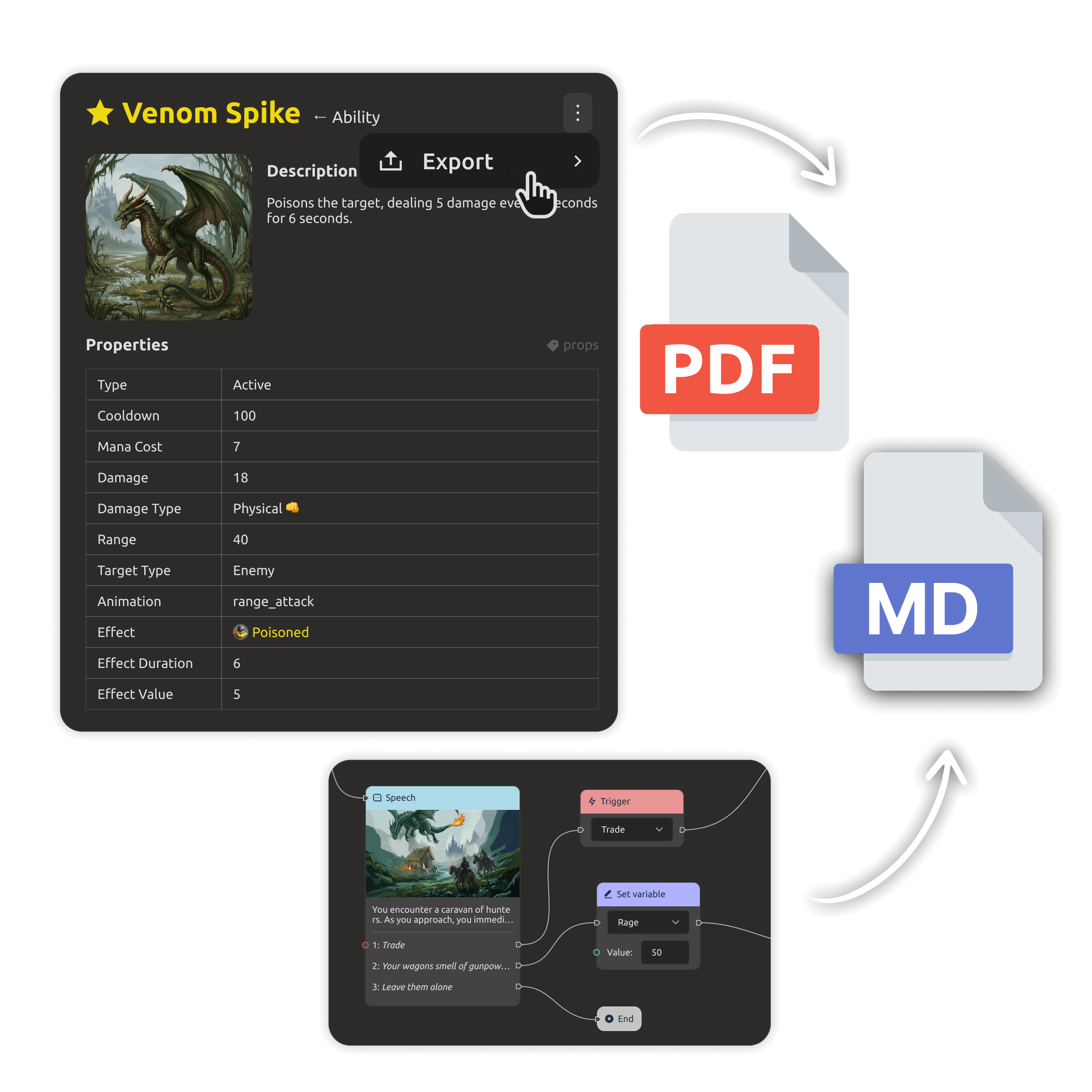
PDF export of worldbuilding docs
PDF & Markdown

Turn your world into a beautiful PDF or clean Markdown for writers, publishers, and pitch decks.
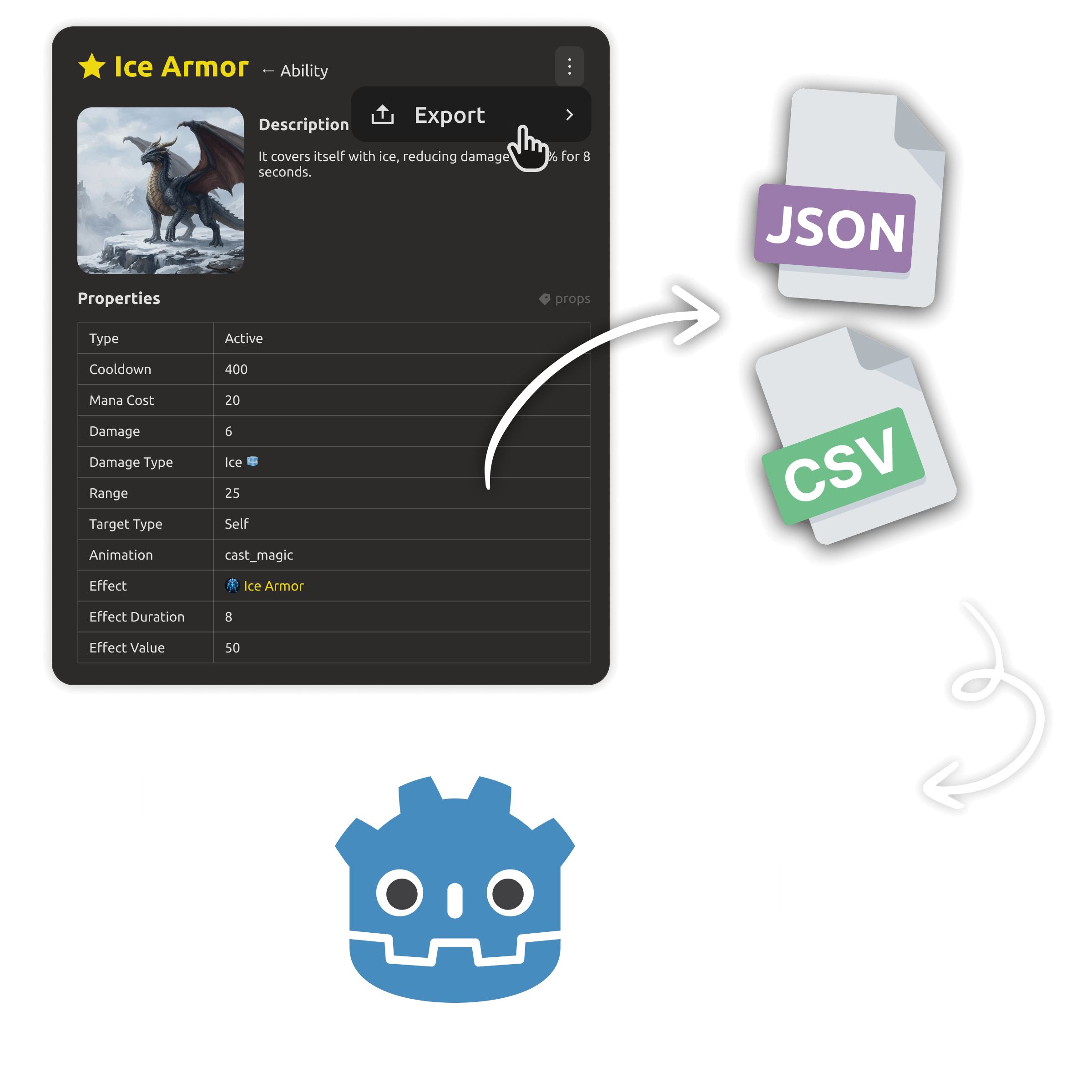
Engine-ready world data export
Engine-ready data

Export entities to JSON or CSV in the shape your engine expects — Unity, Unreal, Godot.
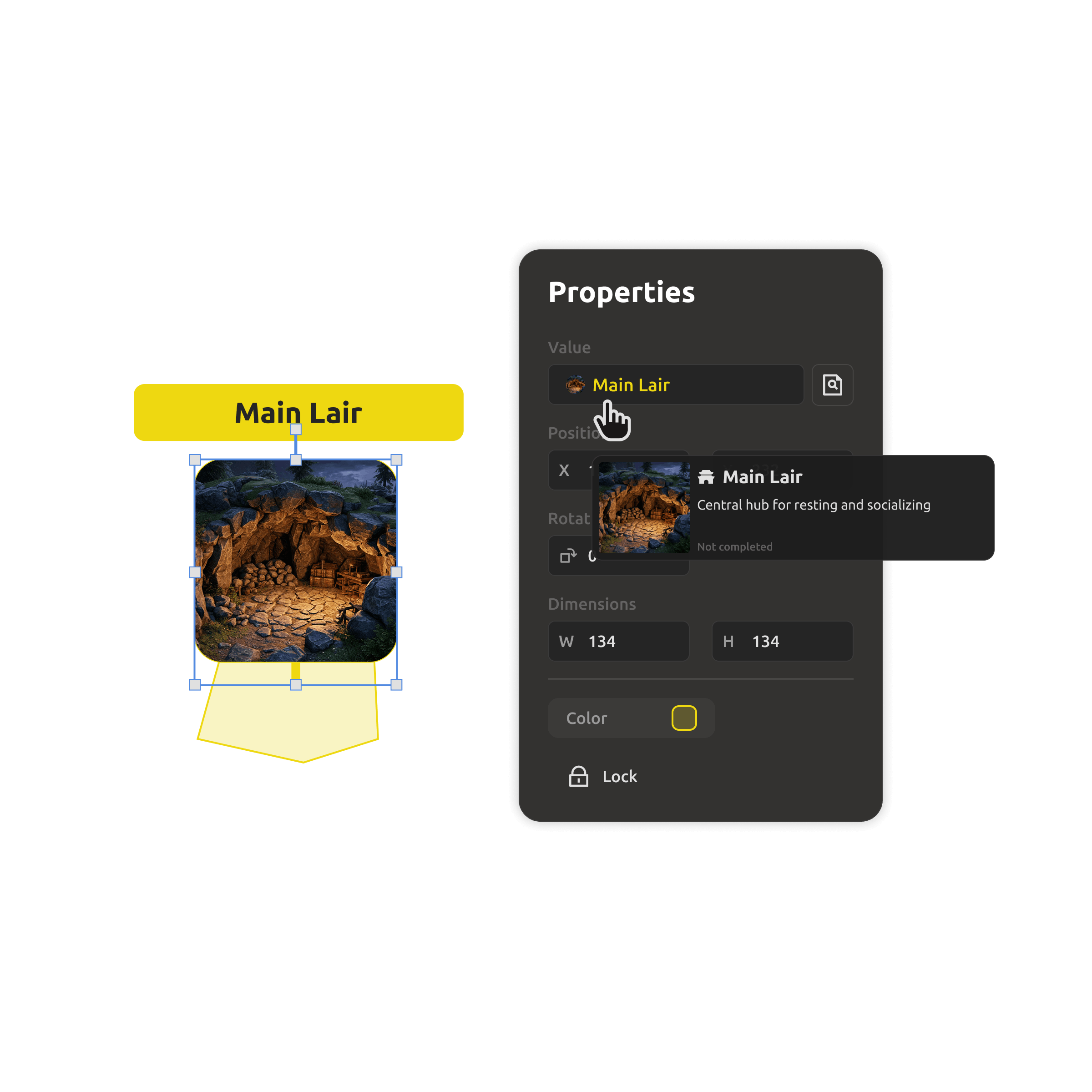
Cross-links between world entities
Links & references

Connect characters to regions, factions to history, quests to maps — and keep it all consistent.

FAQ

Questions, answered.

Yes. Use the map editor to drag and drop objects, customize terrain, and link locations to the characters, factions, and quests that live there.

Notion — Flexible, but your world is just pages; no real entities, no map editor, no engine export.

World Anvil — Great templates, but heavy, subscription-driven, and locked into its platform.

IMSC — Characters, maps, and timelines as real connected entities, with PDF and engine export — and a free local-first desktop app on top of the cloud workspace.


In the cloud — yes, with real-time editing, roles, and granular access control. On the desktop — yes, via plain files you can commit to git, with conflict-safe workflows.
Yes. Export entities to JSON or CSV for Unity, Unreal Engine, and Godot, plus PDF and Markdown for writers and documentation.
Yes. The Desktop app is free forever and works offline without an account. The cloud workspace starts with a 30-day free trial, no credit card.
You do. Export anything anytime, or keep everything as plain Markdown and JSON files on your own disk with the Desktop app. Nothing is locked in.

Your world deserves better than a doc that drifts.

Start building your universe in the cloud — or keep it as free files on your desktop. One system, your world, always consistent.