Feature · AI team-assist · Cloud & Desktop

An AI assistant that works from your live project.

Draft, edit, and summarize design docs, answer questions with the real workspace as context, and connect any AI tool to your game data — in the cloud with your team, or fully private on your desktop with your own model.
Built-in assistant Local MCP server Bring your own model · Ollama Answers from live project data
AI assistant working with your live workspace
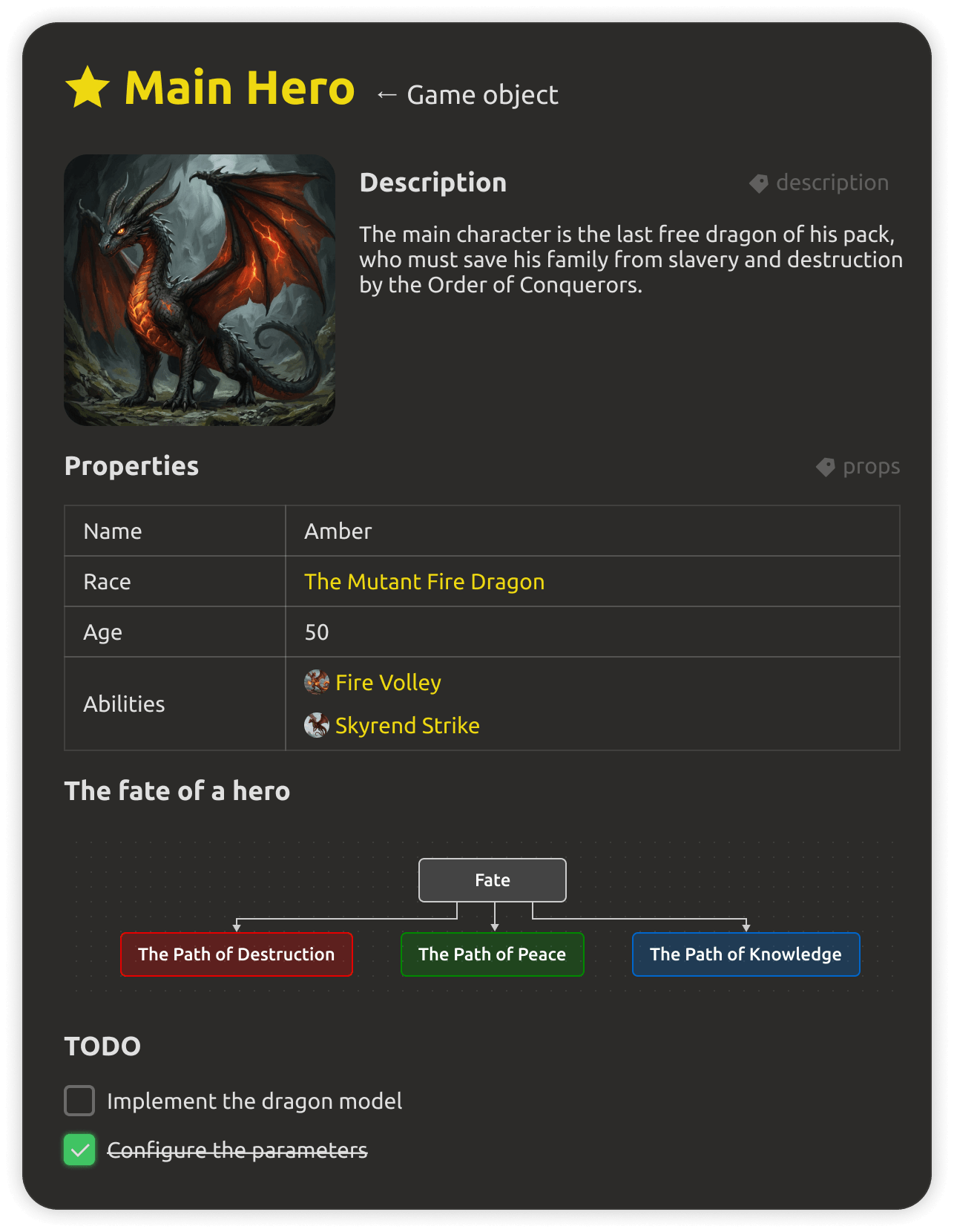
This is what the assistant sees — your real workspace, not stale documents.
The problem

Generic AI has no idea what your game is.

🌫️
No context

Ask a generic assistant about your game and it answers from the whole internet — not from your characters, mechanics, and balance numbers.

📄
Stale documents

Copy-pasting docs into a chat gives answers based on yesterday's design. The moment anything changes, the AI is wrong again.

🔁
Re-prompting boilerplate

Every task needs the same long prompts, context pasted by hand, and manual cleanup of the output before it fits your project.

🧩
AI can't read the data

Messy wikis and formatted PDFs are useless to a model. It needs structured entities and references — the way a game project is actually built.

IMSC is the fix: an assistant wired directly into your project — reading, drafting, and editing the same structured data your team and engine use.

Built-in assistant

Draft, edit, and summarize — from the workspace.

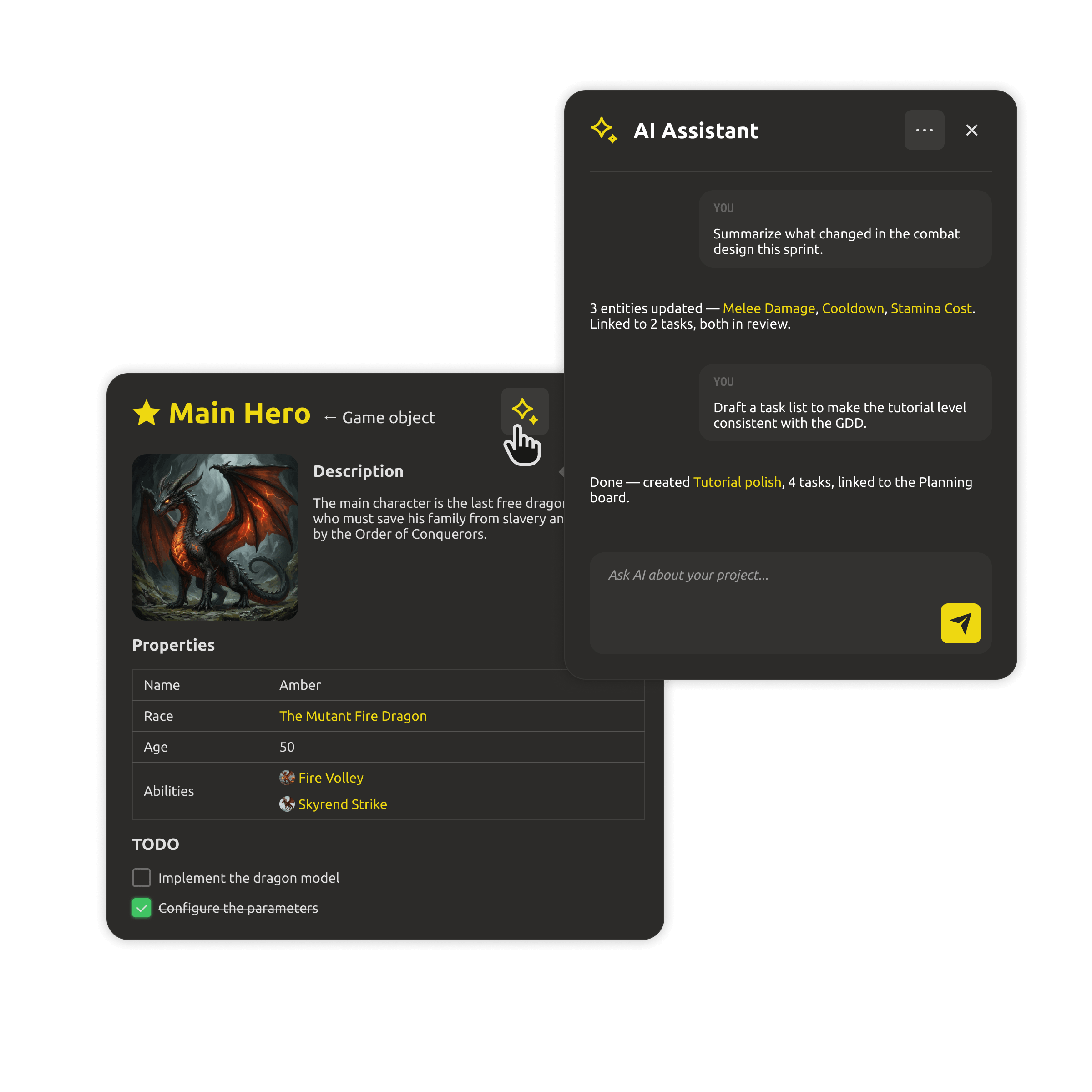
Ask questions, draft entities, summarize decisions, and generate content straight from the shared workspace — so the whole team gets answers from the current design, not stale documents.
  • Draft, edit, and summarize design docs from the project.
  • Answer questions using the live workspace as context.
  • Speed up repetitive content work across the team.
AI assistant answering questions from workspace data
MCP server

Point any AI tool at your project.

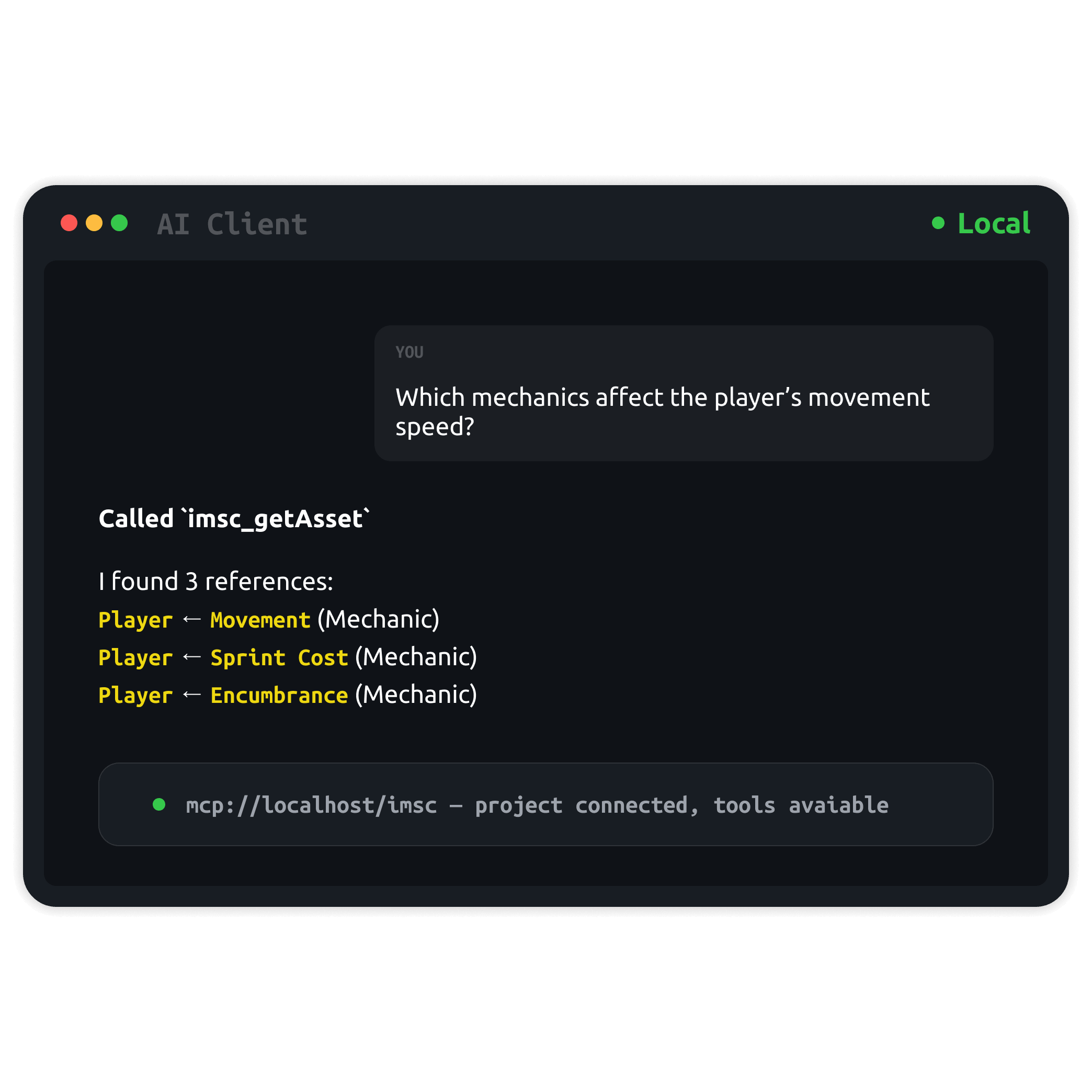
Your design is data, not a document dump. A local MCP server exposes your project data to any AI or MCP client — Claude, Cursor, custom scripts, anything that speaks MCP can read and edit your live design data.

  • Local MCP server — point any AI tool at your live design data.
  • Tools to read, create, and edit entities and references.
  • Automate design tasks with your own scripts.
MCP server exposing project data to external AI tools
Bring your own model

Any model you want — even fully local.

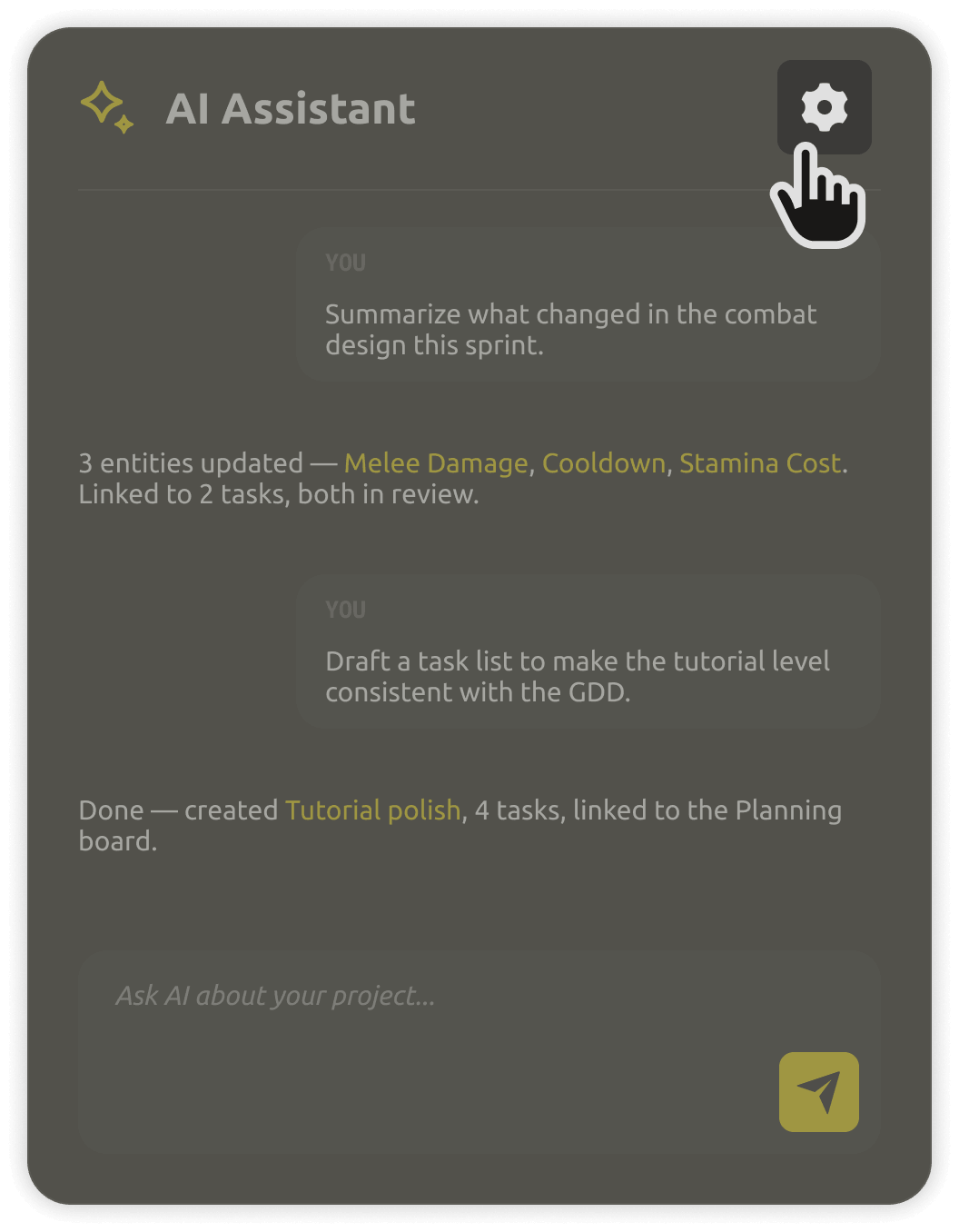
The assistant supports many AI providers out of the box. Want more control? Bring your own model — including 100% local and private models via Ollama, with nothing leaving your machine.
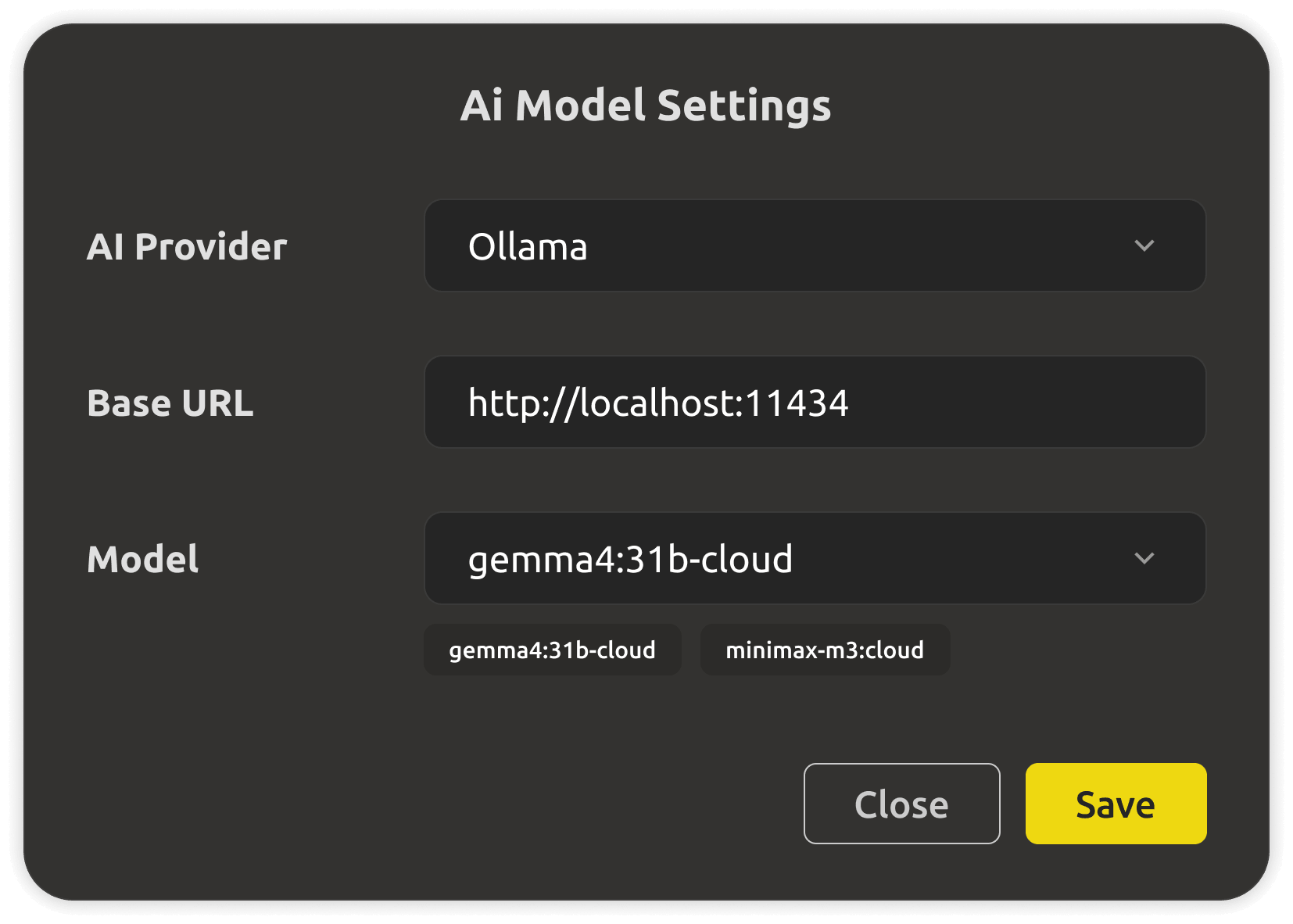
  • Multiple providers supported out of the box.
  • Bring your own API key or endpoint.
  • Fully local and private via Ollama.
AI provider settings panel
Your data, your rules

Team context in the cloud. Total privacy on desktop.

In the cloud, the assistant works from the shared workspace so everyone gets the same live context. On desktop, everything stays in files on your disk — and with a local model, your design never leaves your machine.
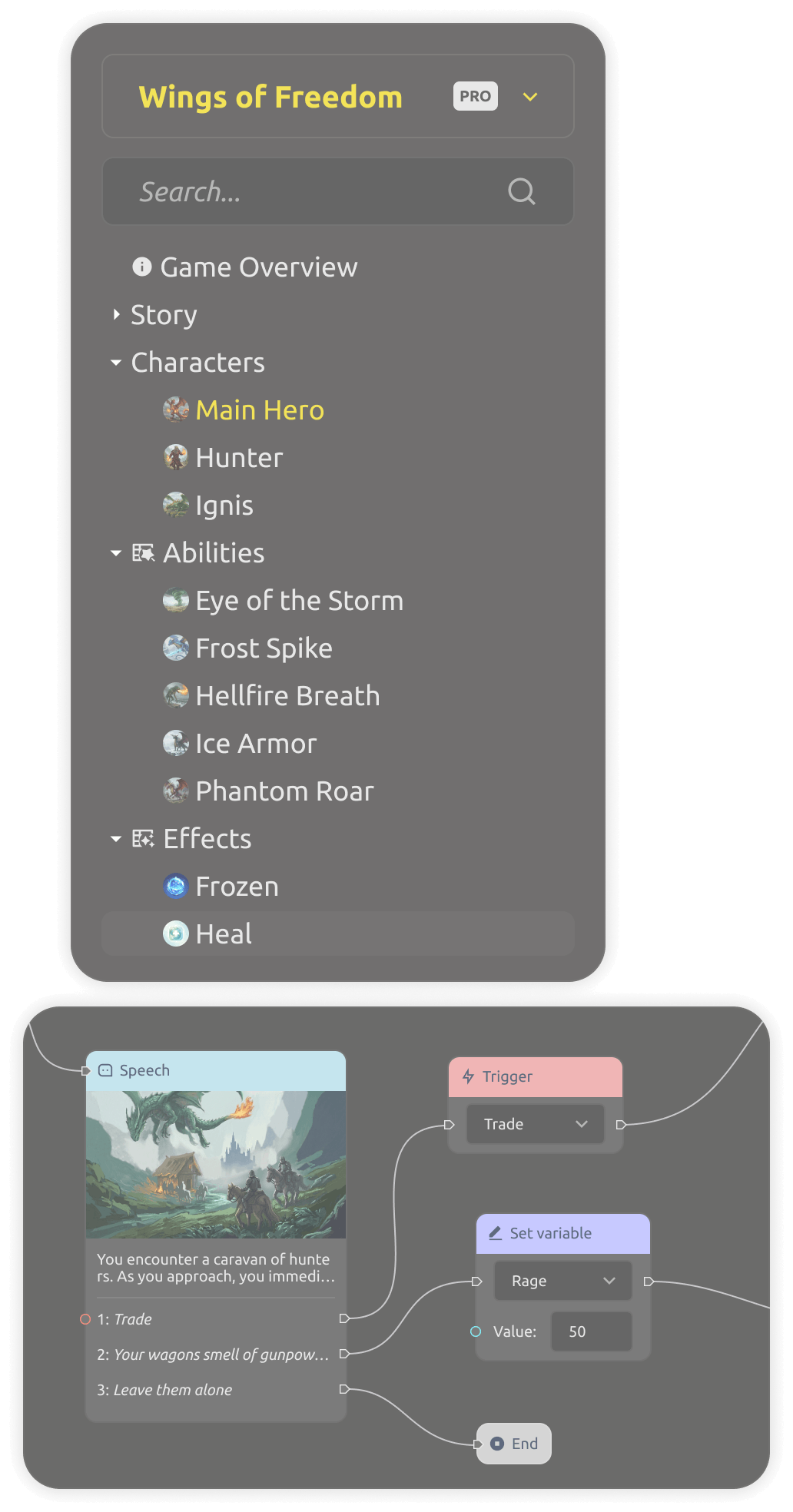
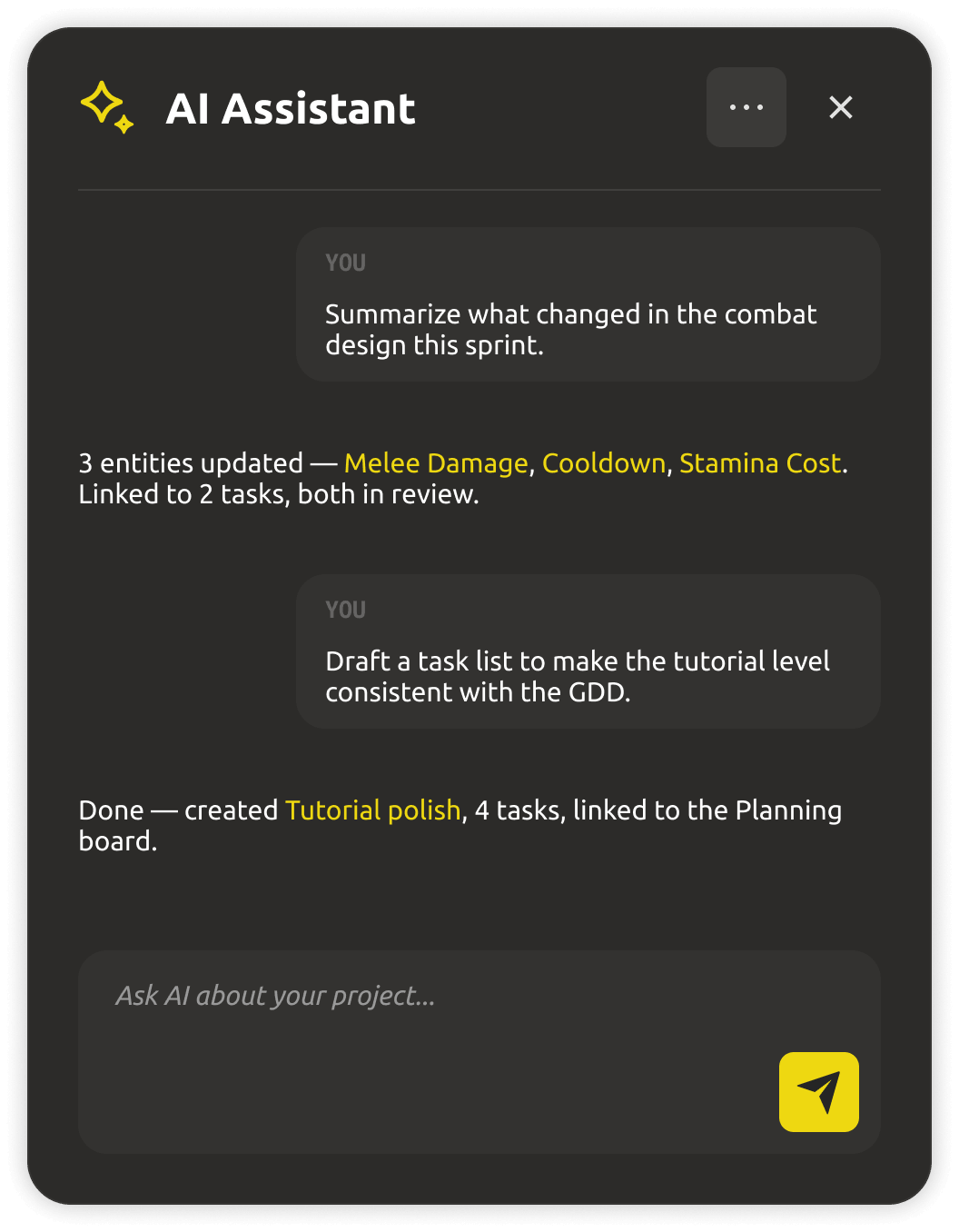
  • Cloud: assistant answers from the shared live workspace.
  • Desktop: plain files you own, works fully offline.
  • Local model: your design never leaves your machine.
Project files stored locally on disk
One system · two ways to build

Cloud with your team, or files you own.

Start free
Cloud workspace
$4/mo

per teammate · Yearly billing

AI team-assist for teams working together — shared live context, with a 30-day free trial.

  • 30-day free trial · no credit card
  • Assistant with shared workspace context
  • Granular access control & roles
  • Engine export & AI team-assist
Desktop app
$0/forever

open source (MIT)

The same workspace as a local-first app — free forever, with AI features on PRO.

  • Works fully offline, files on your disk
  • Open formats: Markdown + JSON
  • Bring your own model · fully local via Ollama
  • Local MCP server for any AI tool
Download for free
PRO upgrade · Cloud

The built-in assistant, MCP server, and local model support are PRO features. Upgrade to get AI on your design data.

Buy now

Trying the cloud is free for 30 days — no credit card. The Desktop app stays free forever.

Prices are per teammate and do not include tax (calculated at checkout based on your country).

Need IMS Creators on your own infrastructure? Look our special offer →
What you get

Everything an AI-ready team should have.

Drafting and editing design docs with AI
Draft & edit docs

Create, rewrite, and polish design documents straight from the project — in the voice and format your team uses.

AI answering questions from live workspace data
Q&A from live data

Ask anything and get answers from the real workspace — entities, references, tasks, and decisions, not stale exports.
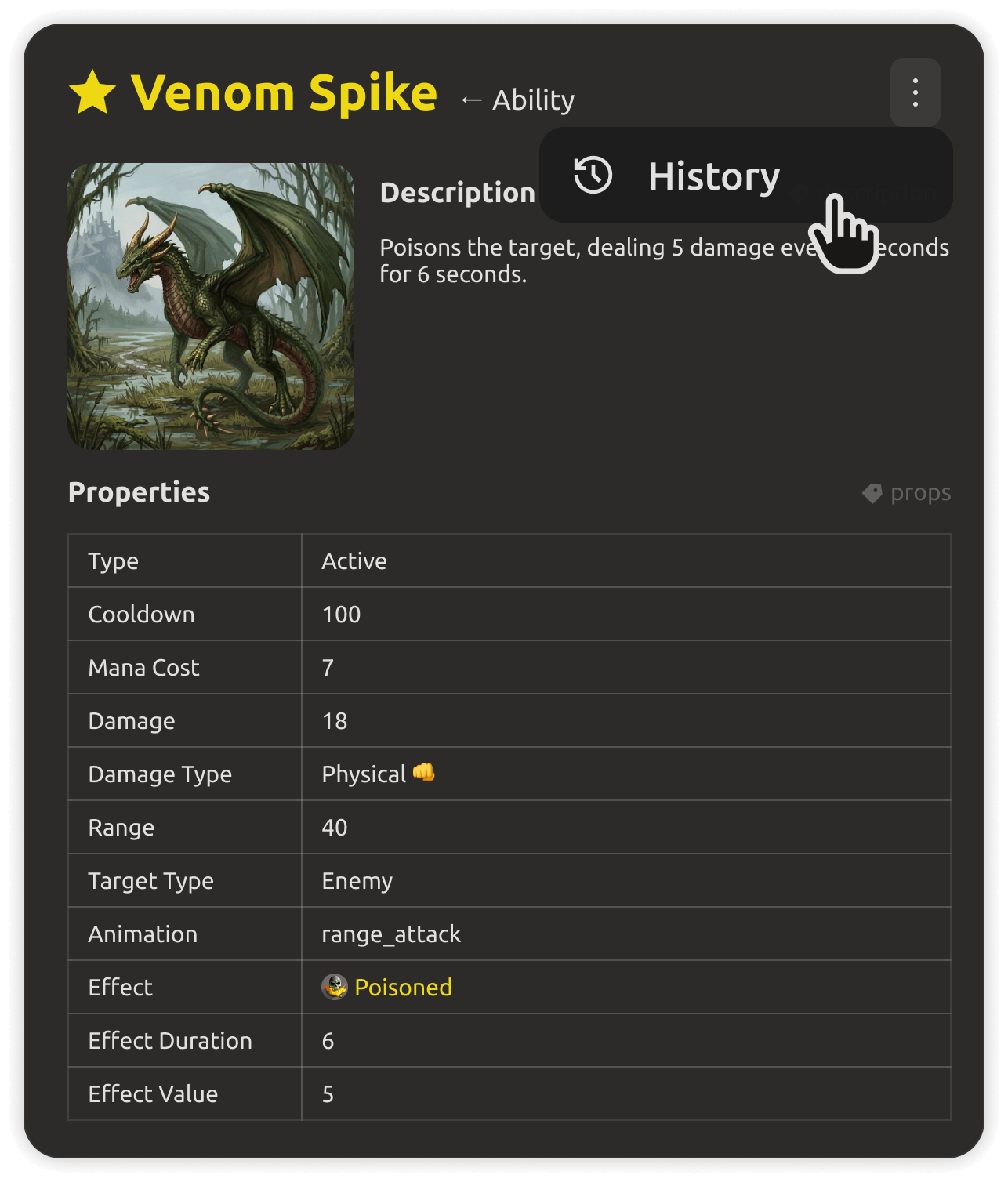
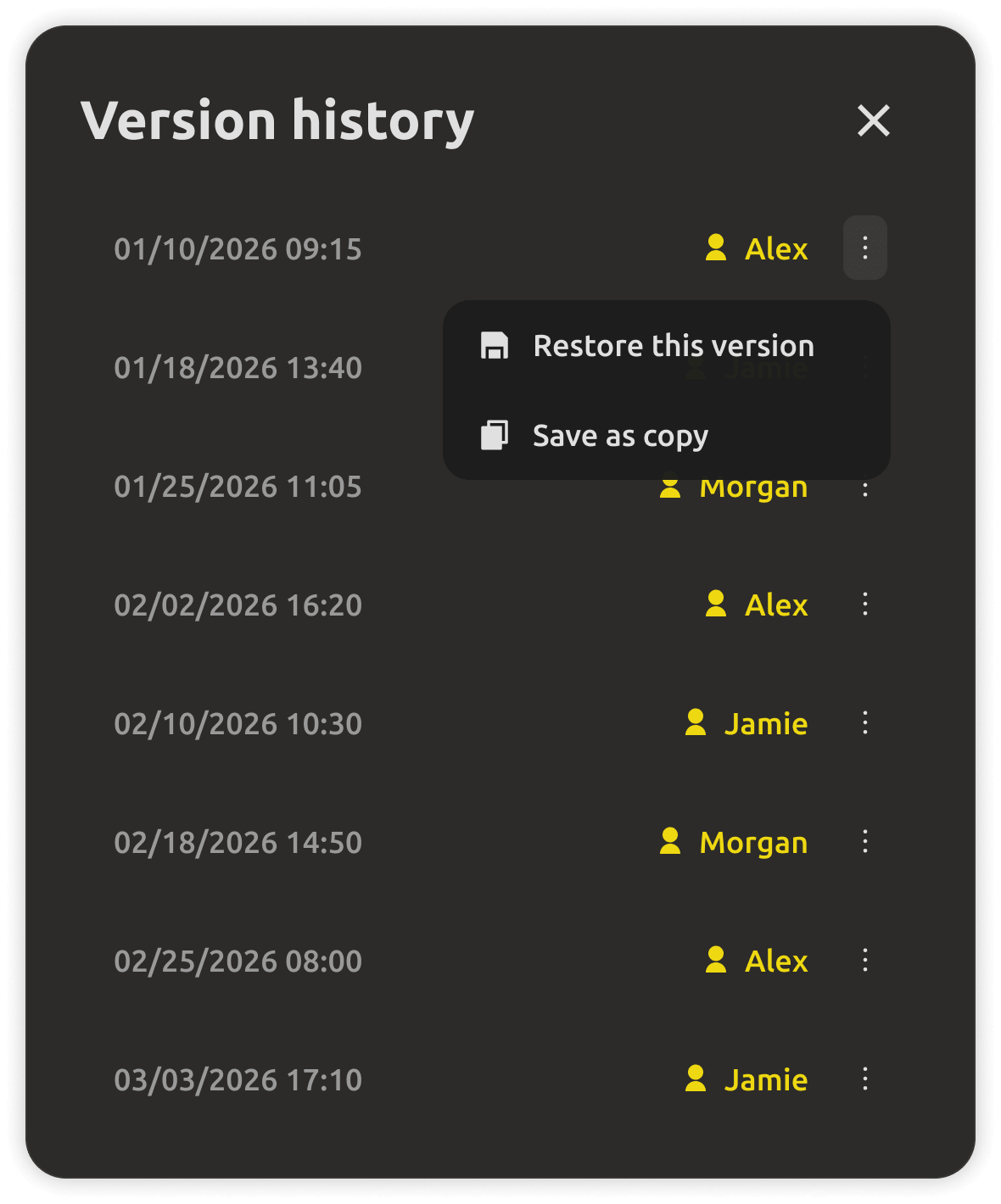
Asset history showing recent project changes
Summarize changes

Catch up fast — the assistant summarizes what changed, who changed it, and what's still open, in seconds.

MCP server connecting external AI tools to your project
Local MCP server

Expose your project to any MCP client — Claude, Cursor, or custom scripts can read and edit your design data.

AI model provider selection panel
Bring your own model

Use your favorite provider, your own API key, or a fully local model via Ollama — the choice is yours.
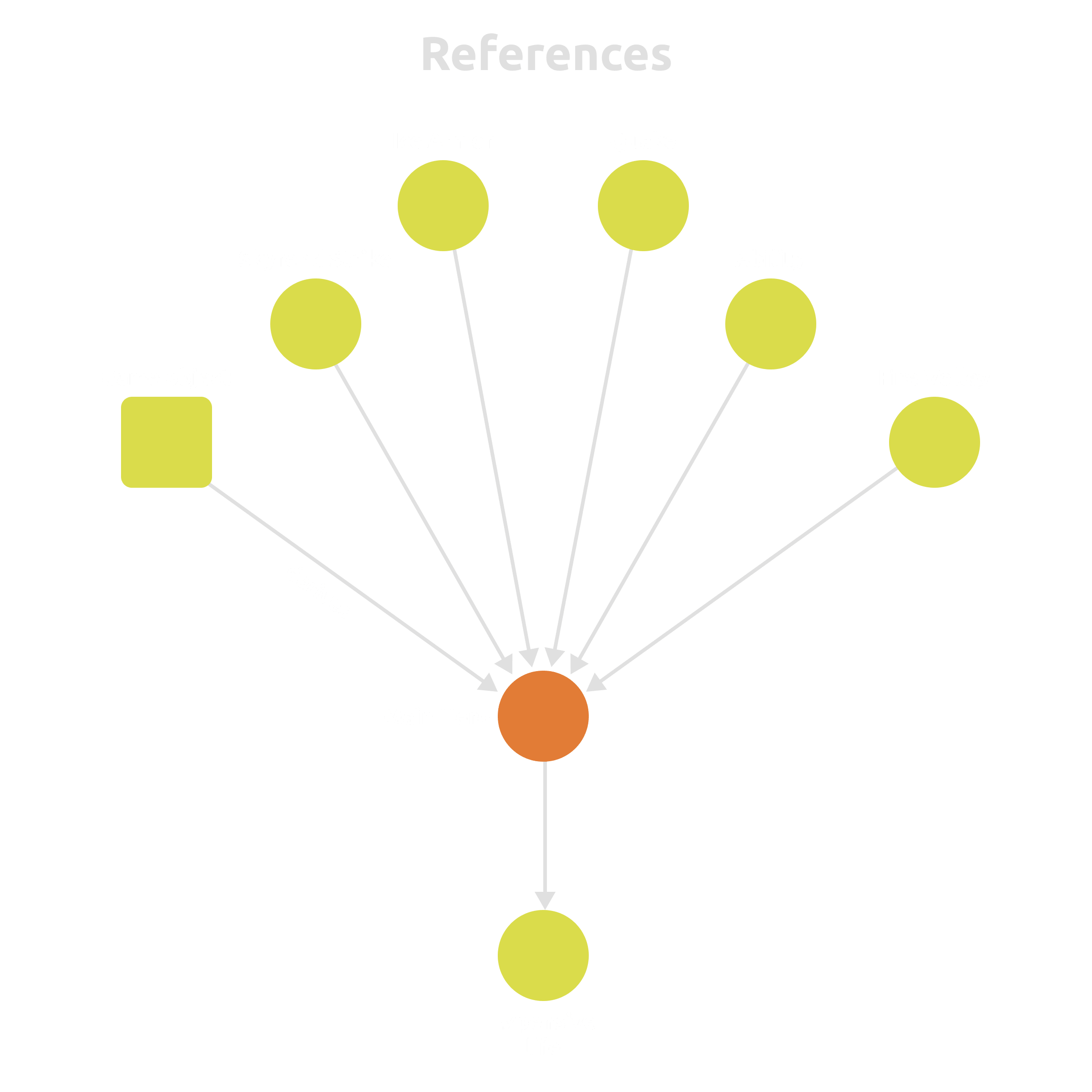
Structured entities and cross-references in the workspace
Structured data model

Entities and cross-references are data, not text walls — so the AI and your engine read the same source of truth.


FAQ

Questions, answered.

The cloud trial includes AI team-assist for 30 days. After the trial, the assistant is a PRO feature. On desktop, the core app is free forever; the built-in AI assistant, MCP server, and local model support are PRO.
The assistant supports many providers out of the box. You can also bring your own API key or endpoint, or run a fully local model via Ollama with nothing leaving your machine.
In the cloud, the assistant works from your shared workspace so the team gets consistent context. On desktop, everything stays in files on your disk — and with a local model, your design never leaves your machine.
MCP (Model Context Protocol) is a standard way to connect AI tools to data. The built-in local MCP server exposes your project to any MCP client — so tools like Claude or Cursor can read and edit your live design data.
Yes. On desktop with a local model via Ollama, the whole assistant runs offline with no data leaving your machine. The core desktop app itself always works fully offline.

Stop re-prompting your AI with stale docs.

Connect the assistant to your live game data — in the cloud with your team, or fully private on your desktop with your own model.