โ— Feature ยท Public boards ยท Cloud only

Show your game's progress to the world.

A transparent development process with flexible visibility settings. Showcase your world's progress to investors and the community โ€” while keeping precise access control over every project element. Built into the IMS Creators Cloud workspace.

Real-time board sync Flexible access levels Public & private views Investor-ready updates Player feedback channels In any browser ยท no install
imsc.space ยท Wings of Freedom ยท Public board โ— live
This is a real project โ€” open Wings of Freedom ยท Public board in a new tab and explore it.
Demo project
The problem

Your game is invisible until launch.

๐Ÿ”’
Development happens in the dark

Players, publishers, and investors only see your game at trailer time. Months of momentum โ€” and community trust โ€” are quietly wasted.

๐Ÿ“ค
Sharing means leaking

Making a board public exposes everything: internal notes, unfinished ideas, sensitive numbers. So teams just keep everything closed.

โœ‹
Updates are a manual chore

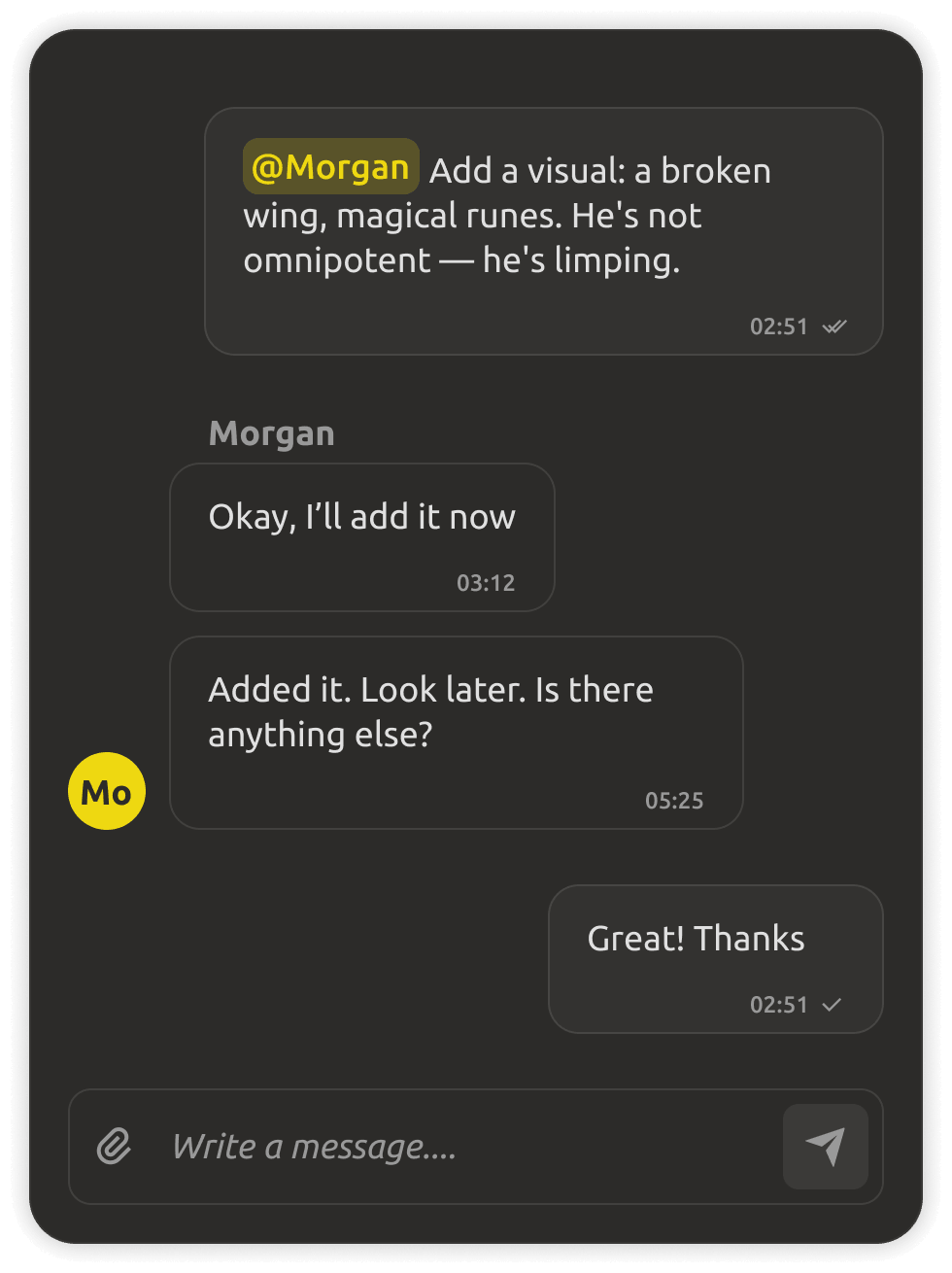
Screenshots, recaps, status posts โ€” someone has to craft them by hand, and they're stale by the time they're posted.

๐Ÿ’ฌ
Feedback evaporates

Player comments land in scattered places and never reach the tasks they belong to. Great signals get lost.

IMSC is the fix: publish live boards with precise control over what's visible โ€” the world, the tasks, the progress โ€” and collect feedback that lands directly in your project.

Automatic updates

Boards that stay current by themselves.

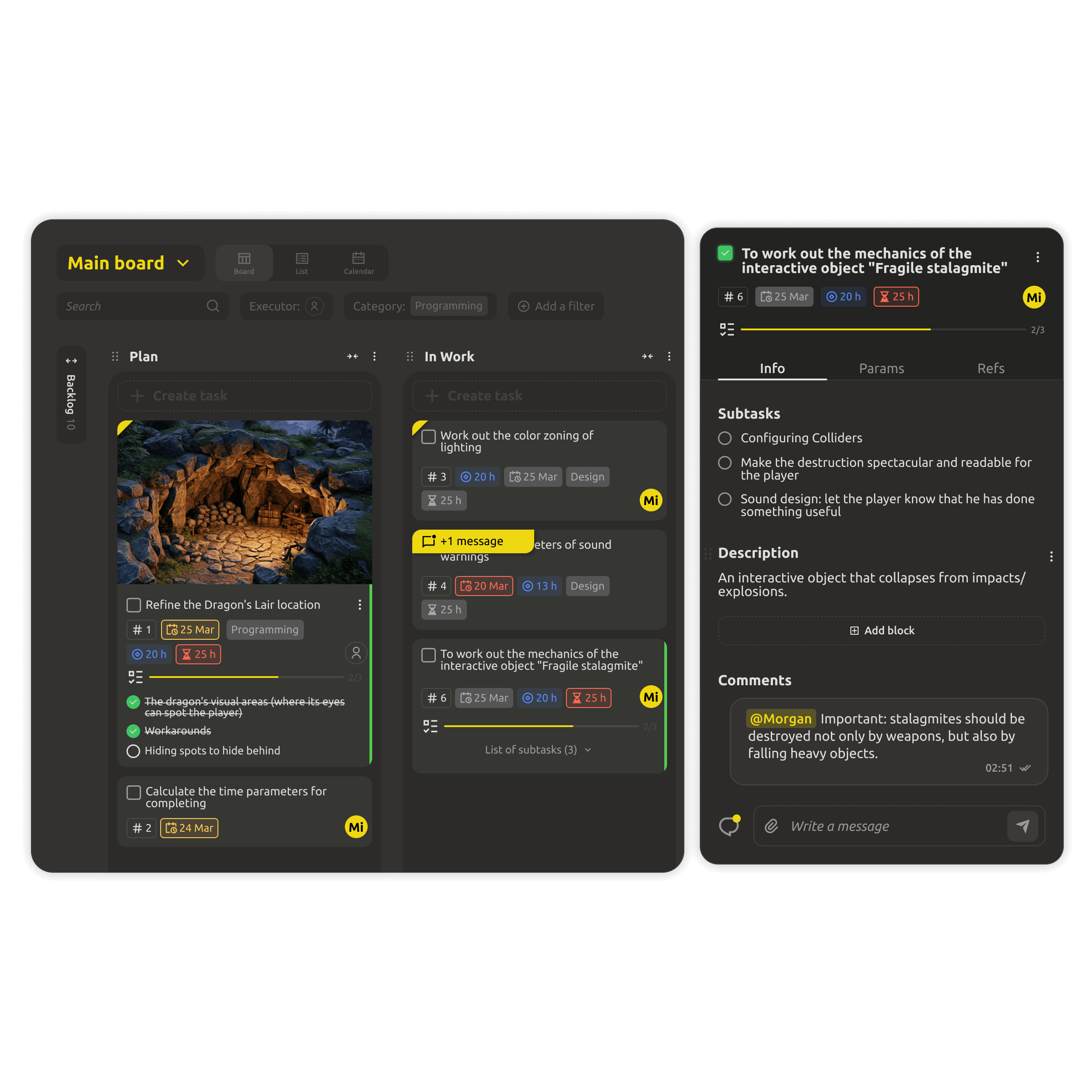
Boards sync in real time, reflecting all project changes without manual refresh. The public page always shows the true state of development โ€” no more editing screenshots by hand.

  • Live sync โ€” every project change appears instantly.
  • Progress and milestones update from real data.
  • No manual recaps โ€” the board speaks for itself.
Public board updating automatically in real time
Flexible access levels

Share exactly what you choose to.

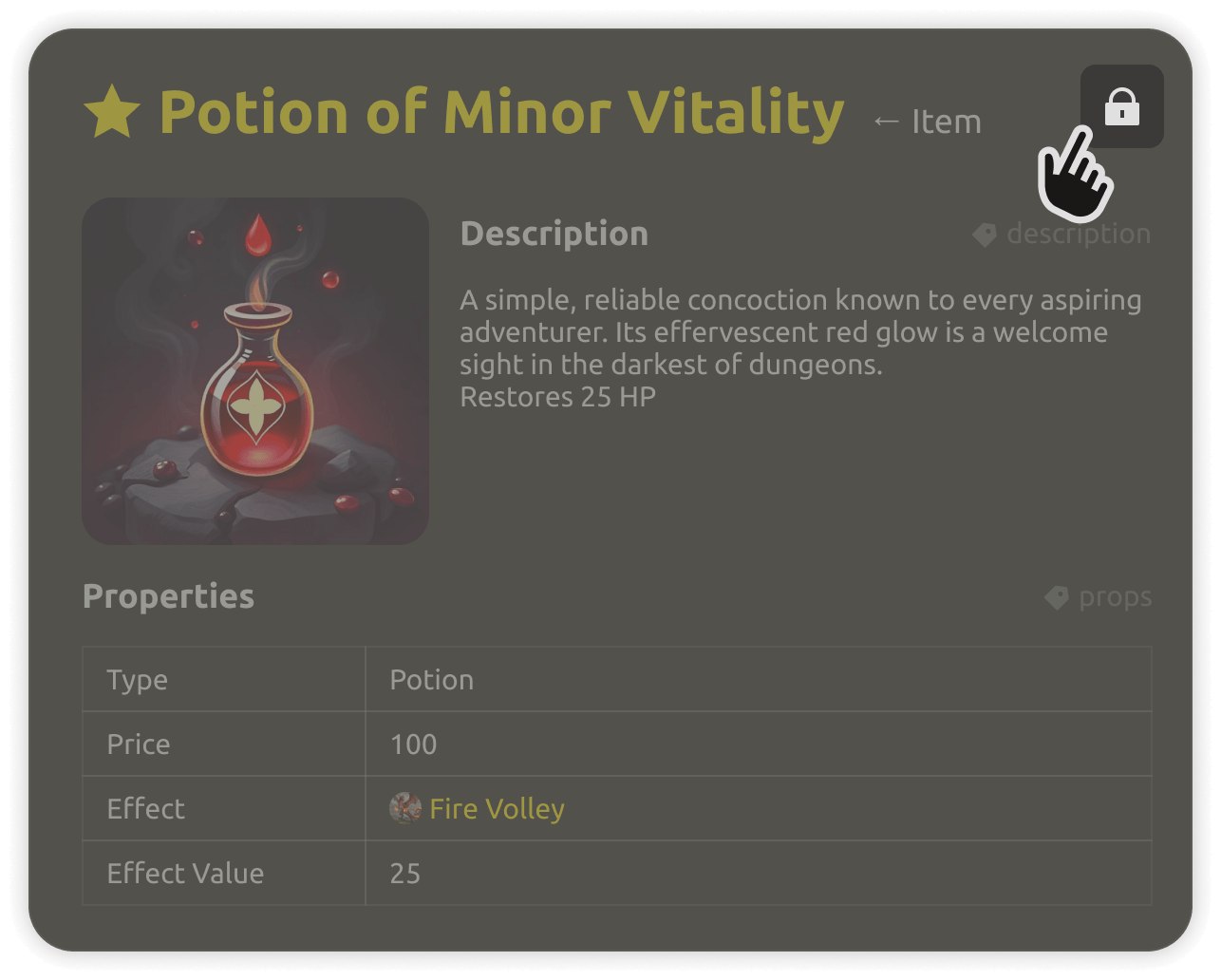
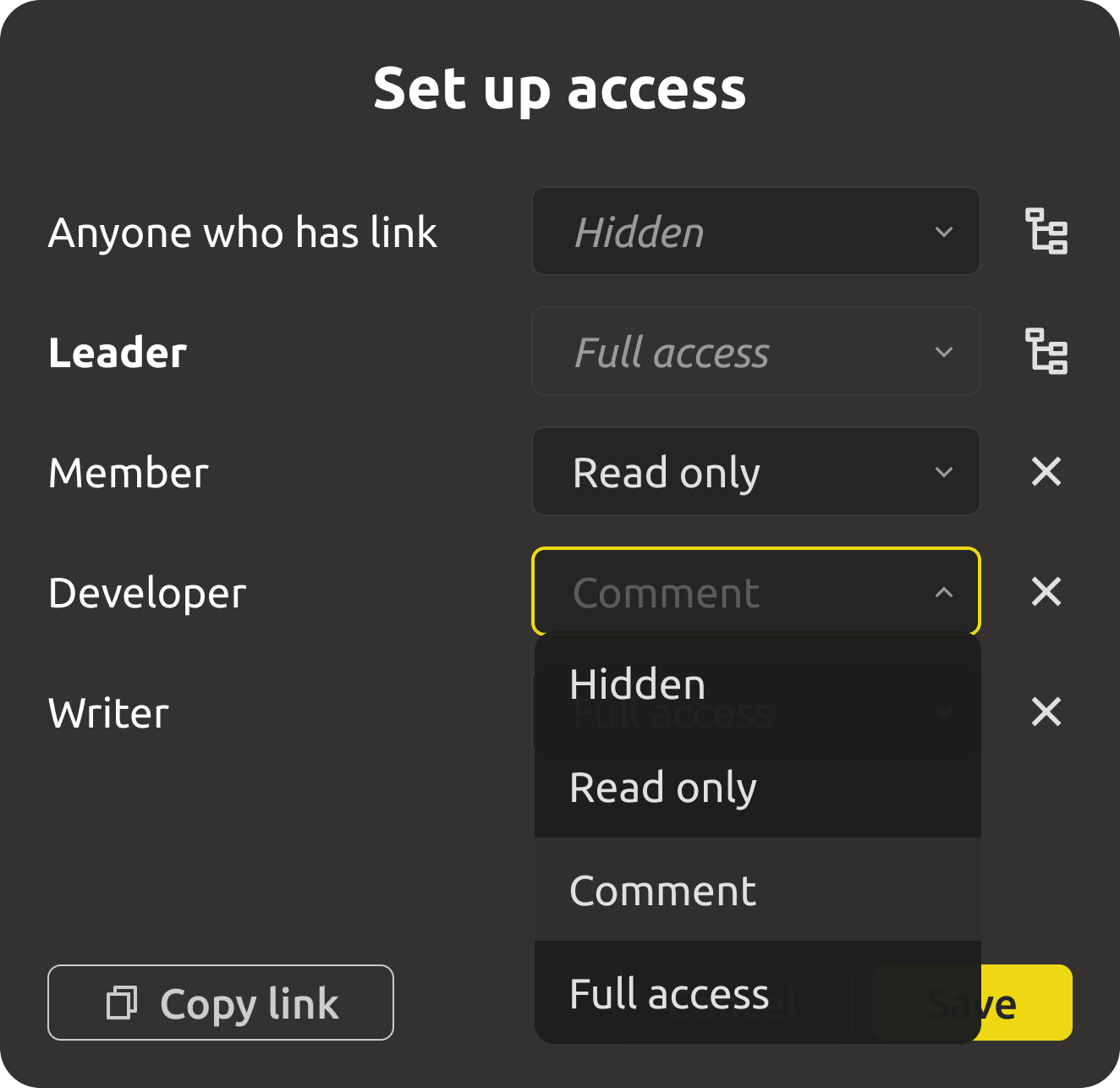
Customize content visibility: from closed drafts for the team to public materials for a wide audience. Investors see the roadmap, the community sees the boards, the team sees everything โ€” all from the same project.

  • Per-element visibility control, not all-or-nothing.
  • Public materials, closed drafts, and team-only notes coexist.
  • Revoke access anytime โ€” control is always yours.
Flexible access levels for public boards
Multiple view options

Present the work your way.

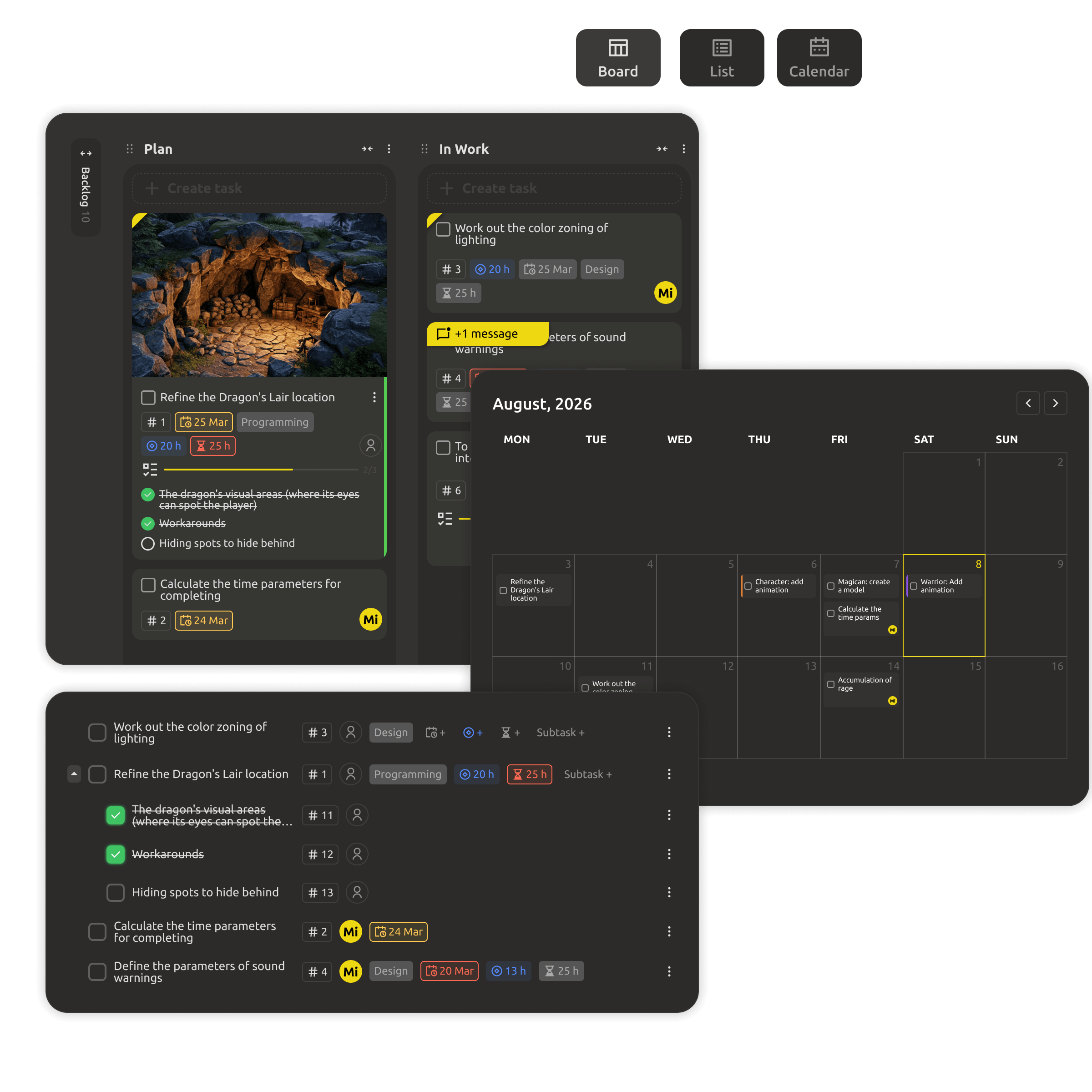
Choose the optimal data display format: boards for planning, lists for documents, or a calendar for deadline control. The same project, different lenses โ€” each tuned for its audience.

  • Board view for planning and workflow.
  • List view for documents and structured content.
  • Calendar view for deadlines and milestones.
Multiple view options for public boards
Built into the Cloud workspace

Public boards are a cloud-only feature.

Publishing needs a live, always-on page that the world can open in any browser. Public boards live in the shared IMS Creators Cloud workspace โ€” where the project is real, synchronized, and under your control. The team sees everything; the world sees exactly what you choose to publish.

Trying the cloud is free for 30 days โ€” no credit card. Public boards are a Cloud feature and are not available in the Desktop app.

What you get

Everything a public build should have.

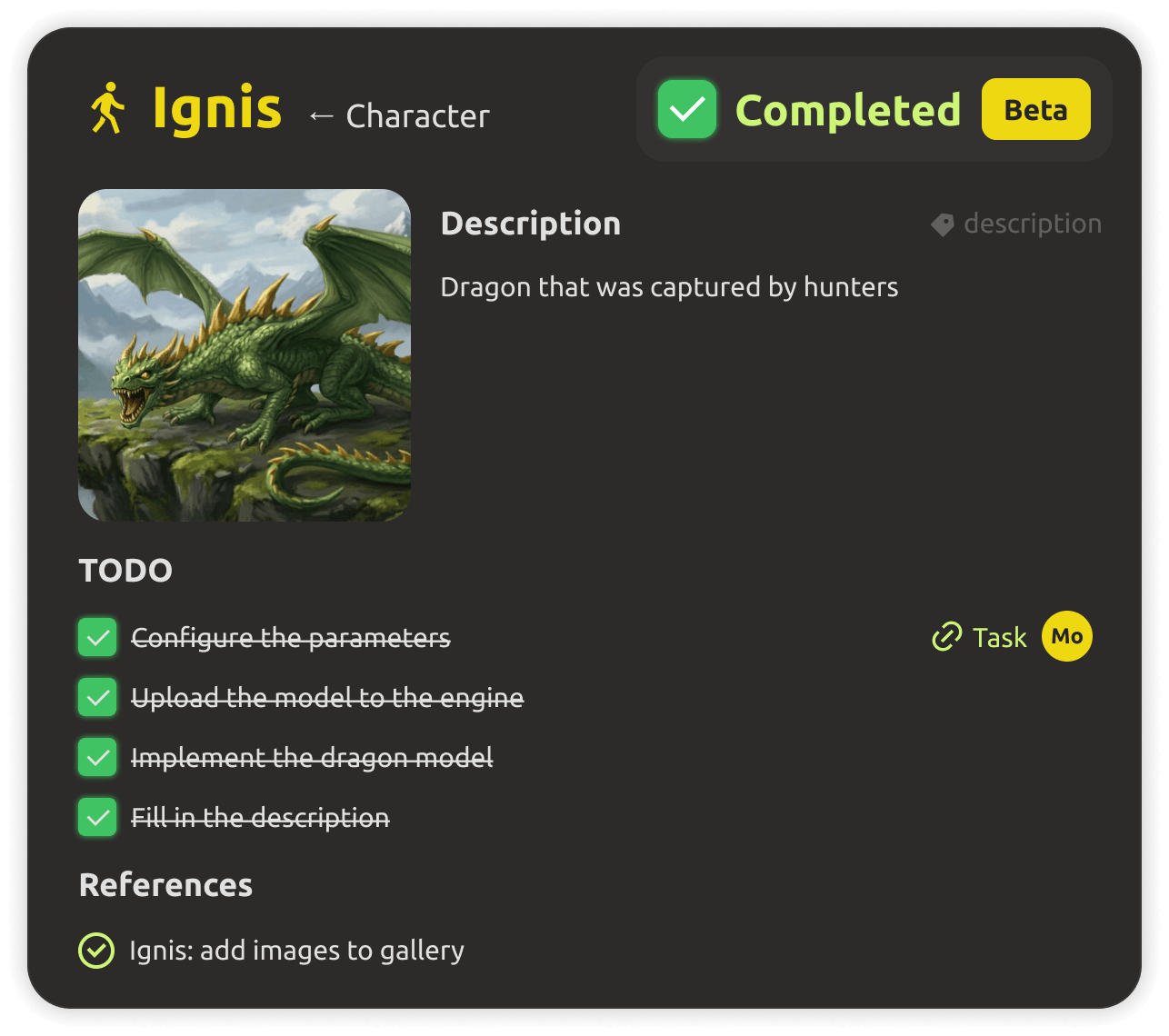
Public project page shared with the community
Live public page

A beautiful, always-current page for your project โ€” share the link with players, publishers, and investors.
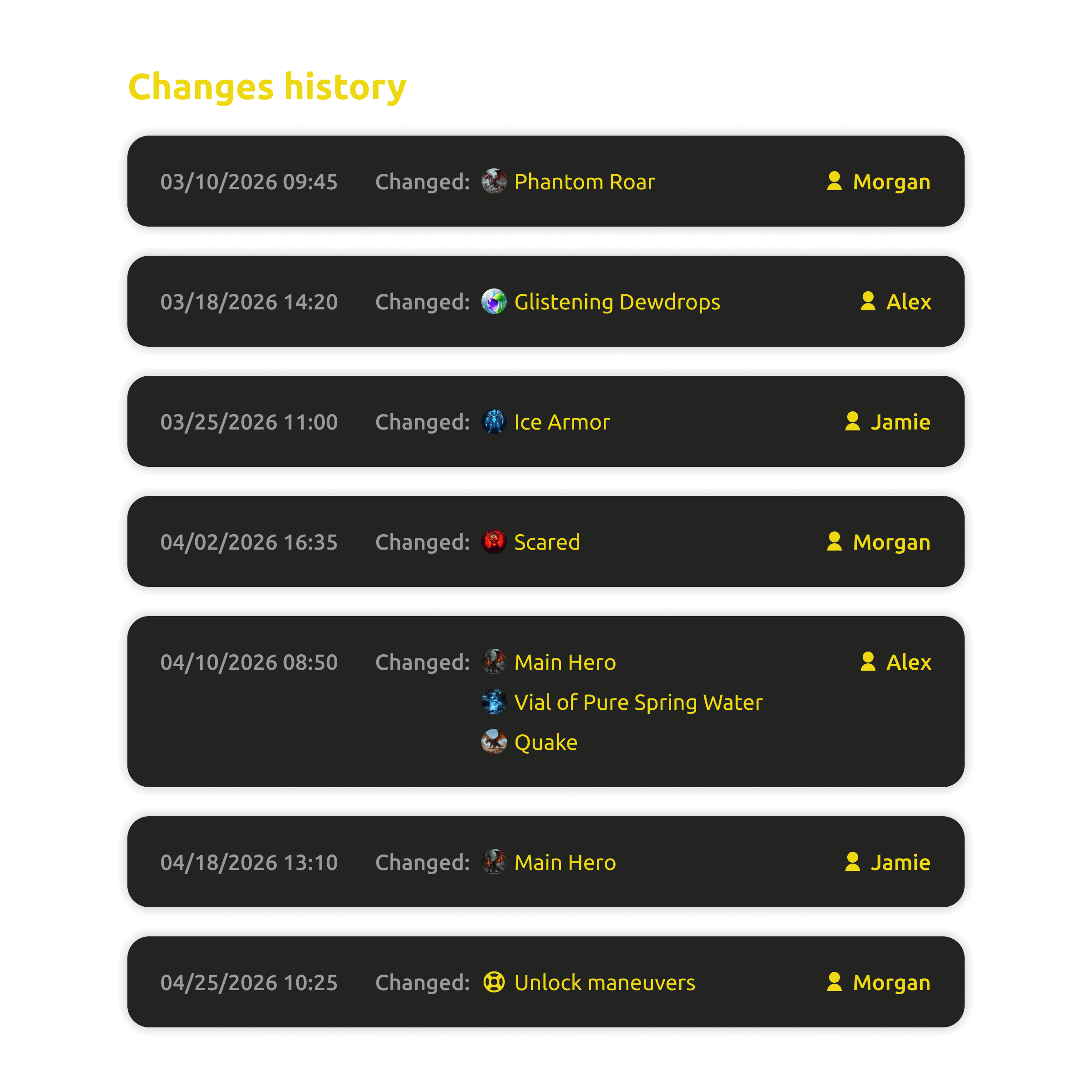
Change history of published content
Change history

Every change is tracked and recoverable โ€” the public story stays accountable, and nothing important disappears.
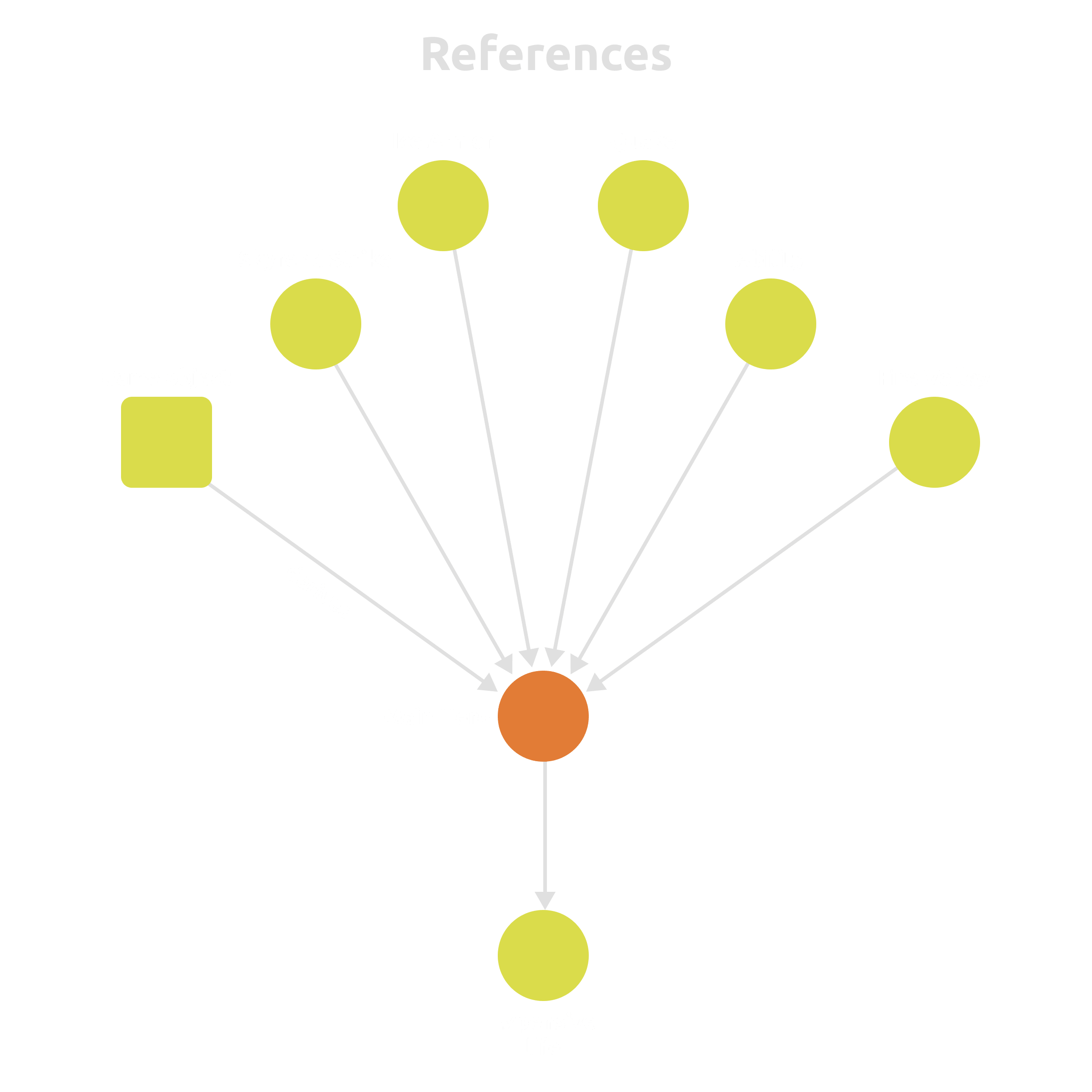
Boards linked to the game's real data
Linked to real data

Published boards aren't static exports โ€” they're wired to the live state of your game world, tasks, and milestones.

Kanban board view on a public page
Board, list & calendar

Present the same project as a board, a list, or a calendar โ€” pick the lens that fits each audience.
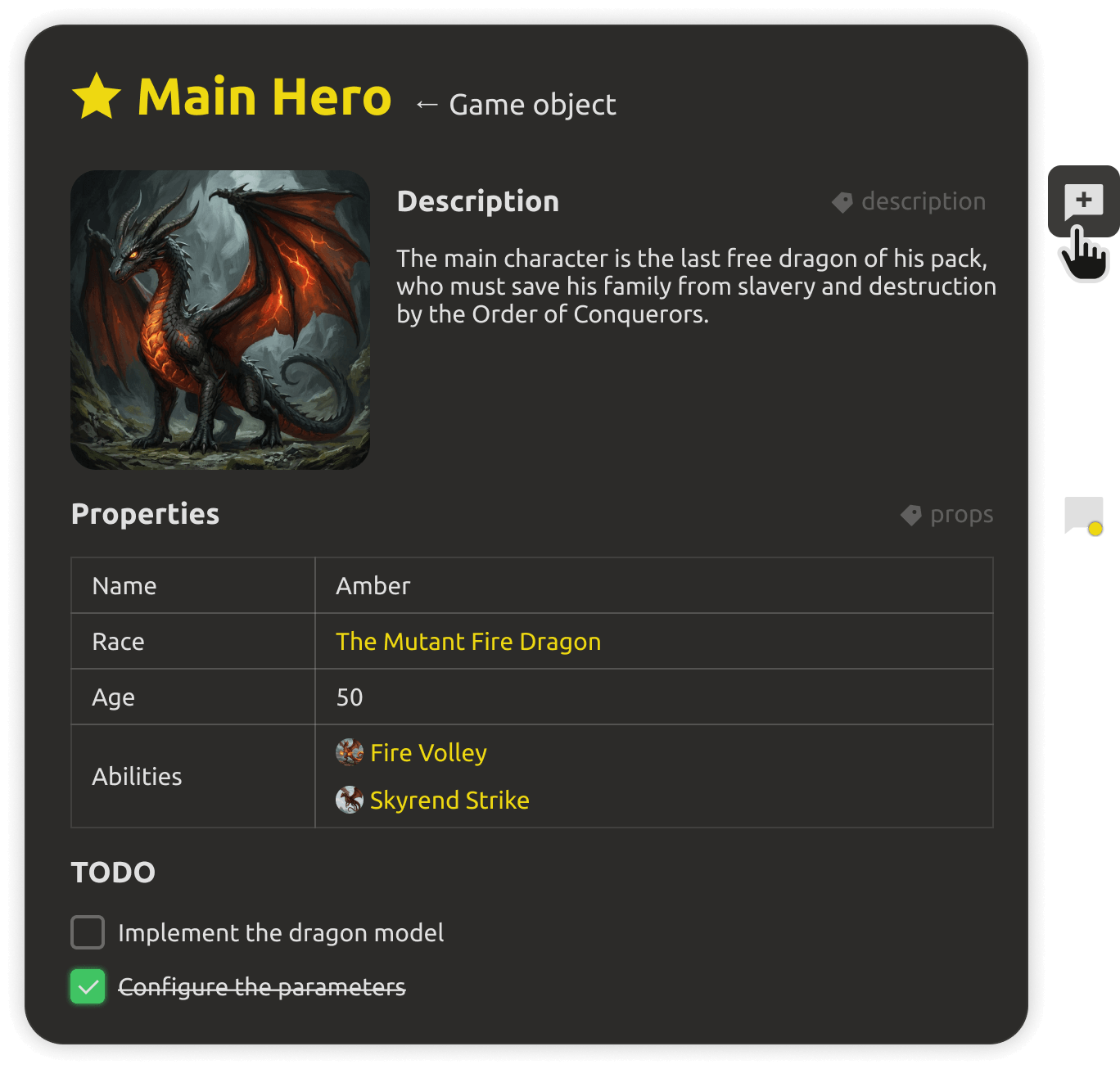
Team collaborating on a shared project
Team collaboration

The whole team works in the same live project with roles and access control โ€” publishing is just a setting.

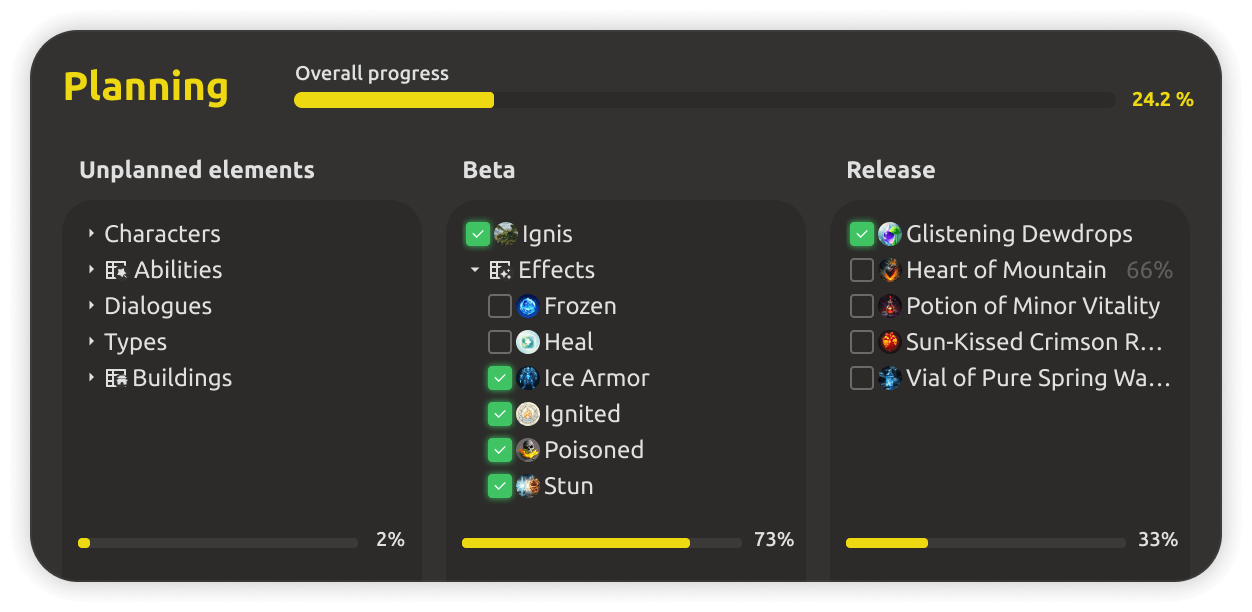
Progress metrics visible to the public
Progress metrics

Show real completion metrics โ€” computed from the project, not from promises โ€” so updates always match reality.

FAQ

Questions, answered.

No. Only the elements you explicitly publish are visible to the public. Drafts, notes, and internal data stay private to your team.
Yes. Visibility is controlled per element, and you can make anything private again at any time. The control is always yours.
Yes. Boards sync in real time and reflect every project change โ€” progress, tasks, and milestones update without manual work.
Public boards are wired to your real game data โ€” worldbuilding, tasks, and milestones โ€” with per-element visibility control. It's a live window into your project, not a separate page that goes stale.
Yes. Feedback channels connect public viewers to your project, so comments and ideas land where the team can act on them.
Public boards are a Cloud feature, and the cloud workspace starts with a 30-day free trial โ€” no credit card required.

Your game deserves an audience.

Publish a live board, control exactly what's visible, and let the world follow your progress โ€” built into the IMS Creators Cloud.