Feature · Level prototyping · Cloud & Desktop

Prototype levels in the browser, ship them to the engine.

Quickly build game locales in a visual editor. Place objects over map images, adjust their settings, and export to your game engine — no coding, no waiting for a build. In the cloud with your team, or as free files on your desktop.

Visual level editor Map image layers Zone markup & spawns Object library & parameters JSON export · Unity · Unreal · Godot No code required
imsc.space · Wings of Freedom · Level ● live
This is a real project — open Wings of Freedom · Level in a new tab and explore it.
Demo project
The problem

Your level only exists in your head.

🧠
Levels live in the designer's head

A layout that "worked in my head" collapses the first time the team sees it. There's nowhere to test an idea before committing to the engine.

💻
Prototyping requires code

Whiteboxing in the engine means builds, scripts, and scene graphs — far too heavy for testing a single corridor layout.

🐢
The engine is slow to iterate

Every layout change costs a build cycle. By the time the level is visible, the design has already drifted from the plan.

🔗
Maps and lore disconnect

Level layouts live in one tool, the world map in another, and the lore in a third. Nobody can see how a dungeon fits the world.

IMSC is the fix: sketch levels in a visual editor over real map images, tune objects without code, and export straight to your engine — all linked to your world and design data.

Working with images

Build on top of real maps.

Upload background map images — dungeons, cities, landscapes — and use them as the basis for level construction. The editor becomes a drawing board over your actual art, not a blank grid.
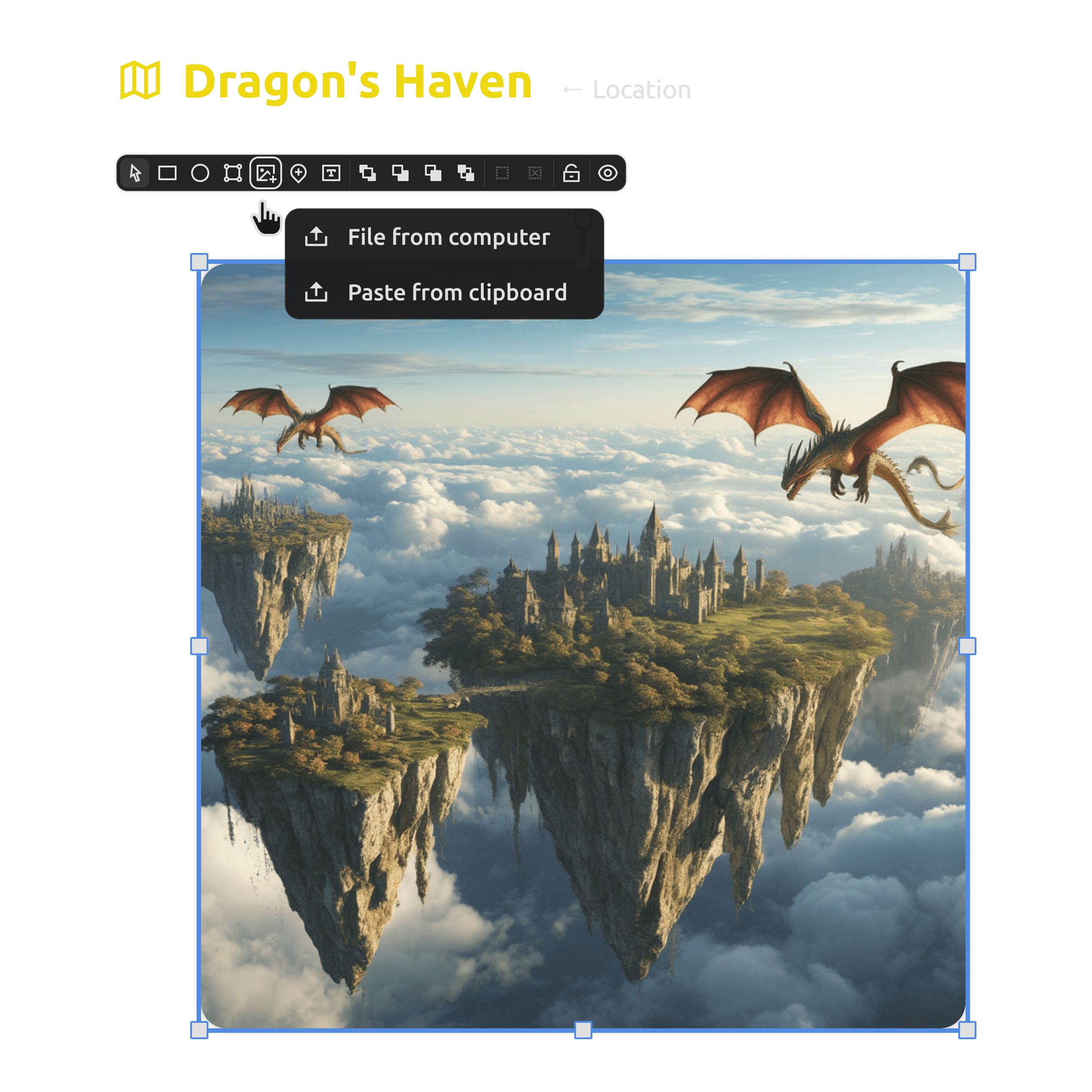
  • Upload any map image as a level background.
  • Dungeons, cities, and landscapes as your canvas.
  • Place objects precisely over the art.
Working with background map images in level prototyping
Game zone markup

Mark the space that matters.

Define interaction areas, place character spawn points, and mark special zones using intuitive markup tools. The geometry of play is decided here — before a single line of engine code.
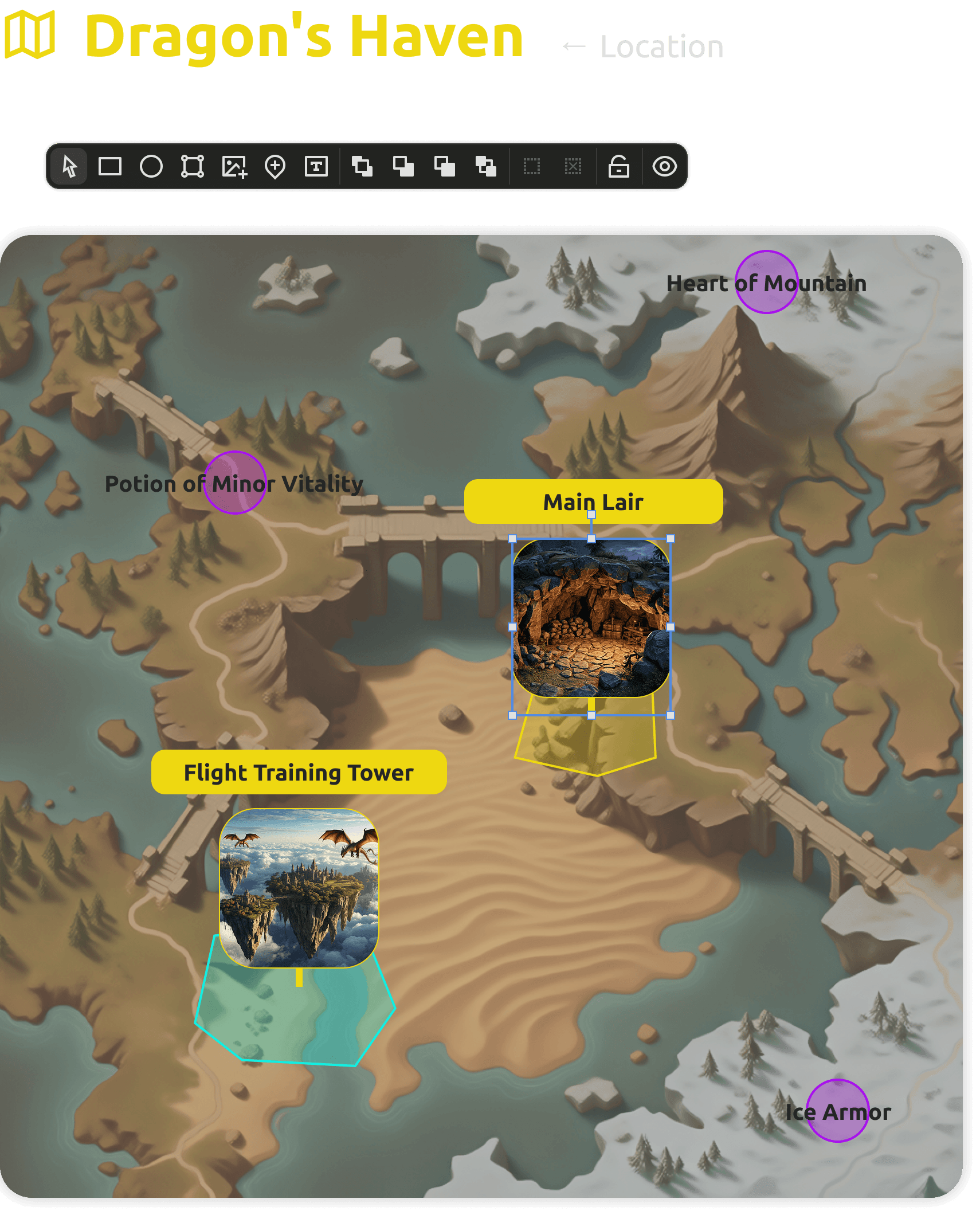
  • Interaction zones and trigger areas drawn visually.
  • Character and item spawn points placed by hand.
  • Special zones marked with intuitive tools.
Game zone markup with spawn points and interaction areas
Object library

Fill levels fast with ready objects.

Use a ready-made collection of standard game elements — or add your own assets — for quick level filling. Drag objects onto the map and move on; detail work can come later.
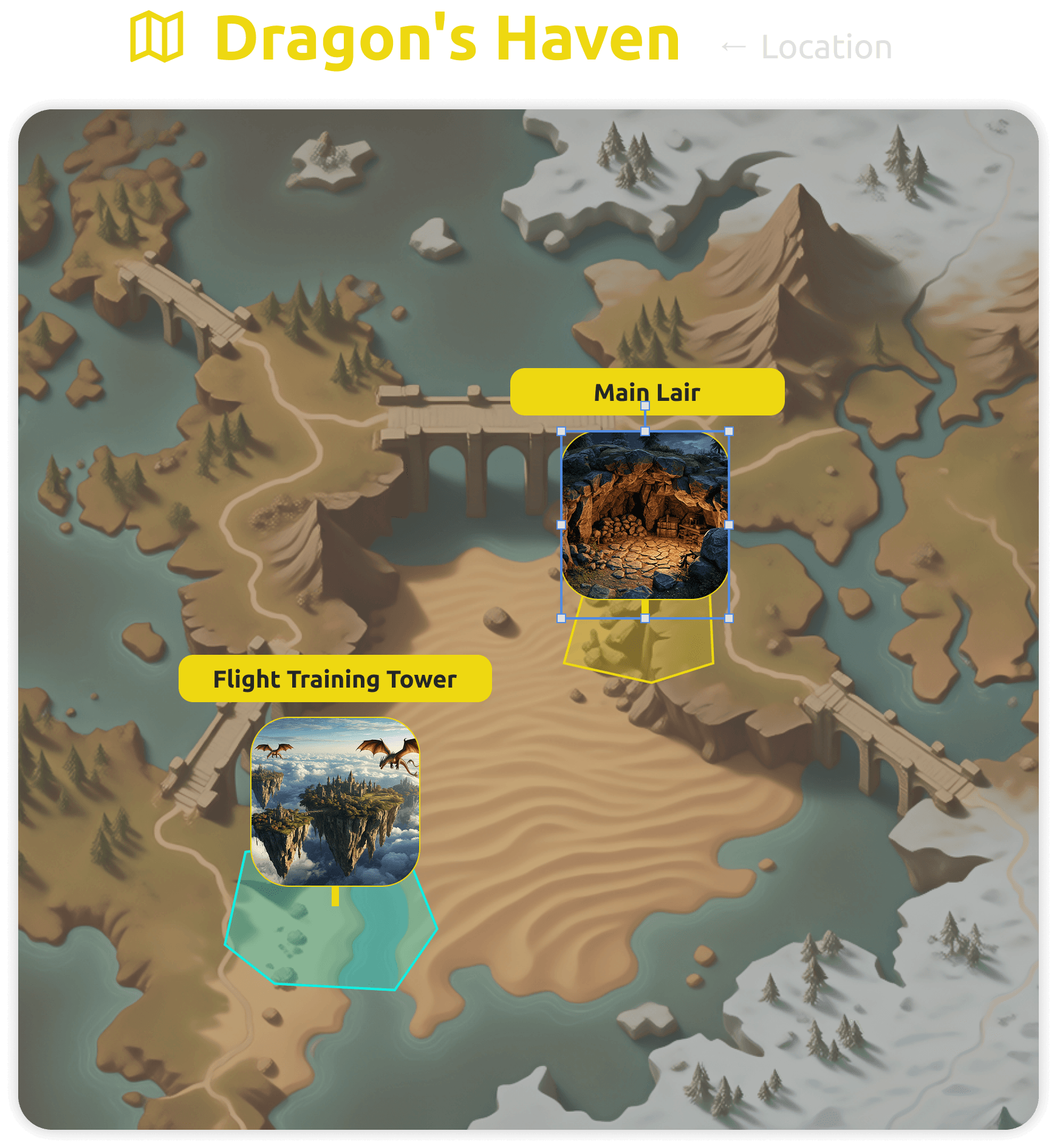
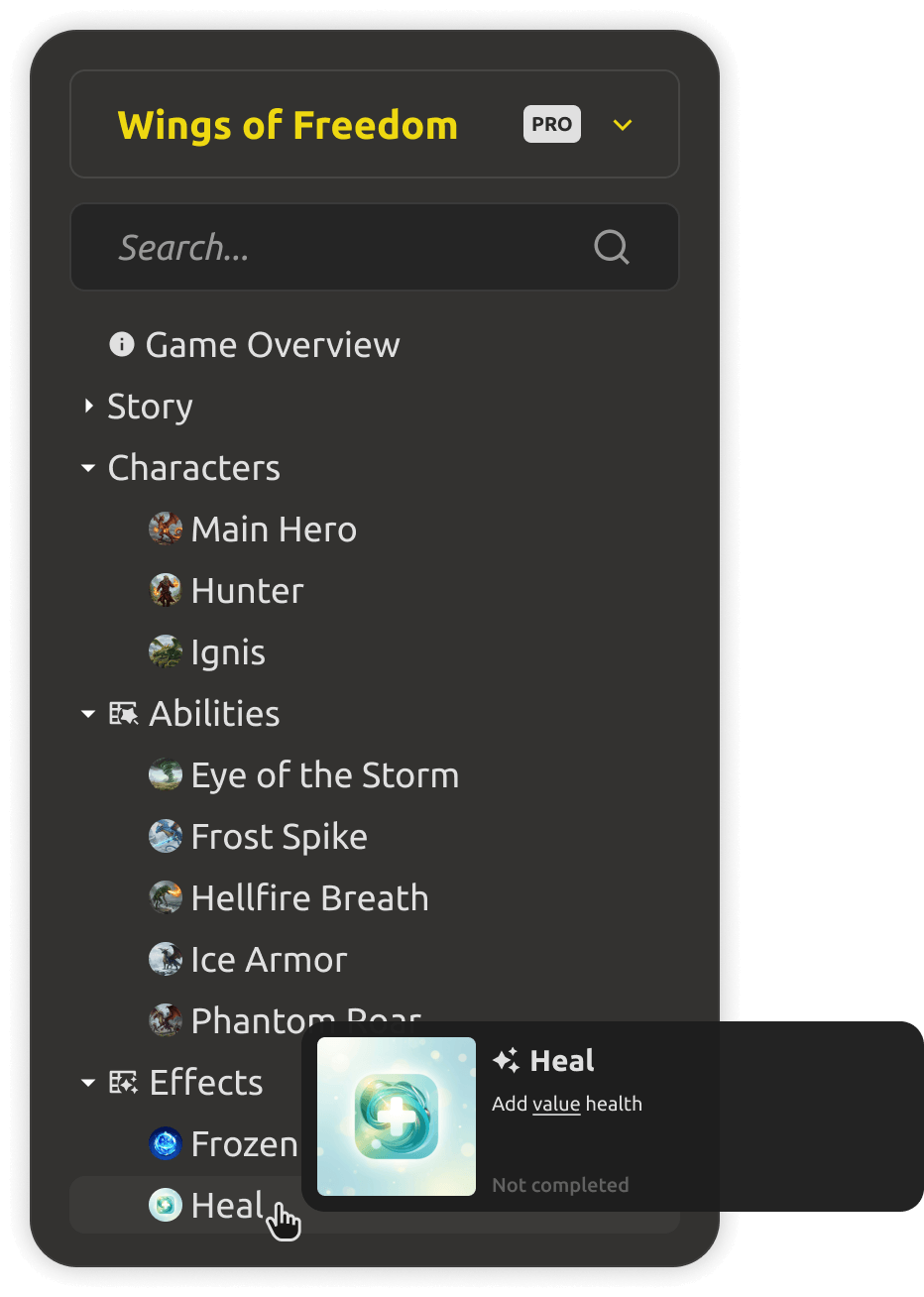
  • Ready-made collection of standard game elements.
  • Add your own assets for custom level filling.
  • Drag-and-drop placement keeps iteration fast.
Object library for quick level filling
Object parameters

Tune every object without coding.

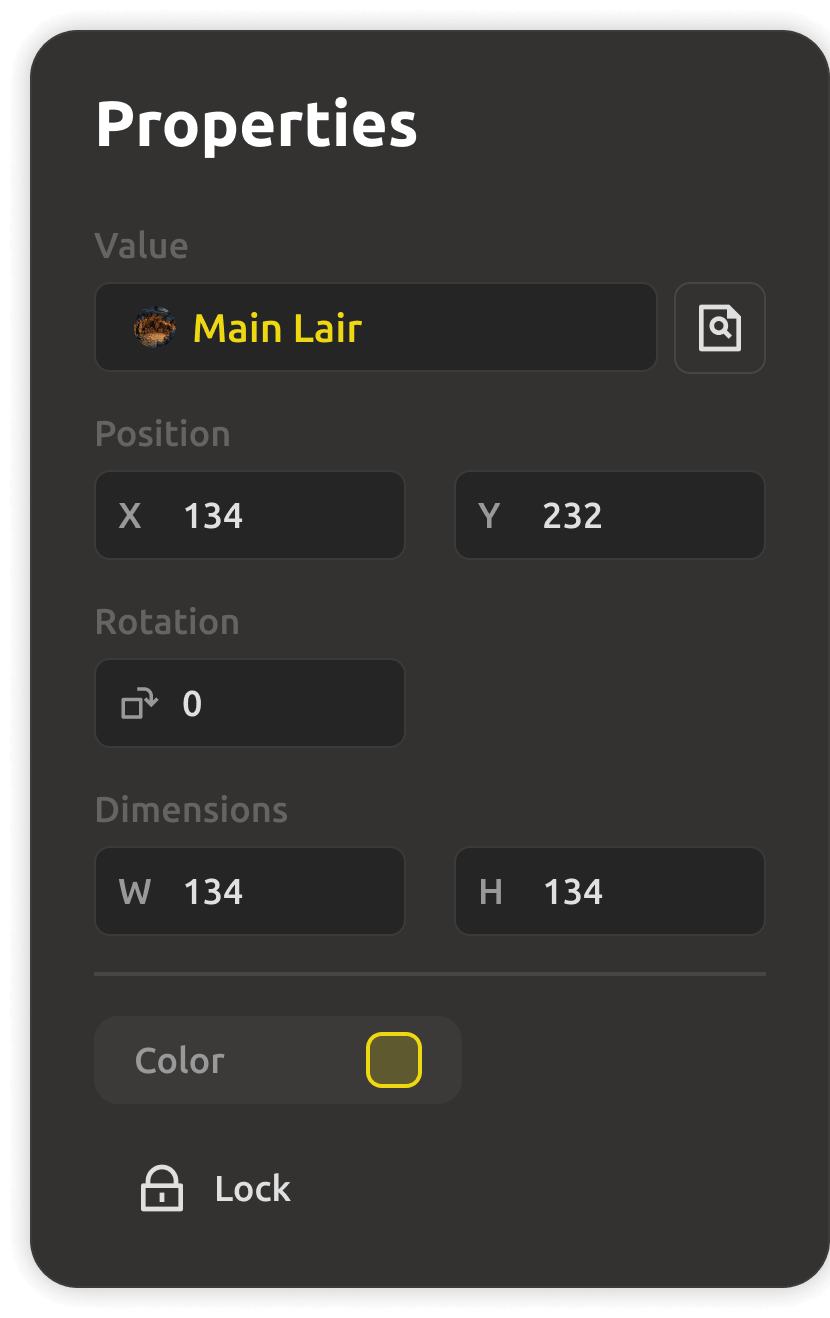
Configure the properties of each game object — collisions, triggers, characteristics — through a simple interface. The same structured data powers your levels and your game balance.
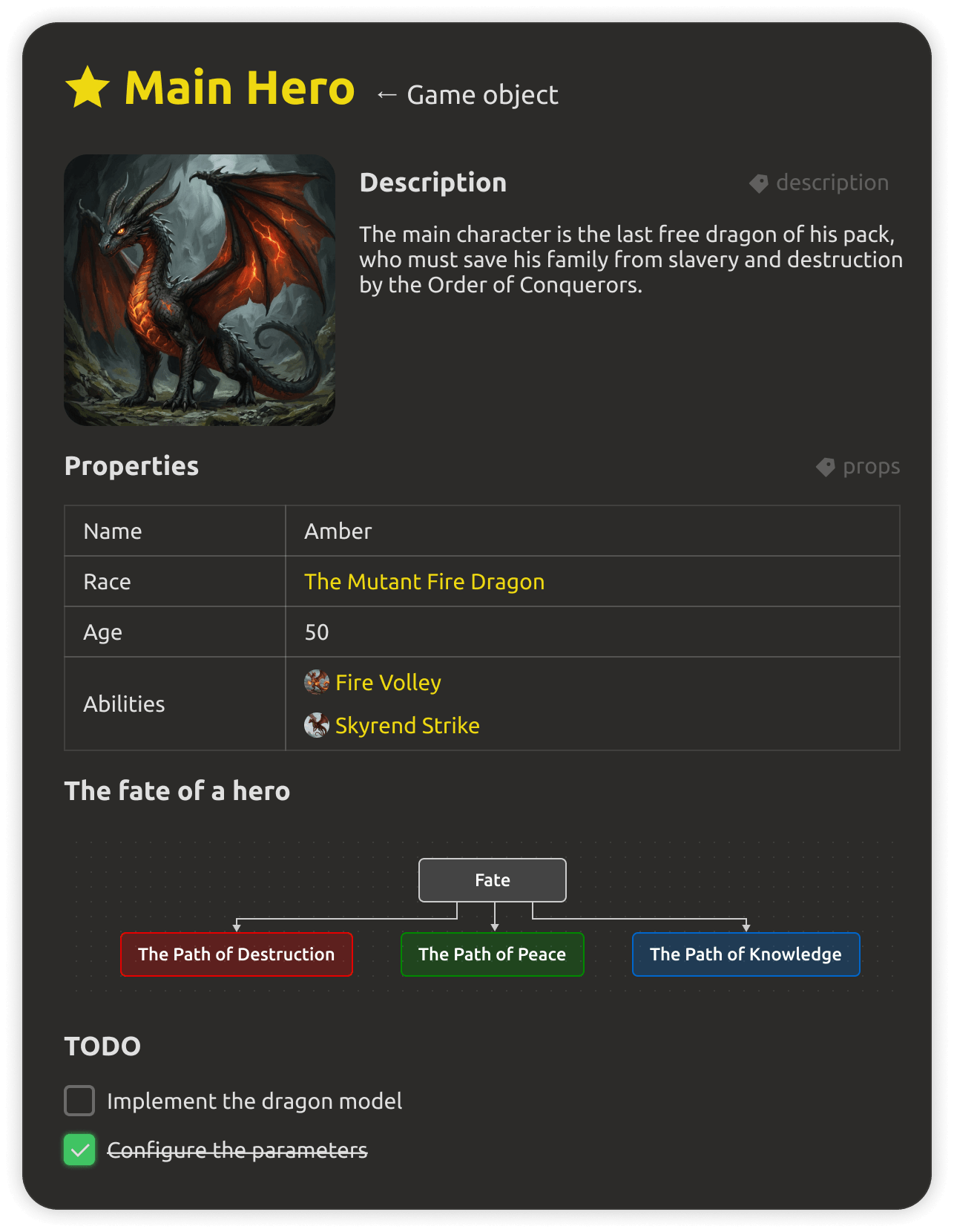
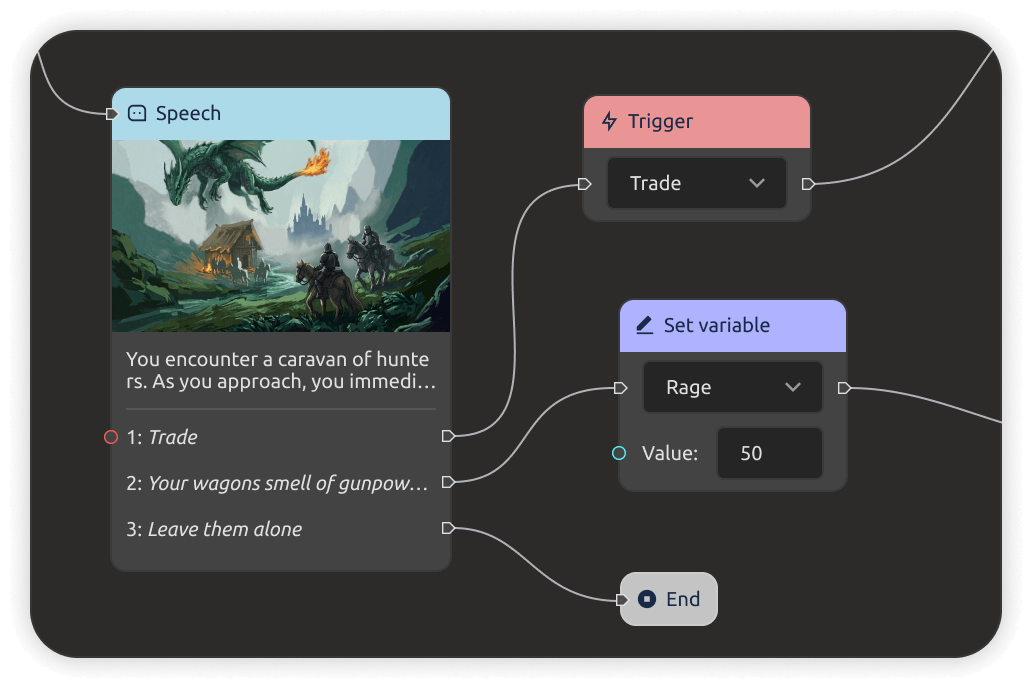
  • Collisions, triggers, and characteristics per object.
  • A simple interface — no scripting required.
  • Objects link back to your game data and world.
Object parameters configured through a simple interface
Export to engines

From sketch into the engine.

Finished levels can be exported in JSON format for use in Unity, Unreal, and Godot. What you prototype here becomes the starting point in the engine — no manual reconstruction.
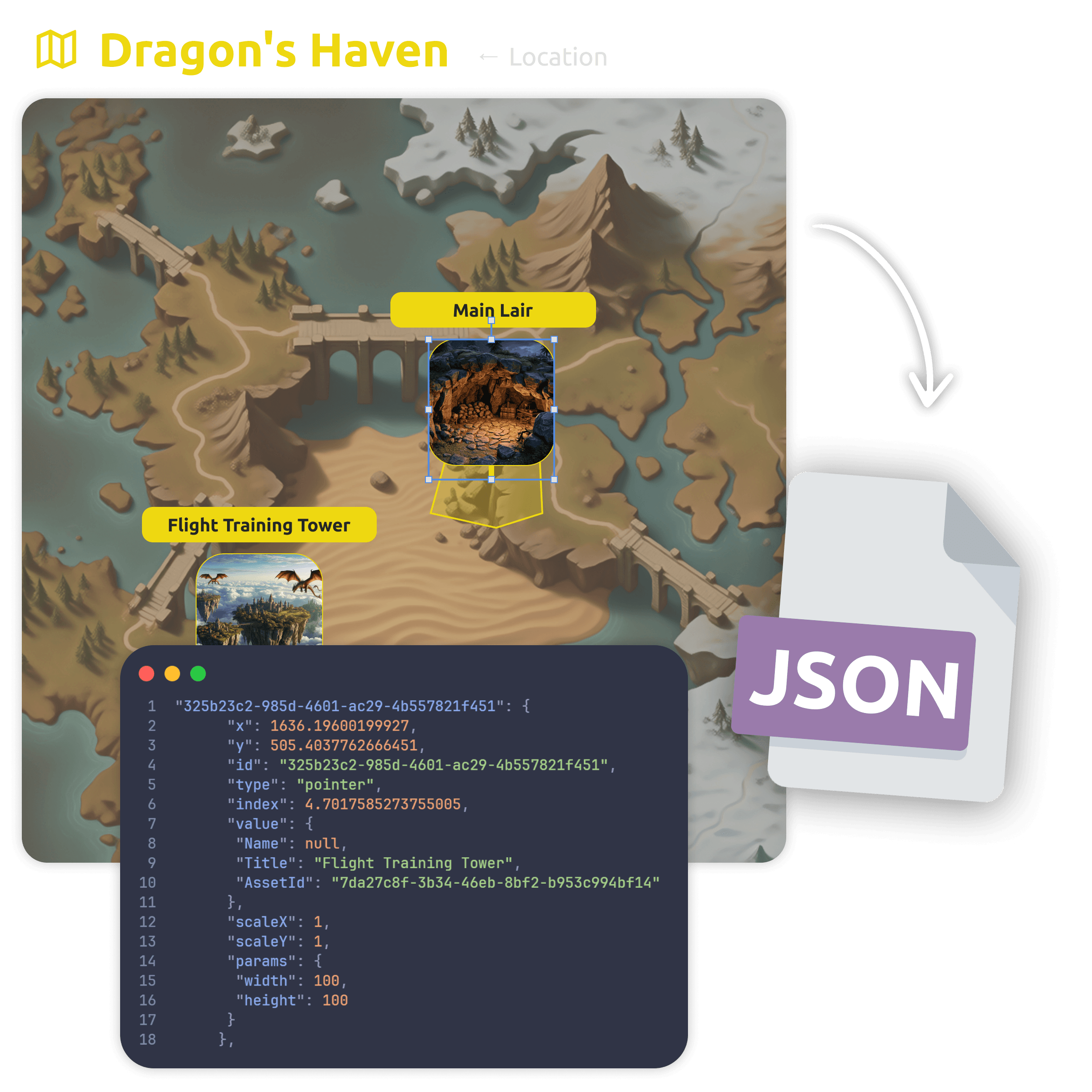
  • JSON export for Unity, Unreal Engine, and Godot.
  • Export the exact layout you prototyped.
  • Level data stays linked to the rest of the project.
Exporting prototyped levels to game engines
One system · two ways to build

Cloud with your team, or files you own.

Start free
Cloud workspace
$4/mo

per teammate · Yearly billing

For teams prototyping levels together — shared maps, objects, and live edits, with a 30-day free trial.

  • 30-day free trial · no credit card
  • Shared levels, objects & real-time edits
  • Granular access control & roles
  • Engine export & AI team-assist
Desktop app
$0/forever

open source (MIT)

The same level editor as a local-first app — free forever, no account needed.

  • Works fully offline, files on your disk
  • Open formats: Markdown + JSON
  • No account, no lock-in — data you own
  • Sync cloud projects to your desktop (PRO)
Download for free
PRO upgrade · Cloud

Ready to upgrade to PRO? Buy now — the full cloud workspace for your team, with the same levels and data you already have.

Buy now

Trying the cloud is free for 30 days — no credit card. The Desktop app stays free forever.

Prices are per teammate and do not include tax (calculated at checkout based on your country).

Need IMS Creators on your own infrastructure? Look our special offer →

What you get

Everything a level designer should have.

Level visualization and prototyping inside the project
Level visualization

Prototype and review levels right inside your design workspace — connected to the GDD and the world data around them.
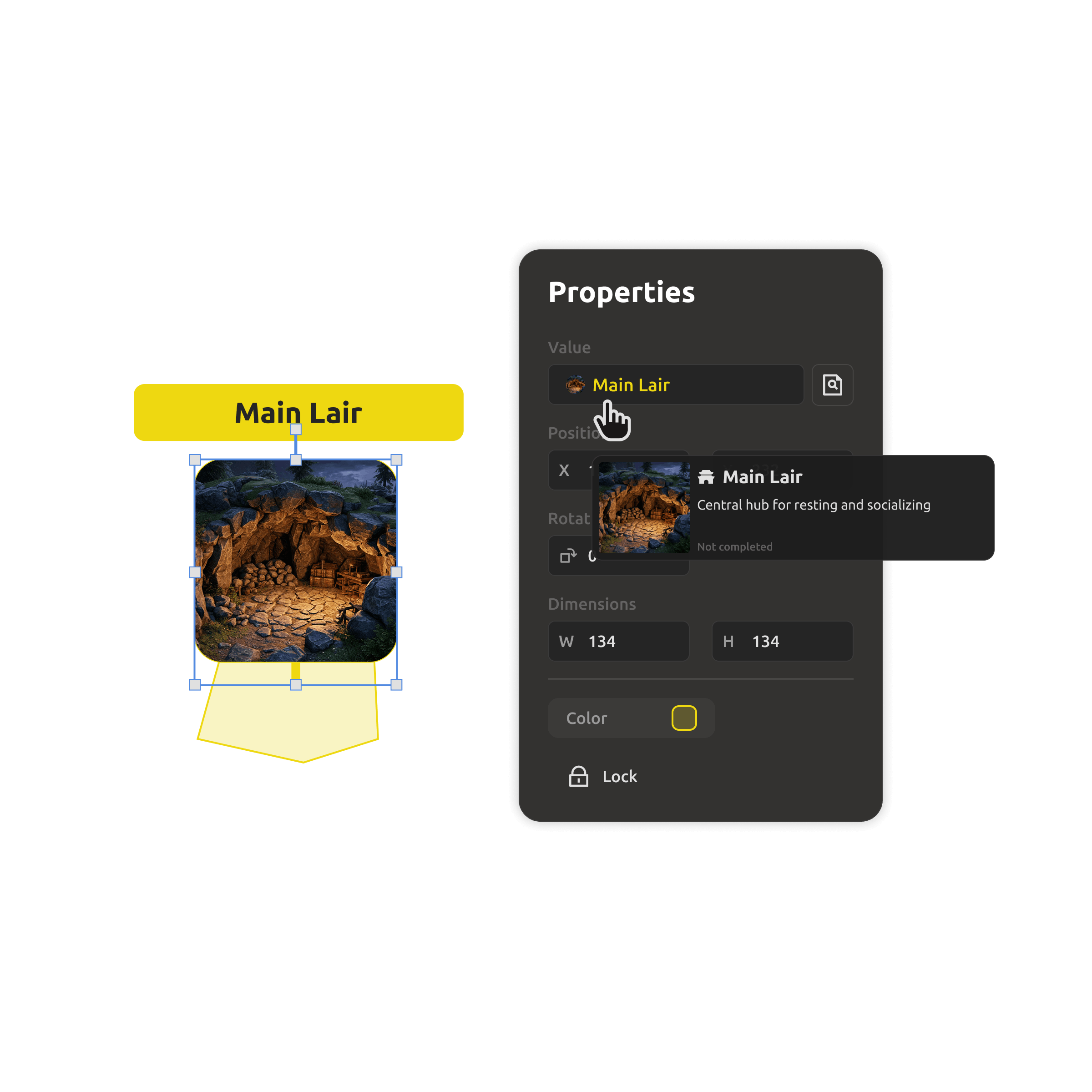
Level layouts linked to the interactive world map
Linked to the world map

Levels connect to the interactive world map — a dungeon isn't a file, it's a place in your world with lore, characters, and quests.
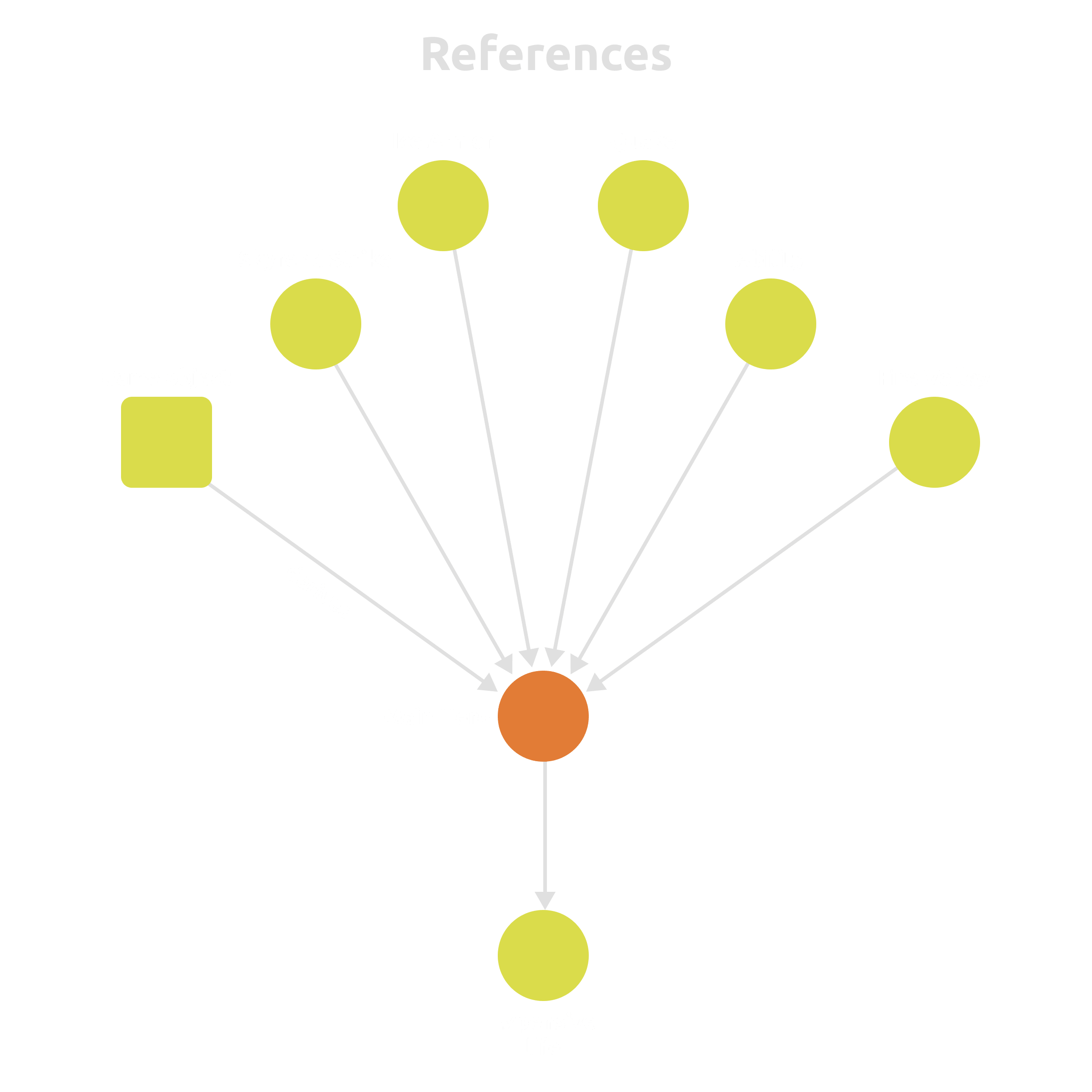
Level objects linked to game entities
Links & references

Connect level objects to items, characters, and mechanics — the level and the data stay in sync by design.

Engine-ready level data export
Engine-ready data

Export levels to JSON in the shape your engine expects — Unity, Unreal, Godot.
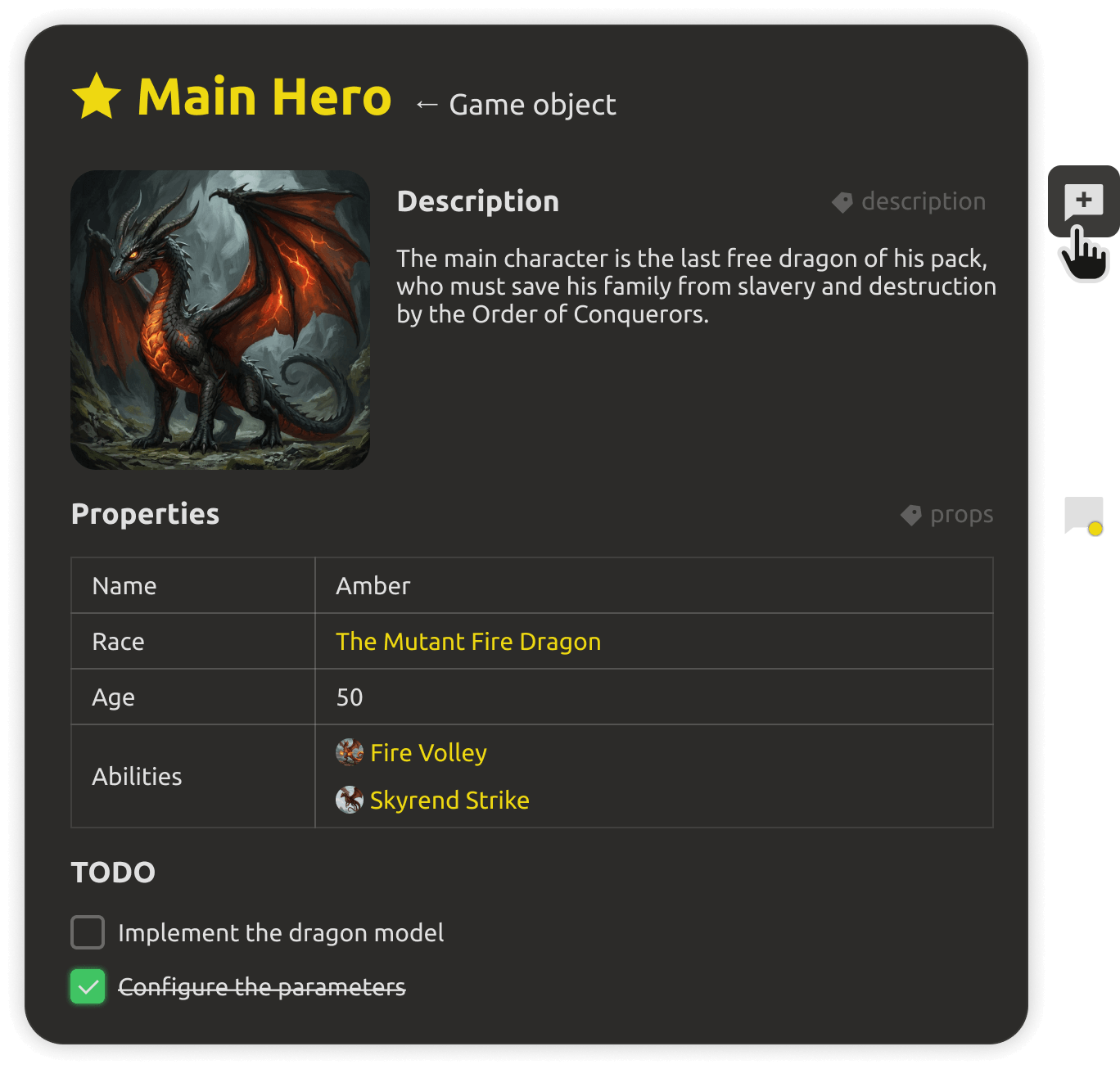
Collaborating on level design in real time
Team collaboration

Designers, artists, and writers work on the same level live — with roles, access control, and conflict-free updates.
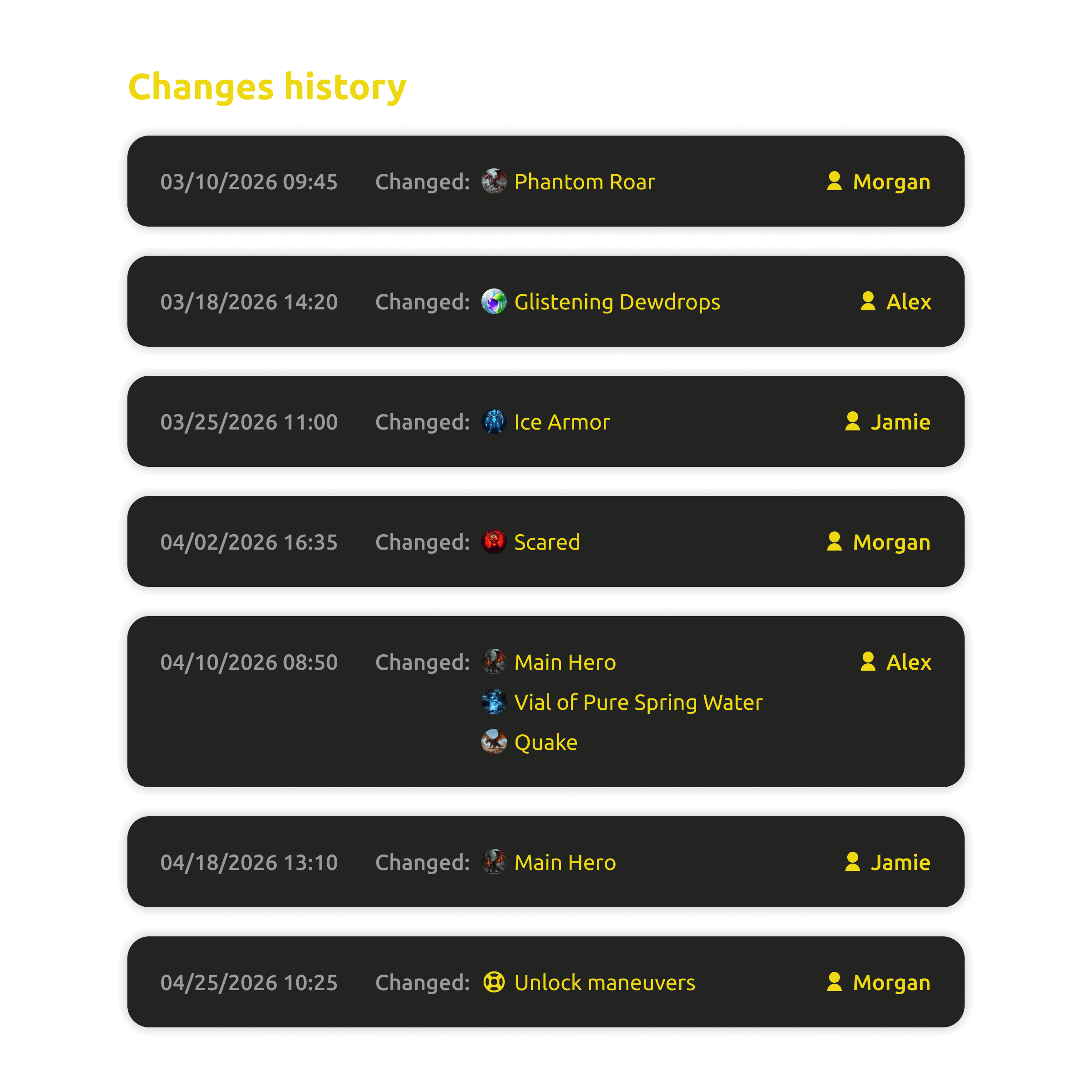
Change history of level edits
Change history

See who changed what, when. Review edits, restore older versions, and keep layout decisions traceable.


FAQ

Questions, answered.

No. Place objects over map images, mark zones, and configure properties through a simple visual interface — the export is ready when you are.
Finished levels export in JSON format for use in Unity, Unreal Engine, and Godot — with the layout you prototyped, ready to import.
Yes. Upload background images — dungeons, cities, landscapes — and add your own assets to the object library for level filling.
Tiled is a standalone tile editor; engine scenes require builds and code. IMSC prototypes levels in the browser, linked to your world and game data, and exports directly to the engine when you're ready.
In the cloud — yes, with real-time editing, roles, and granular access control. On the desktop — yes, via plain files you can commit to git.
Yes. The Desktop app is free forever and works offline without an account. The cloud workspace starts with a 30-day free trial, no credit card.

Stop waiting for builds to see your level.

Prototype levels in the browser — or keep them as free files on your desktop. One editor, from sketch to engine export.