Cloud-based · Team-ready · 30-day free trial

One workspace for your whole game team.

Design the world, tune the balance, and plan the work — together.
IMS Creators brings your GDD, game data, kanban boards, and people into one live cloud workspace, in any browser.

30-day trial · no credit card Free Desktop app Granular access control Real-time collaboration Works in any browser Export to Unity · Unreal · Godot
imsc.space · Wings of Freedom ● live
This is a real project — open Wings of Freedom in a new tab and explore it.
Demo project
The problem

Making a game shouldn't mean running five tools at once.

📚
Design scattered

GDD in a wiki, balance in a spreadsheet, tasks in a tracker. Nobody sees the whole picture — and keeping it all in sync is a full-time job.

🔀
Design and tasks drift apart

The doc says one thing, the board says another. When they diverge, the team ships against the wrong version of the design.

🔐
Unclear who can edit what

It's whole-team write access or nothing. Sharing one doc with a publisher or a freelancer means sharing everything.

👥
No single source of truth

New joiners can't find the current design, decisions get lost, and version conflicts appear exactly when you're about to ship.

IMSC Cloud is the fix: one live workspace where the design, the data, the tasks, and the team live together.

Shared design workspace

The whole team designs the same live GDD.

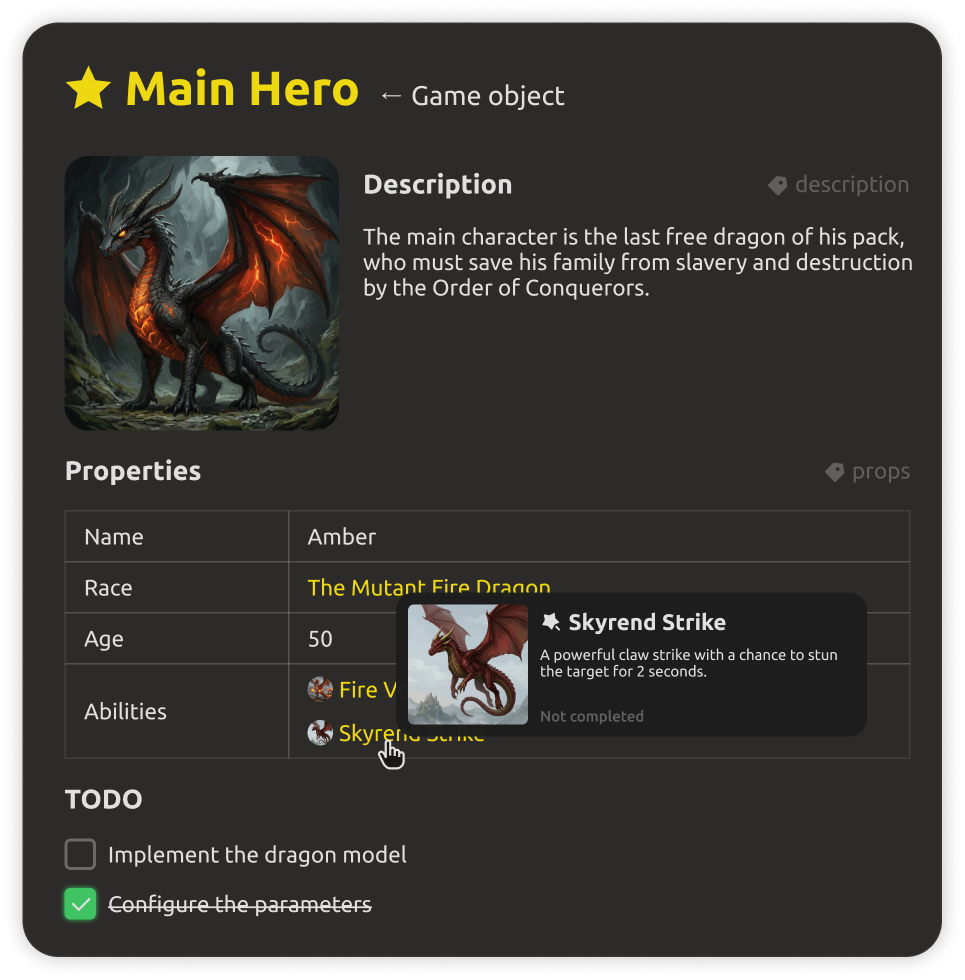
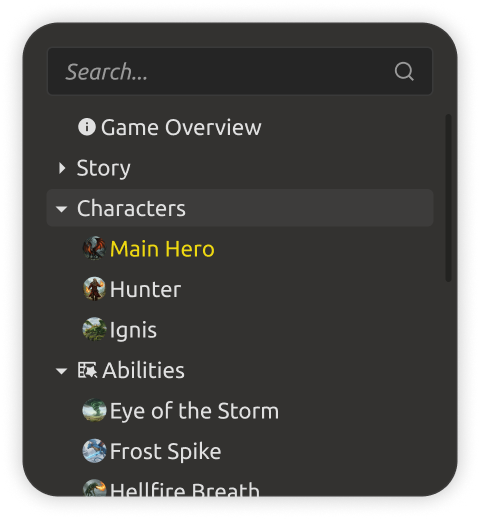
A structured game design workspace your team actually works in together. Game objects, mechanics, dialogues, and levels are real entities — with cross-references that stay consistent while people edit. No more "which doc is current?"
  • Entities and cross-references, kept consistent automatically.
  • Rich blocks: tables, galleries, checklists, diagrams, dialogues, level maps.
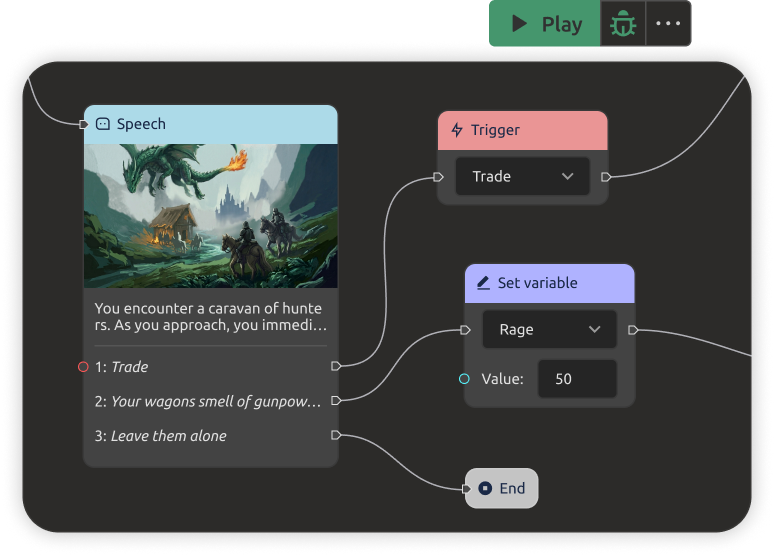
  • A dialogue tree editor and level-map prototyping built in.
GDD workspace with structured game design entities
Kanban & task tracking

From roadmap to done — on boards your team actually uses.

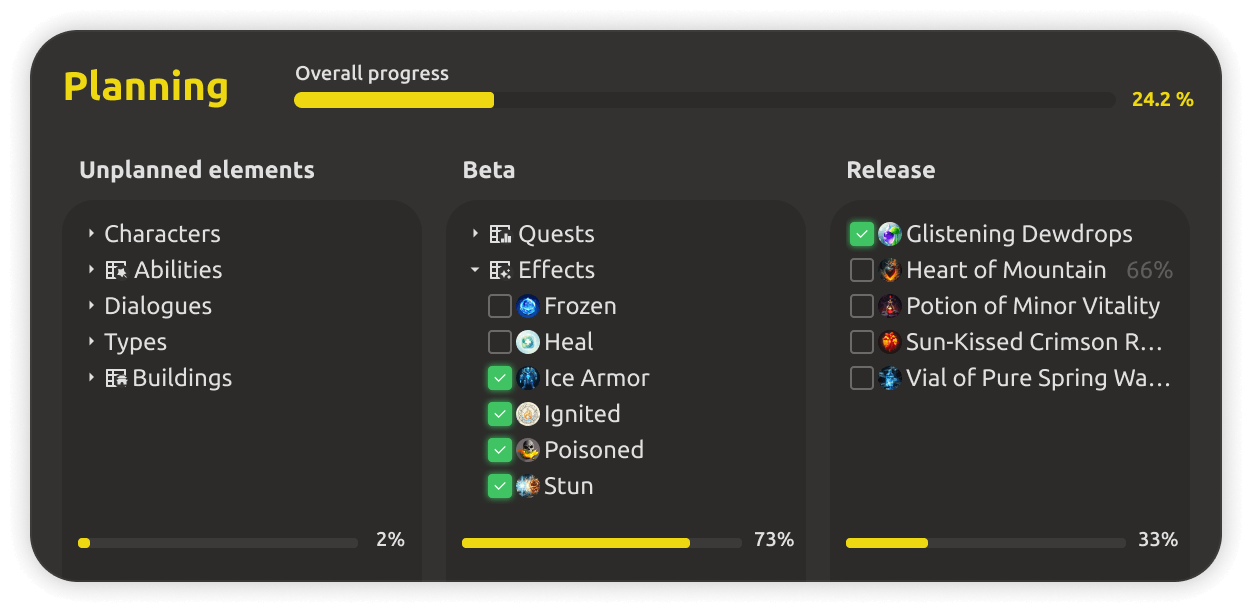
Plan in boards, not documents. Track every task from backlog to release, split work by department, run sprints and milestones, and watch progress across the project in real time.
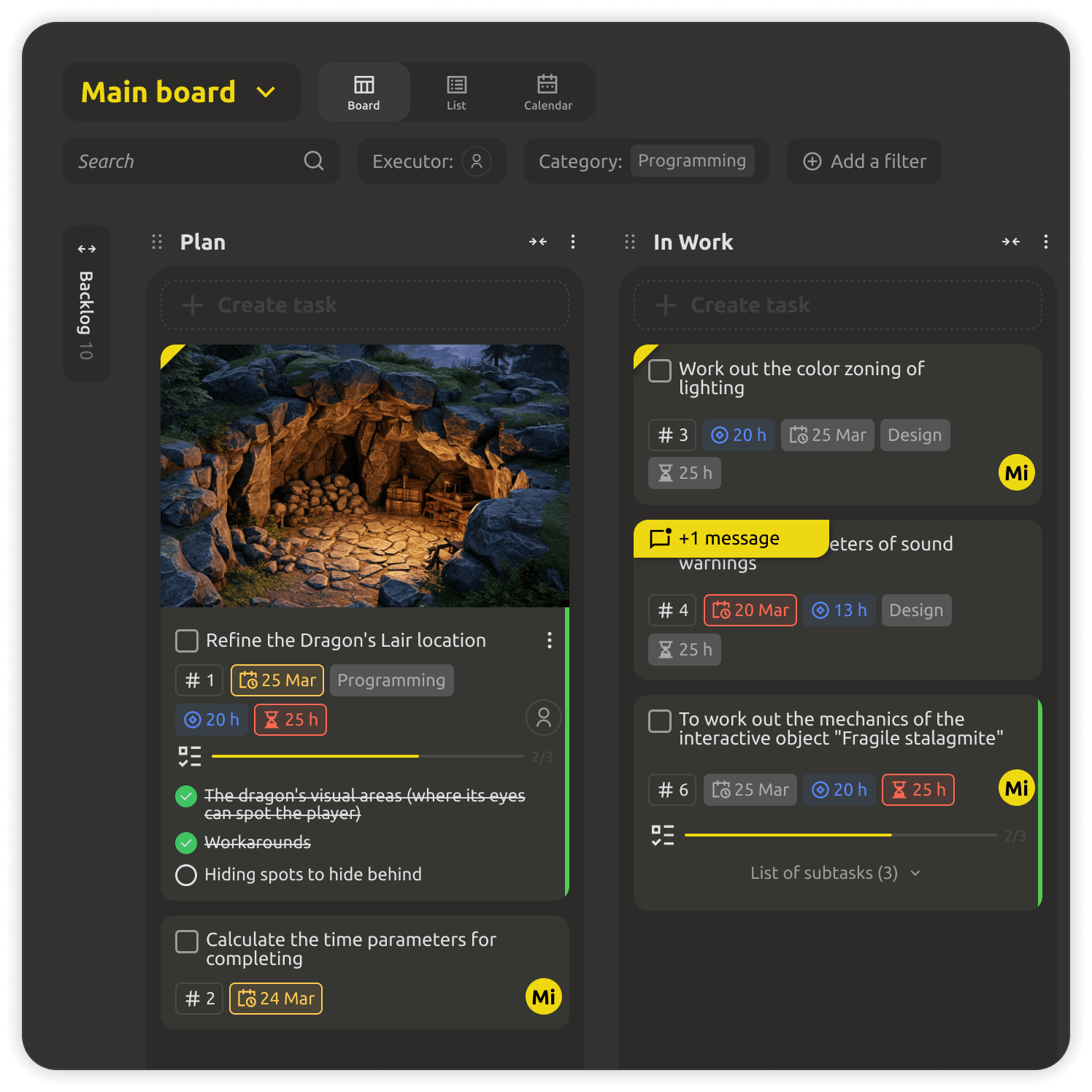
  • Unlimited kanban boards with drag-and-drop task tracking.
  • Task categories and departments — clear ownership for every task.
  • Milestones, sprints, and progress tracking with deadline control.
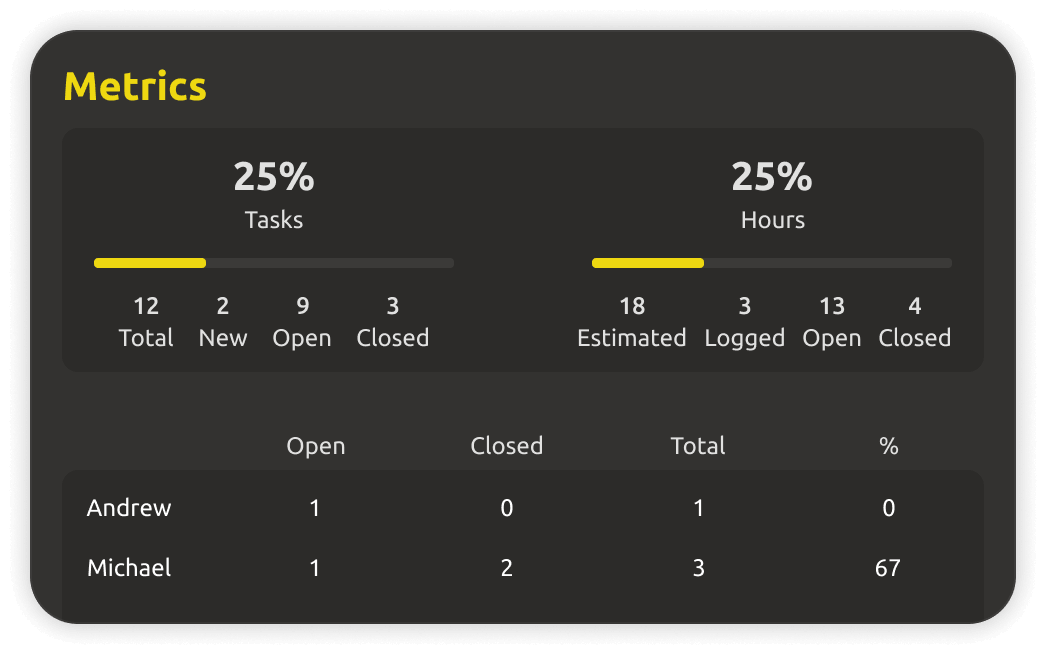
  • Real-time analytics on tasks, members, and activity.
Kanban board with task tracking and progress
Access control & roles

Everyone sees exactly what they need.

Configure access to each part of the project — from design documents to individual tasks and boards. Share work with publishers, freelancers, or teammates by link, with roles that match how you actually work.
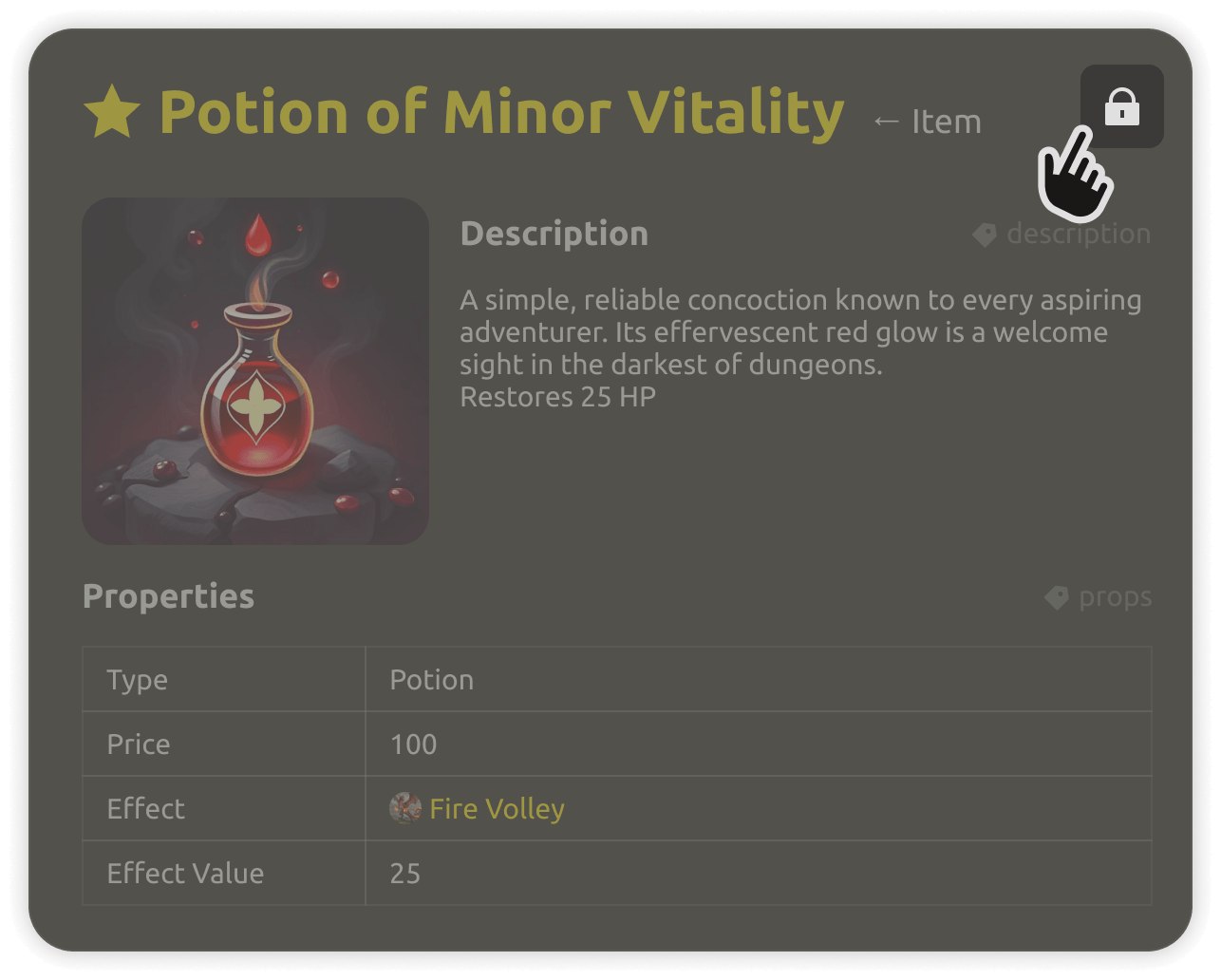
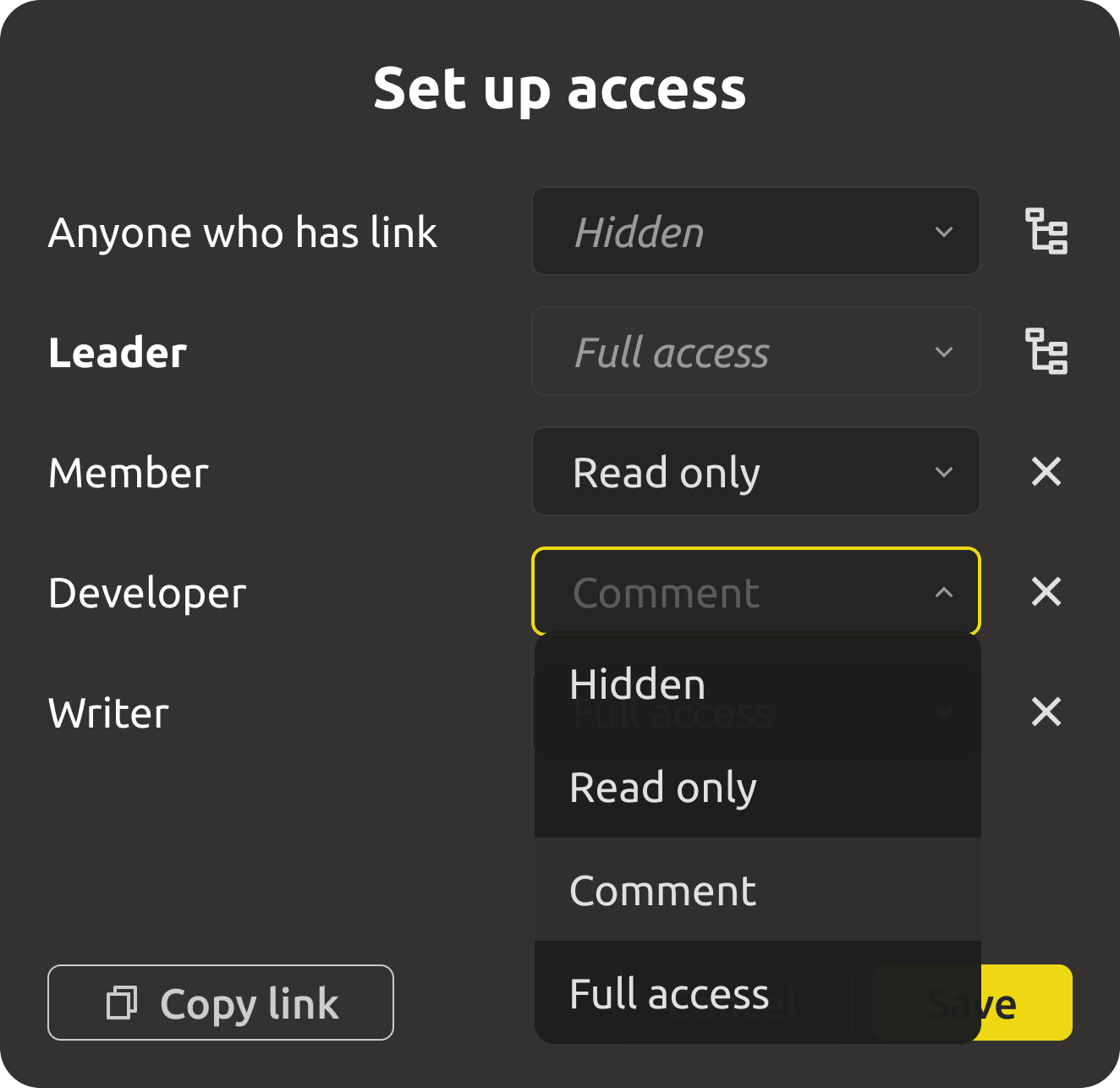
  • Granular access rights per project part: docs, entities, boards, tasks.
  • Roles and departments — read-only for some, editing for others.
  • Share anything by link, keep the rest private.
Access control settings panel
Engine-ready data

Balance data your engine can actually use.

Define game variables once — stats, items, objects — and export to Unity, Unreal, or Godot in the format your engine expects. Designers tune parameters, the engine reads them, and nobody copies numbers by hand.
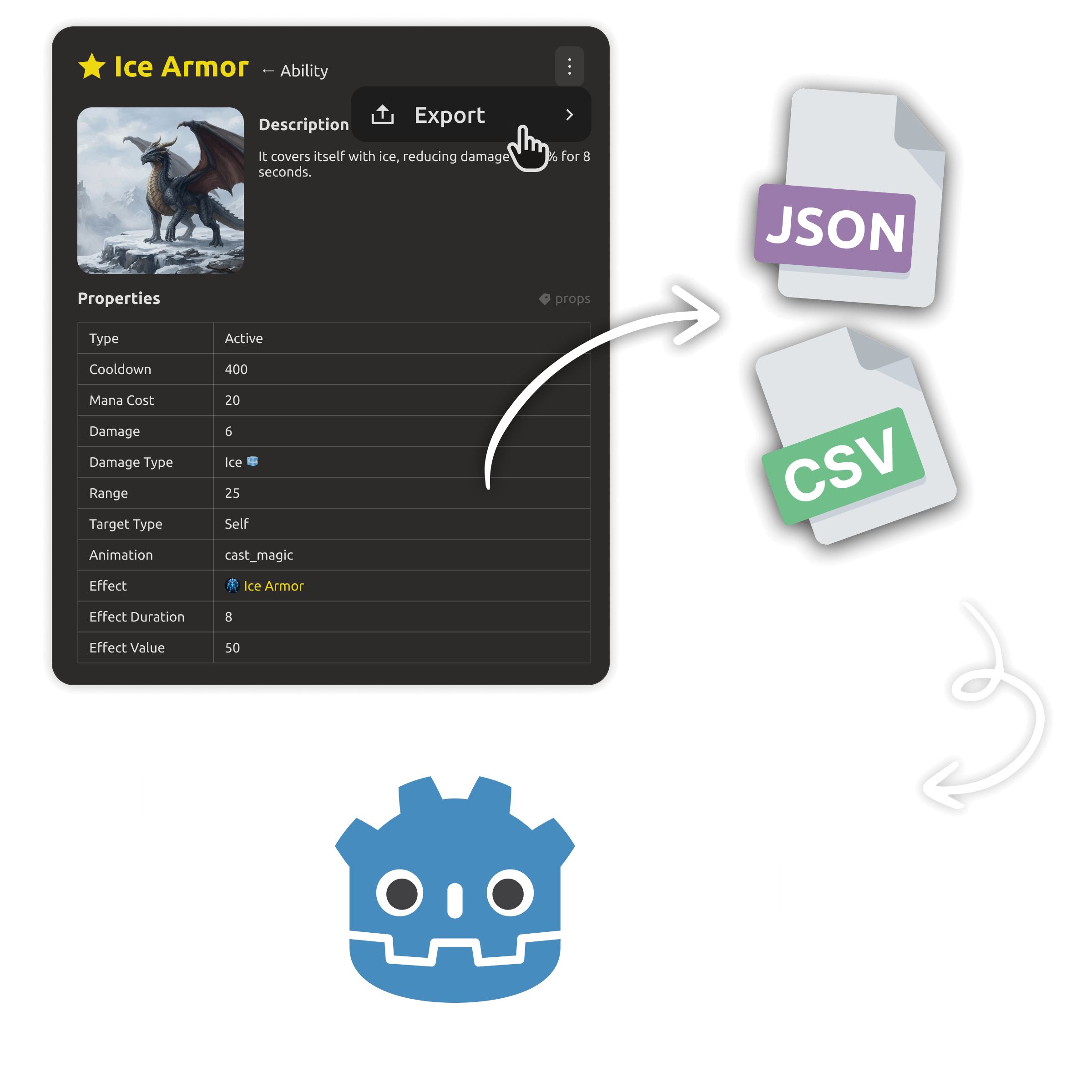
  • Powerful entity inheritance for game data.
  • Custom JSON/CSV export to Unity, Unreal Engine, Godot.
  • Code and design docs stay in sync — no outdated tables.
  • A web editor to structure entities and edit parameters online.
Engine-ready data export to Unity, Unreal, and Godot
AI team-assist

An assistant that works from your live project.

Ask questions, draft entities, summarize decisions, and generate content straight from the shared workspace — so the whole team gets answers from the current design, not stale documents.
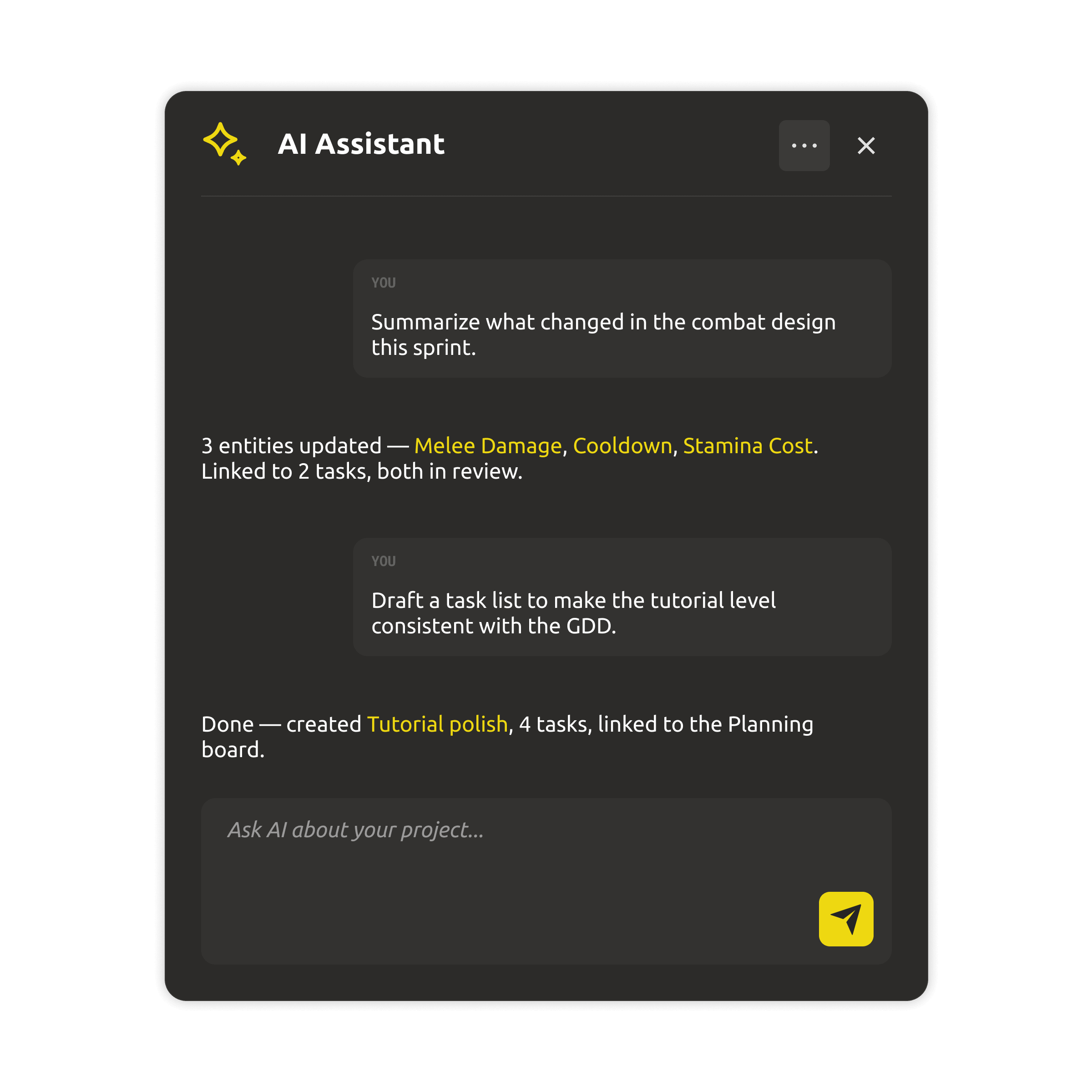
  • Draft, edit, and summarize design docs from the project.
  • Answer questions using the live workspace as context.
  • Speed up repetitive content work across the team.
AI assistant panel answering questions from workspace
One system · web + desktop

Work in the browser, or on your desktop.

IMS Creators is one system with two ways to work. The web app covers everything in the browser — and the Desktop app is a free local-first client for the same design workspace. Same projects, same data.
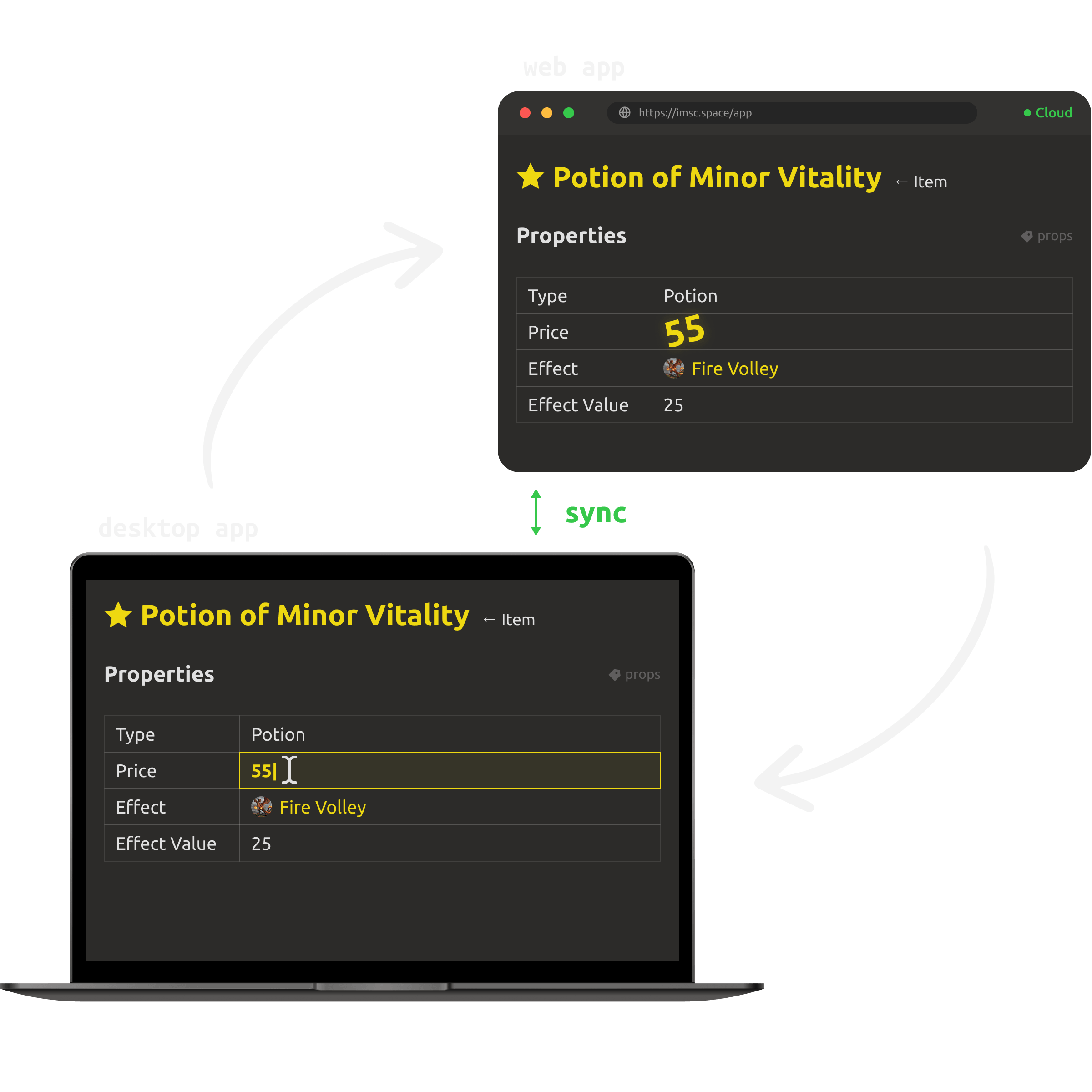
  • Everything in the browser, from any device.
  • Desktop app: free forever, works offline, no account needed.
  • Cloud projects stay in sync between web and desktop.
Desktop and web apps showing the same workspace
Pricing

Simple pricing. One honest free path.

Start free
Cloud workspace
$4/mo

per teammate · Yearly billing

For teams working together in the browser — start with a 30-day free trial.

  • 30-day free trial · no credit card
  • Shared GDD, boards, and project data
  • Granular access control & roles
  • Engine export & AI team-assist
Desktop app
$0/forever

open source (MIT)

The same design workspace as a local-first app — free forever, no account needed.

  • Works fully offline, files on your disk
  • Open formats: Markdown + JSON
  • No account, no lock-in — data you own
  • Sync cloud projects to your desktop (PRO)
Download for free
PRO upgrade · Cloud

Ready to upgrade to PRO? Buy now — the full cloud workspace for your team, with the same project and data you already have.

Buy now

Trying the cloud is free for 30 days — no credit card. The Desktop app stays free forever.

Prices are per teammate and do not include tax (calculated at checkout based on your country).

Need IMS Creators on your own infrastructure? Look our special offer →
What you get

Everything a team workspace should be.

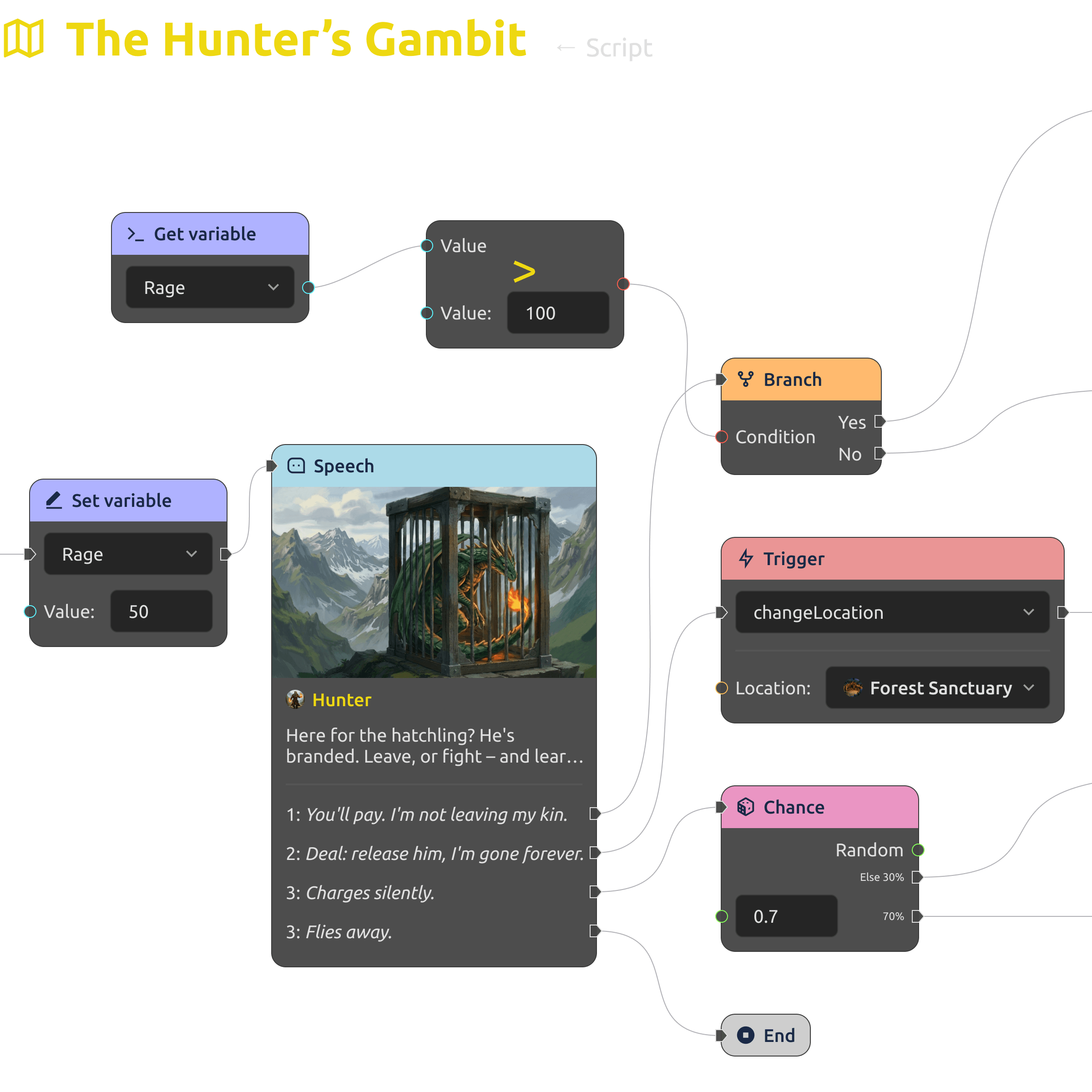
Dialogue tree editor with branching storylines
Scripts & dialogues

Create branching dialogues and storylines with the built-in dialogue editor, and integrate them into the game's structure.
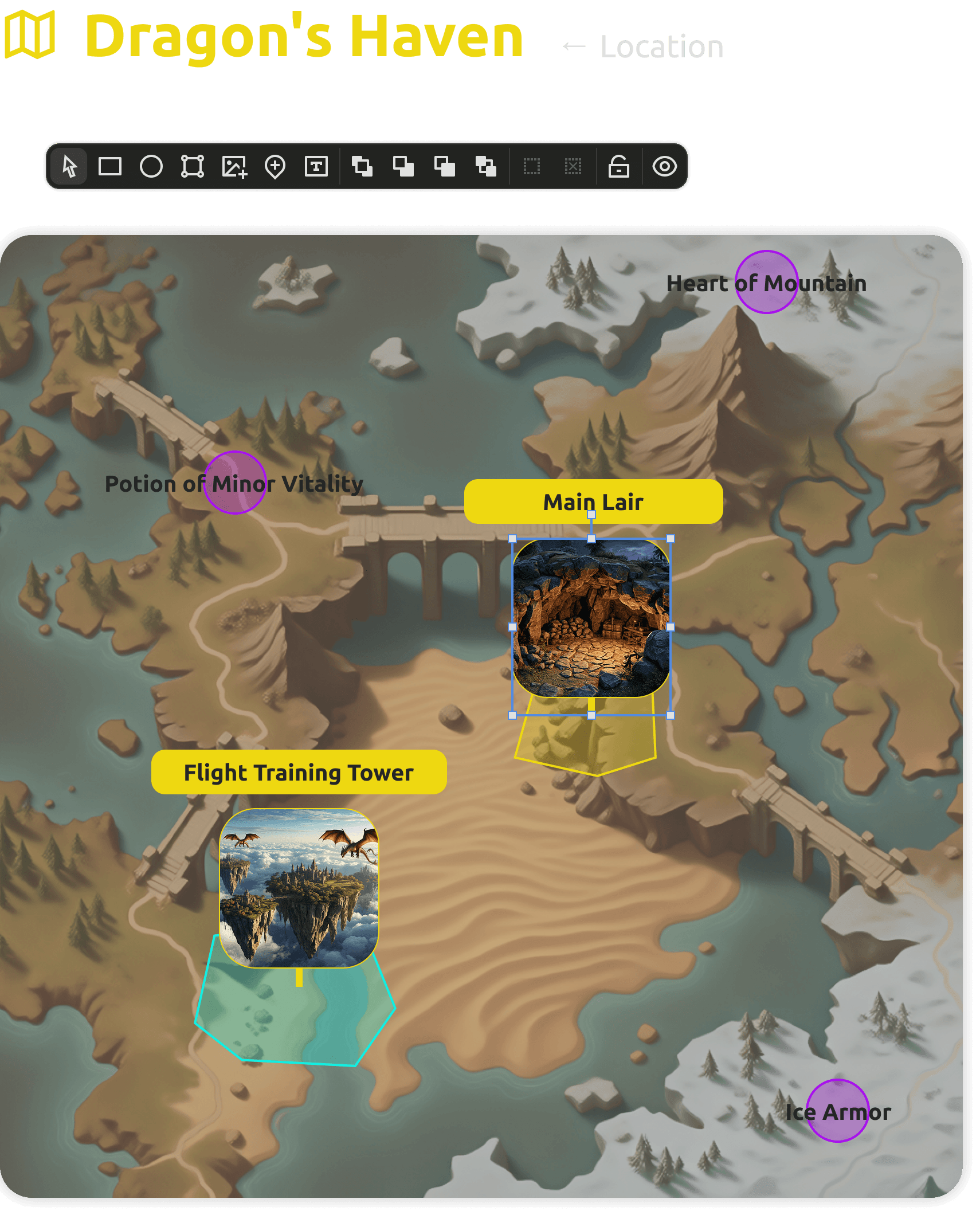
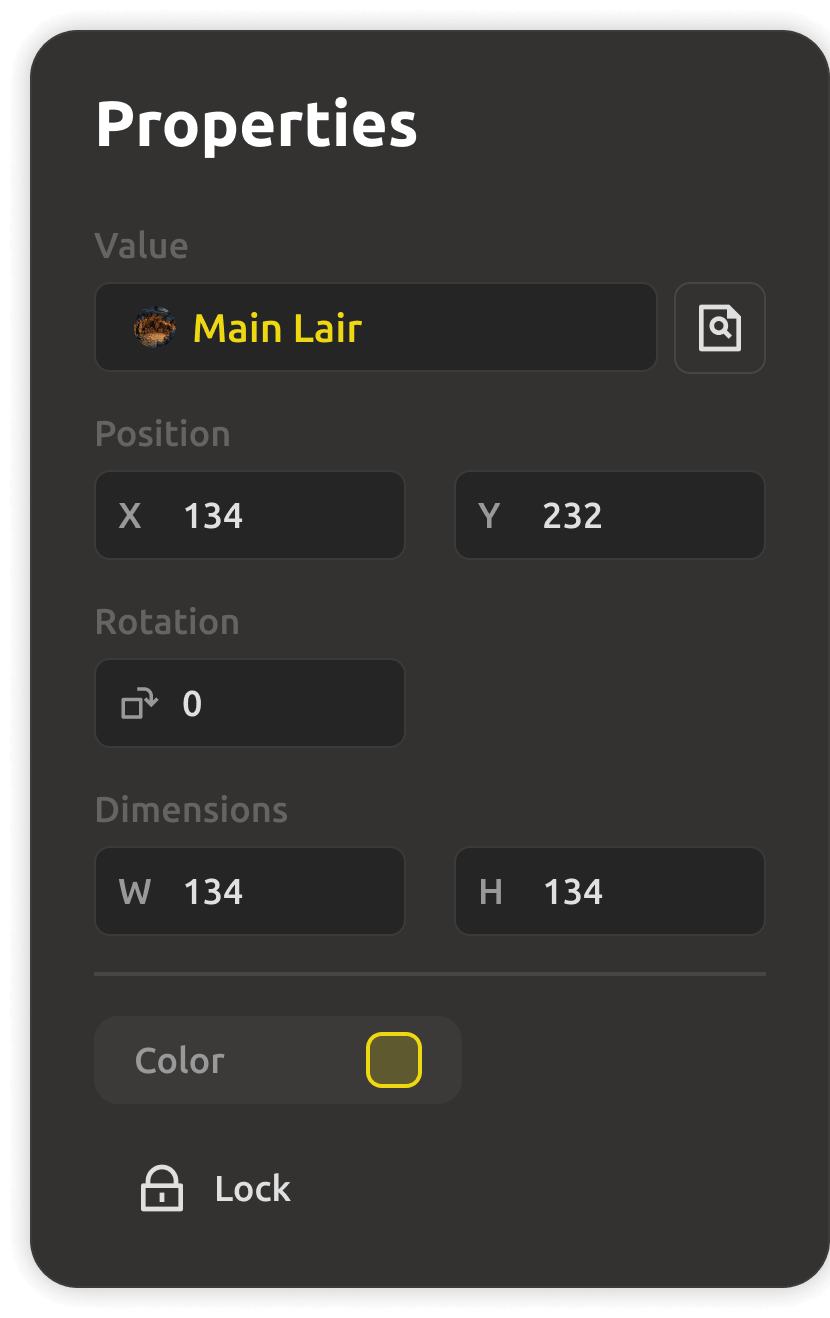
Level visualization with placed objects and diagrams
Level visualization

Design locations, place objects, and plan gameplay with visual diagrams — prototype levels right inside your GDD.
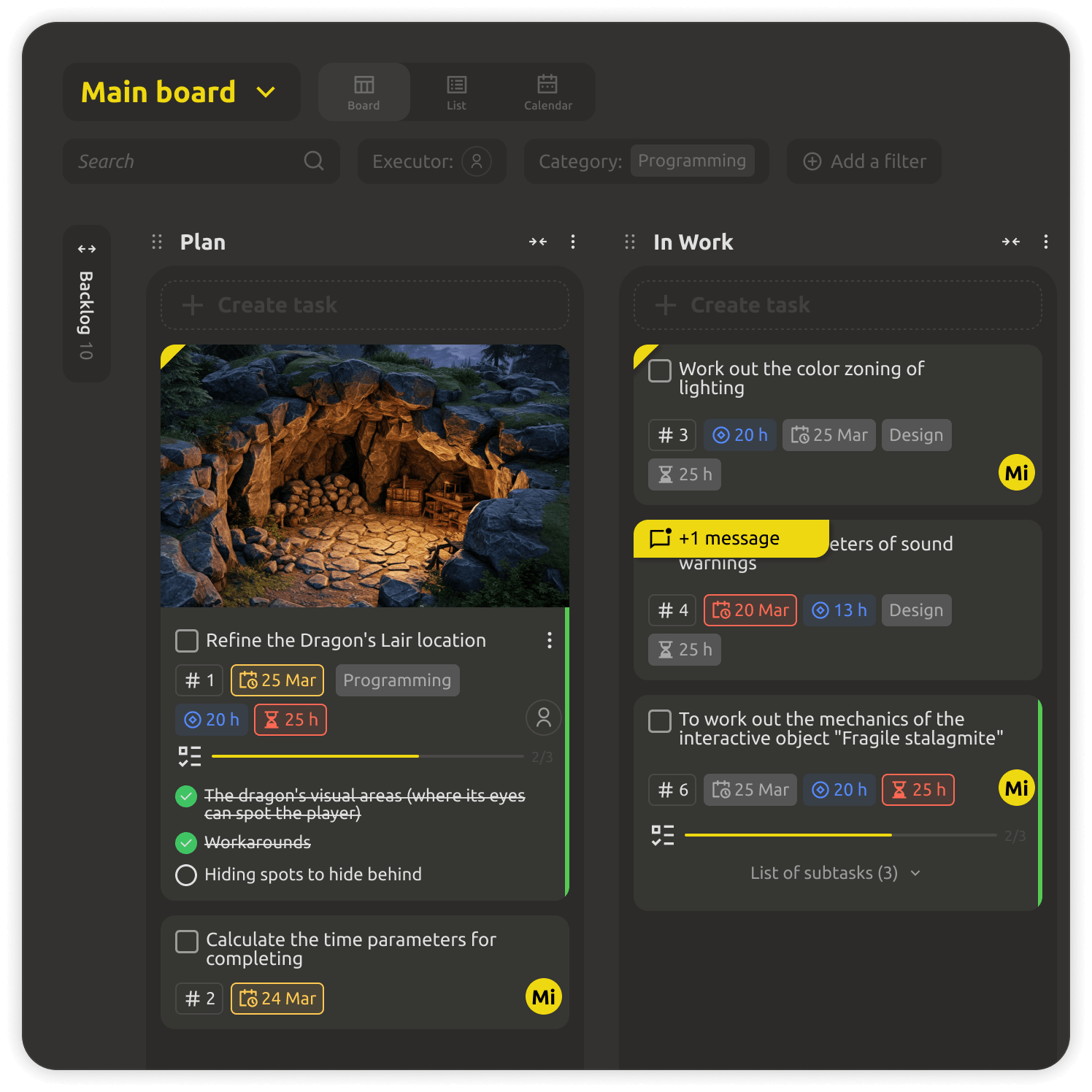
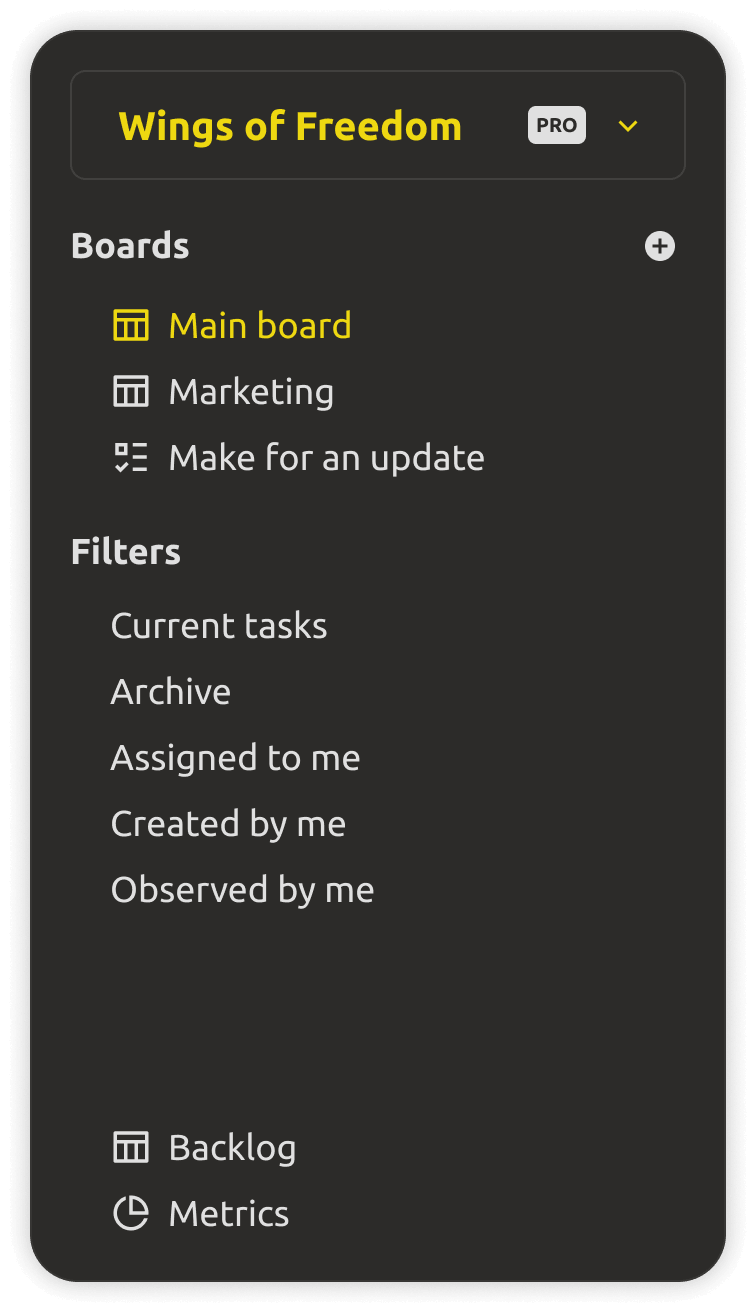
Kanban board with custom categories and assignments
Kanban boards

Unlimited boards with custom categories, departments, and assignments — the whole project's work, organized.
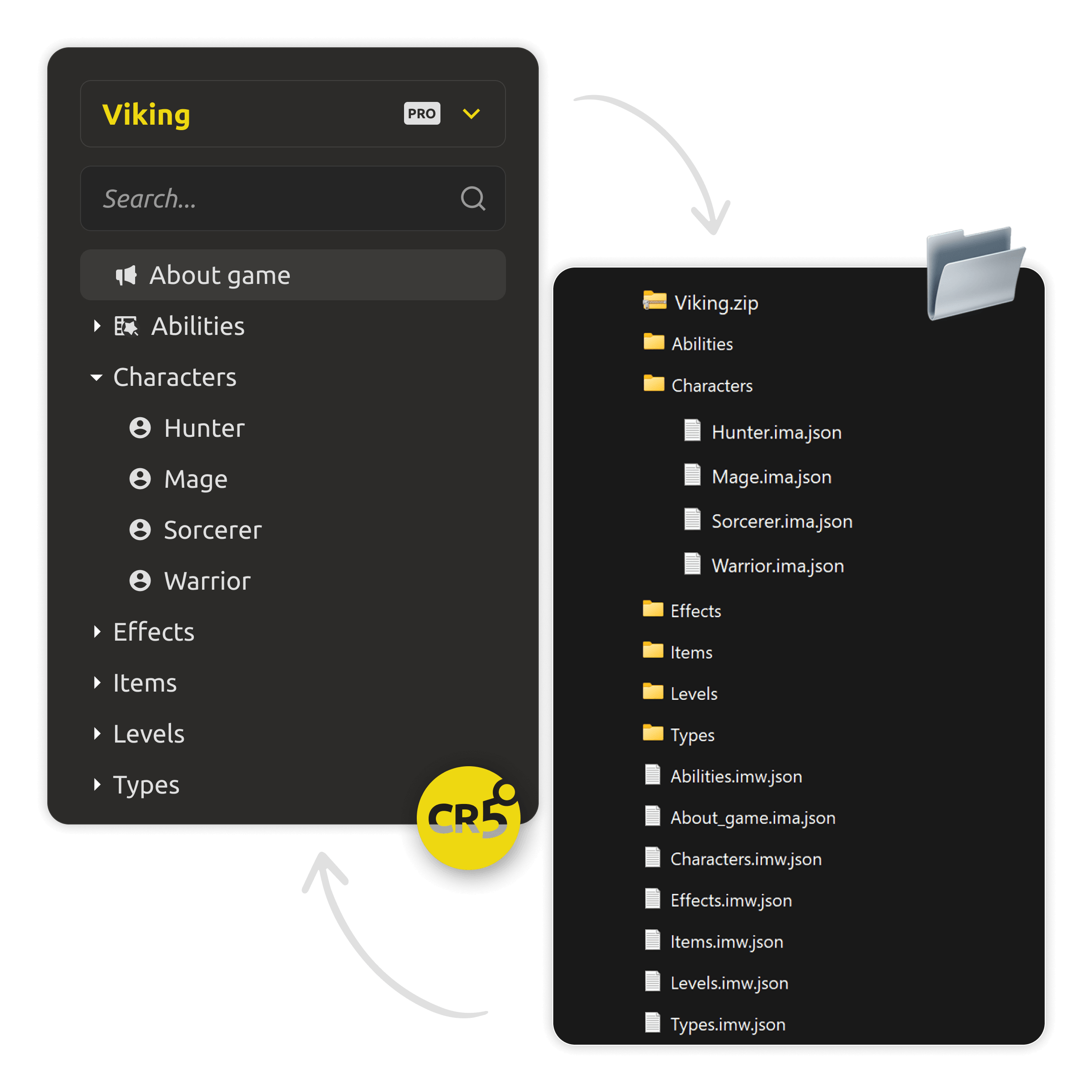
Engine-ready entity data for export
Engine-ready export

Entity data is engine-ready from the start — optionally export it to custom JSON or CSV to match your engine's format.
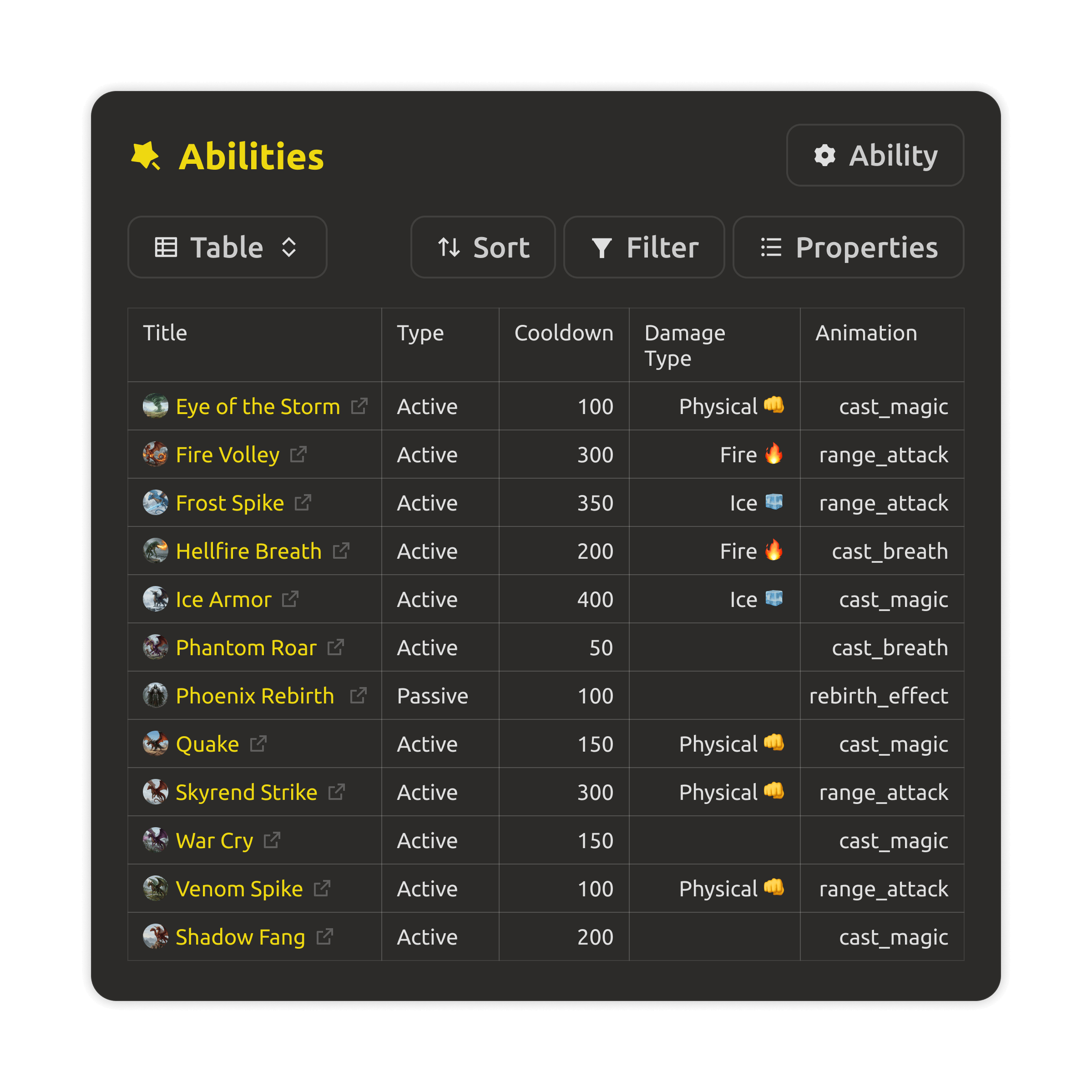
Collections database with filterable game entities
Collections

A database of entities — game objects, characters, items, enums — filterable and easy to batch-edit across the whole project.
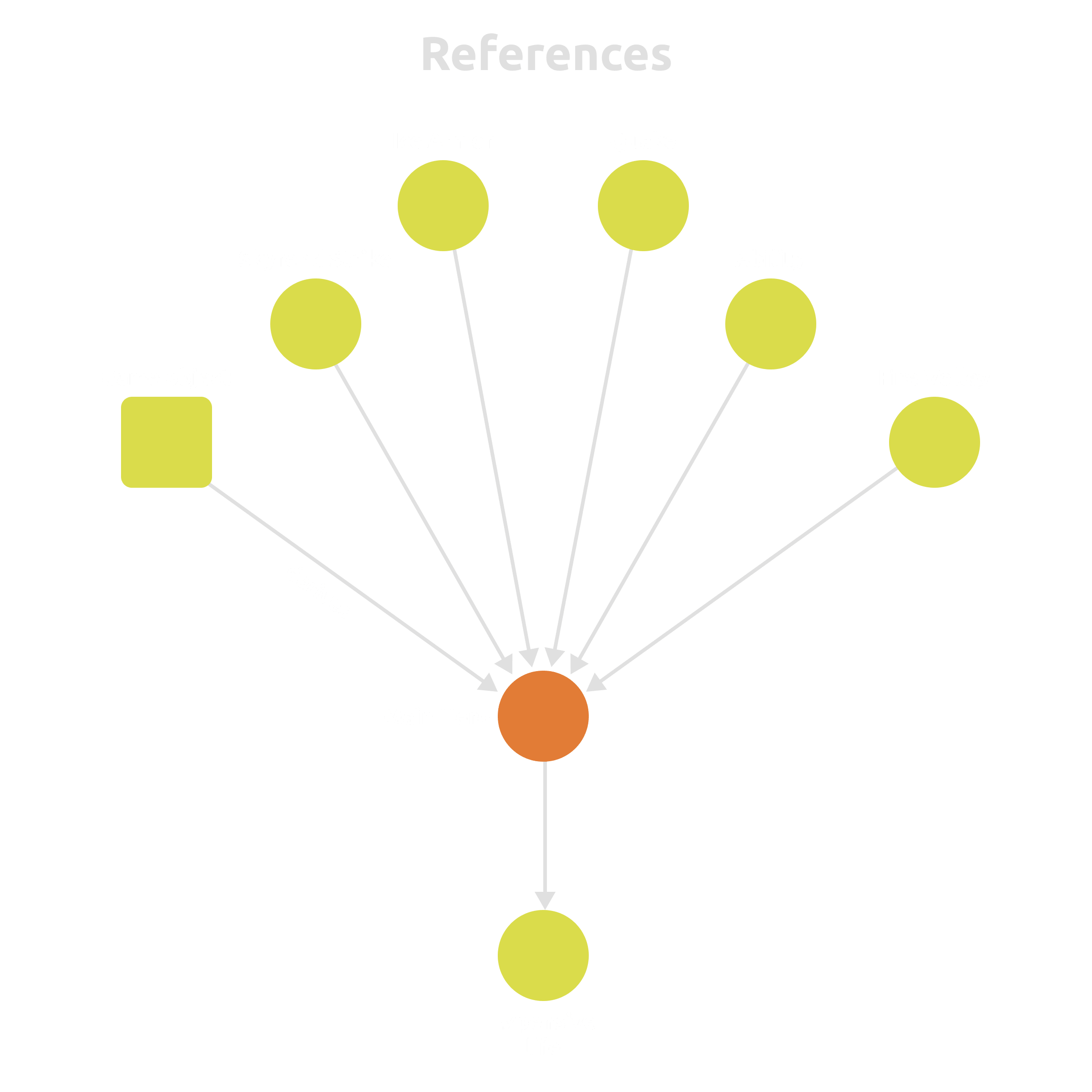
Cross-references linking entities across the project
Cross-references

Link abilities to characters, characters to levels, mechanics to balance tables — and keep it all consistent.

Who it's for

Built for the way you make games.

🎮
Solo & indie devs

Start in the browser for free, and keep your design, data, and tasks in one place from day one.

Get started →
🏢
Small studios

Designers, producers, and programmers work from the same live workspace — with boards, access control, and analytics that keep everyone aligned.

See pricing →
🚀
Distributed teams

Remote and hybrid teams stay on the same page: real-time collaboration, granular permissions, and shared boards wherever people are.

Read the docs →
🏕️
Jams & education

Scaffold a structured GDD in minutes and run a 48-hour project with the whole team organized on one board.

Demo project →


FAQ

Questions, answered.

You get a 30-day free trial with no credit card required. After the trial, the cloud workspace is a paid subscription. There's a truly free option too — the Desktop app is free forever, works offline, and doesn't need an account.
The web app is the cloud workspace: everything in any browser, with kanban, access control, and team collaboration. The Desktop app is a local-first client: free forever, offline, your files on disk. With cloud sync you get both — the same projects in the browser and on your desktop.
Yes. Set access rights per project part — design docs, entities, boards, tasks. Share specific things by link, and give people roles from read-only to full editing.
Unity, Unreal Engine, and Godot, plus custom JSON and CSV for anything else. Designers tune parameters, and the engine reads up-to-date data.
No. The web app runs in any modern browser. The Desktop app is optional — install it if you want a local, offline workspace.
You do. Export your design and data anytime; nothing is locked in. With the Desktop app you can keep everything as plain files on your own disk.

Get your team on one page.

Start your free trial of the cloud workspace — or grab the free Desktop app. Your design, your data, your team — in one place.