


IMS Creators: Turn complex logic into a visual system
We continue to develop our editor as a universal control center for the world of your game. Today's update is dedicated to tools that will help you describe complex logic and turn it into a visual structure that is understandable to the engine, and make logic testing even faster.
The new Graph block
Today we've added a new element to describe the game's stages, storylines, development tree, abilities, and technologies.
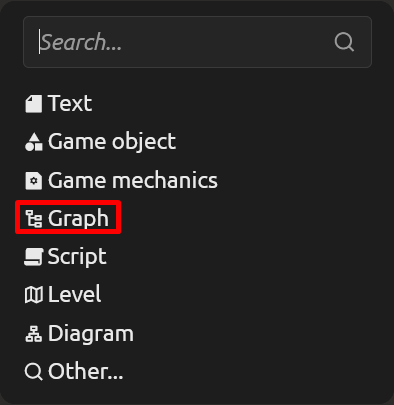
Unlike a diagram, a graph is not just an image, but a structured description that can be used in a game. Each node can be filled in: add a text card, attach a file, or link to any element of your project.
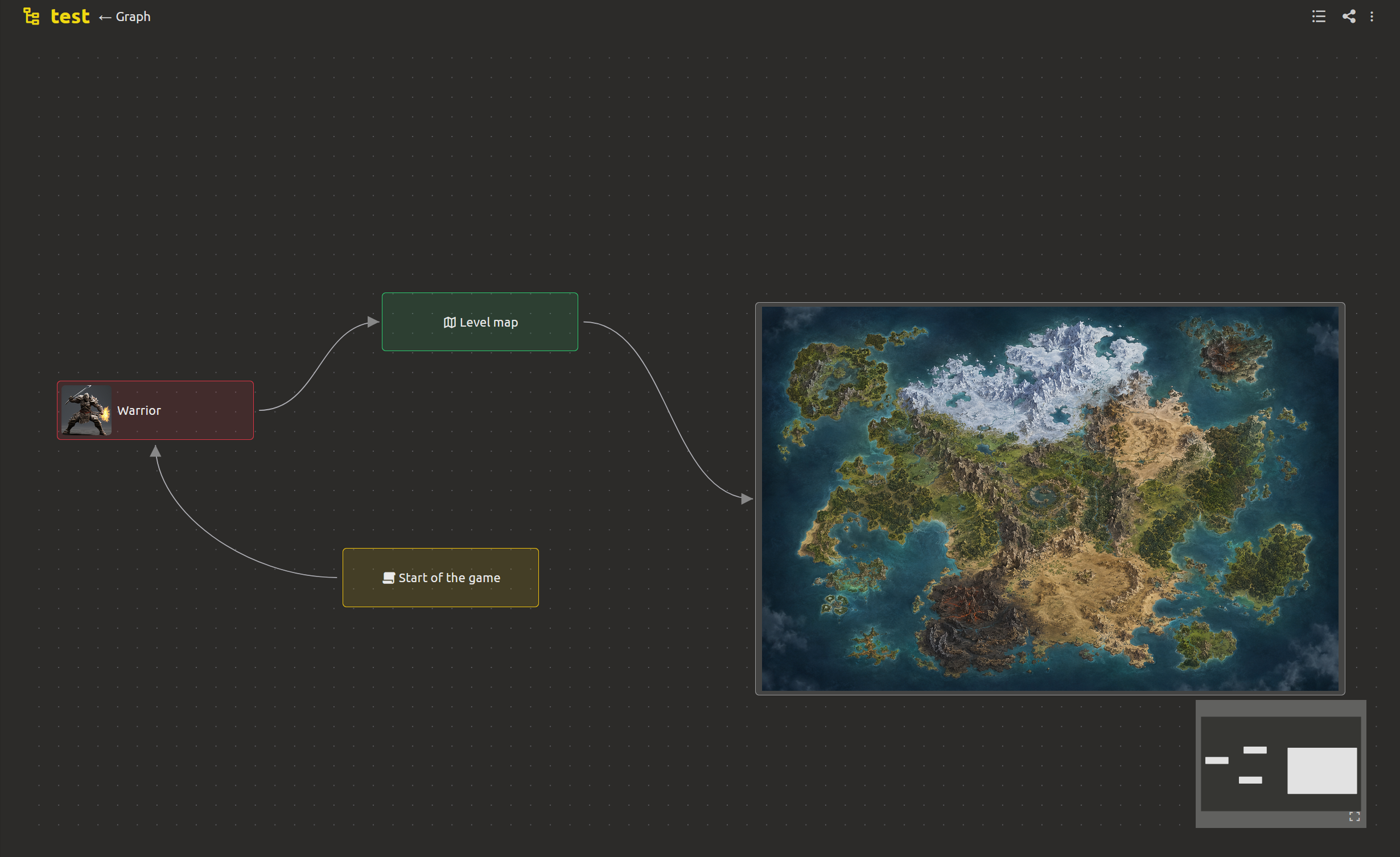
And to visually organize everything, you can set your own color for each card. A handy tool for describing game stages, plot, development tree, and character abilities that can be used in the engine.
Running scripts from any node
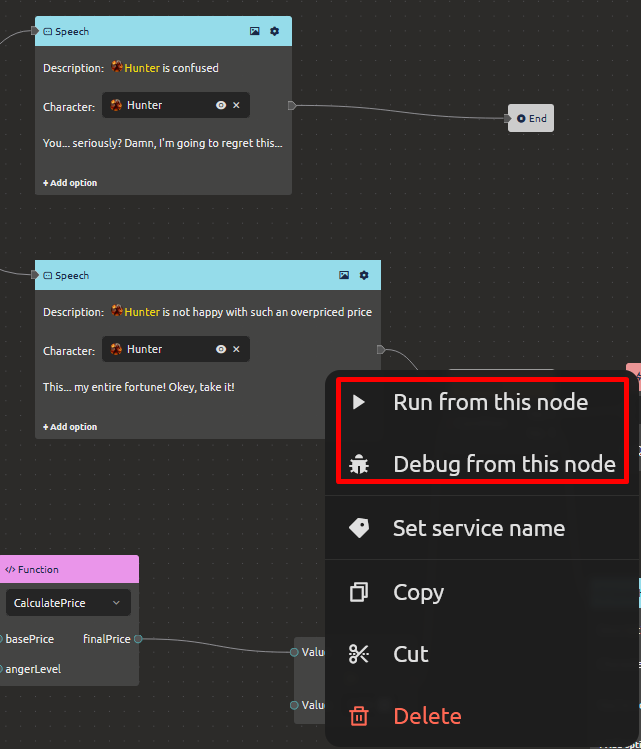
Now, in the script editor, you don't need to run through the entire chain from the beginning to check one fork of the nested script. Right-click on the desired node and select "Run from this node" - the script will start executing immediately from the selected location.
IMS Creators Desktop 0.9.2 Update
The desktop application has been updated to version 0.9.2: minor bugs have been fixed and synchronization with the cloud has been improved. We remind you that the Desktop version is free and open-source, you can download it here: https://ims.cr5.space/en/desktop
Other improvements
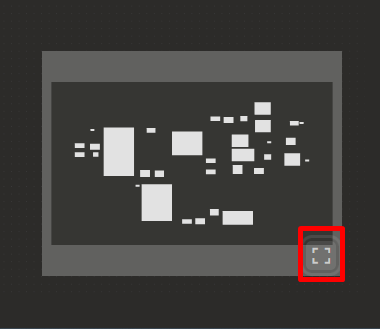
- The "Show all" button on the mini-map in the scenario block - instantly take in the entire scheme.
- Fixed selection reset and unwanted page scrolling when text editing is activated.
- Improved the context menu in the script editor - the necessary commands are now closer.
- You can assign service names to nodes in scripts - put things in order in large logical chains.
- Updated the project selection page in the web version: modern look and easy project search.
- Drag-and-drop files into text - simply drag an image or document directly into the text field, pre-activation of the block is no longer necessary.
Create interesting worlds with IMS Creators!
This ends the review of the current update, but the next one is just around the corner. Subscribe to us to be the first to learn the latest news. As always, we are waiting for your suggestions and suggestions!
Subscribe to our social networks: Discord (https://discord.gg/xPTmUZR9), Facebook (https://www.facebook.com/profile.php?id=61569739761148). You can also send us your feedback via the feedback form (https://ims.cr5.space/en/feedback) or join our Telegram chat (https://t.me/imscreators_en). We wish you good luck and positive emotions from your future game demos. See you there!