
What has changed?
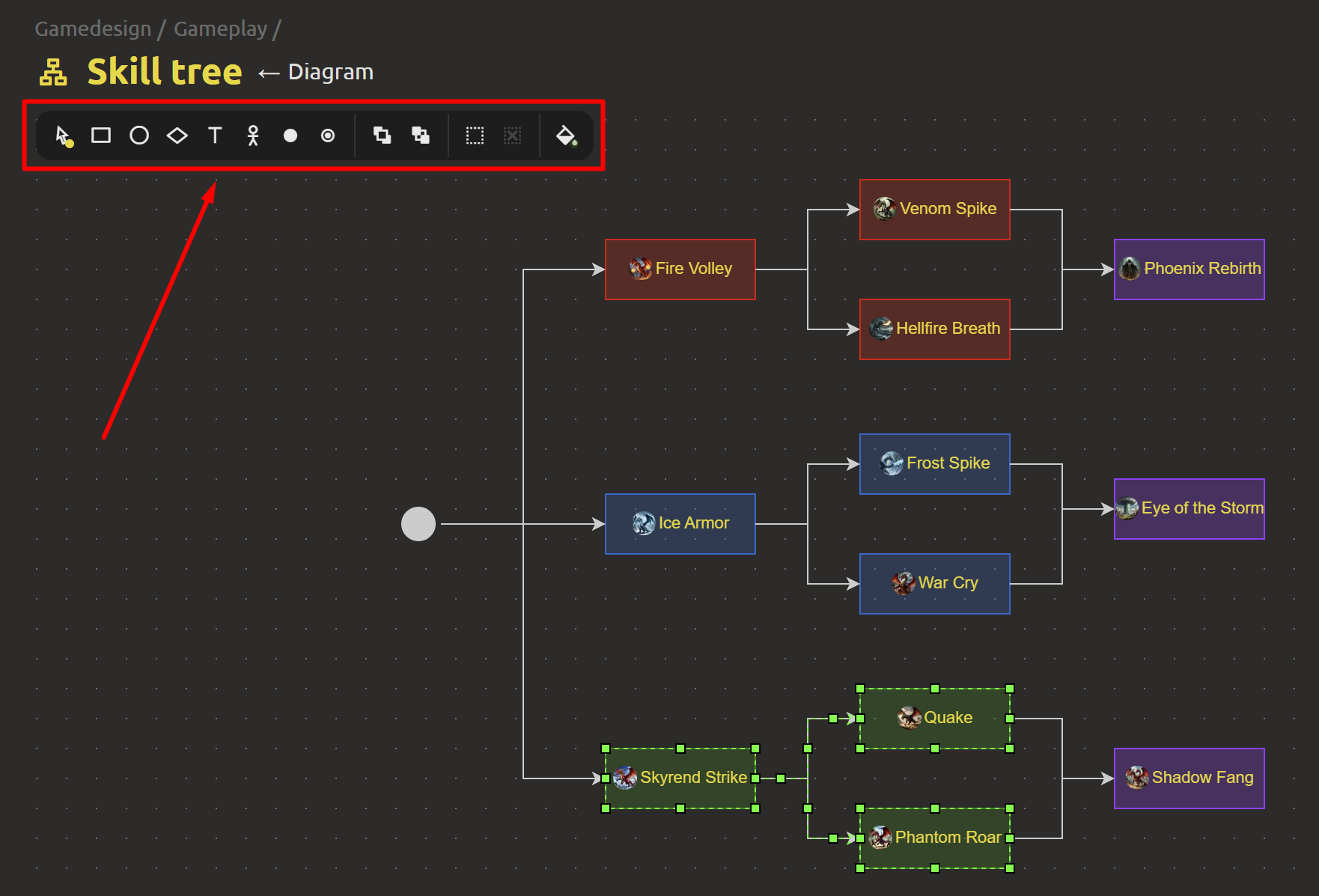
- New toolbar – all editing tools are now at your fingertips. Quick access to key functions right in the editor interface.
- Text formatting has been improved – text within a block can be h1, underlined, and pink. Don't like it? Then set the styles that suit you best.
- Change block order – move important blocks to the foreground, and let everything else fade into the background.
- Block coloring – now you can change the colors of diagram elements. Highlight important parts, categorize them, and make your diagrams more visual.
- Block grouping – combine related elements into groups. This is especially useful for large and complex diagrams with many components.
- Drag and drop assets directly into the diagram – pull the elements you need from the menu and drop them onto the canvas. No extra steps – everything is intuitive.
These improvements make working with diagrams more flexible and creative. Now you can quickly design architecture, create visual flowcharts, and create visual documents. As always, we welcome your suggestions and feedback, which you can send us via the feedback form (https://ims.cr5.space/en/feedback) or in our Telegram chat (https://t.me/imscreators_en).
Next week, we'll be releasing the beta version of the desktop version of IMS Creators! You'll be able to work with design documentation locally and without internet access. 🚀