
So, what changed?
Sprints: plan work in iterations
The board helps manage current tasks, but until now there was no separate tool for planning work over the next two weeks. Now a cloud project lets you create sprints and gather tasks into them for a set period.
When creating a sprint, specify a name, start and end dates and, if needed, a goal. Every sprint has one of three statuses: Planned, Active or Ended. This way upcoming work is not lost from view, current work stays in focus, and finished iterations are kept in the project's history.
Every task gained a Sprint parameter — you can assign it to the right iteration right from the task sidebar. The board can also be filtered by sprints, and the No sprint option lets you view the backlog separately.
When a sprint is finished, it can be closed: the end date automatically moves to today, and unfinished tasks are removed from it. A sprint can also be archived and later restored together with its tasks.
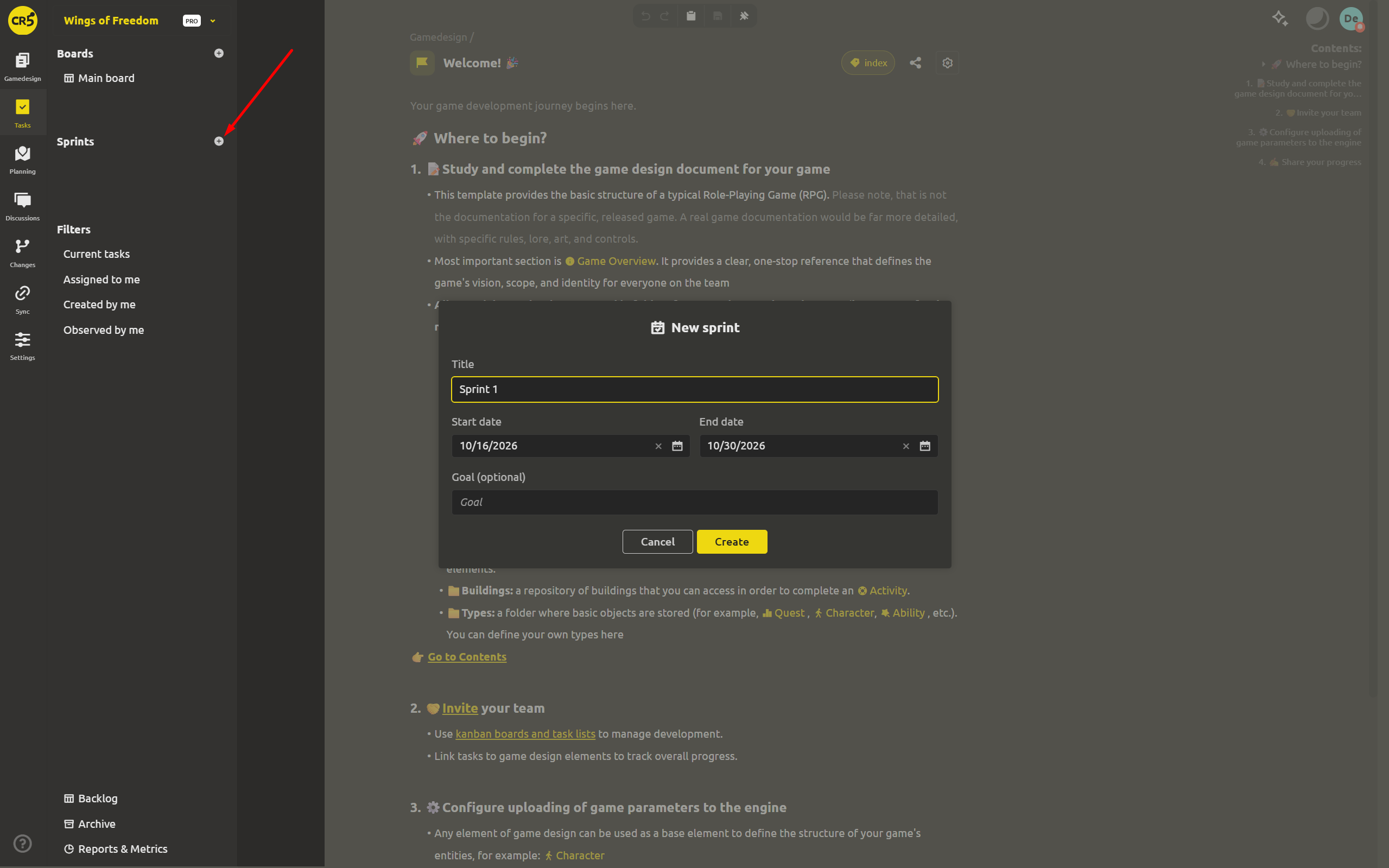
A sprint does more than group tasks — it helps you estimate the workload. Each iteration automatically totals the story points and the time estimate in hours. A dedicated sprint page collects all the tasks linked to it, and the reports section lets you analyze results broken down by sprints.
Gantt: evaluate the plan by dates
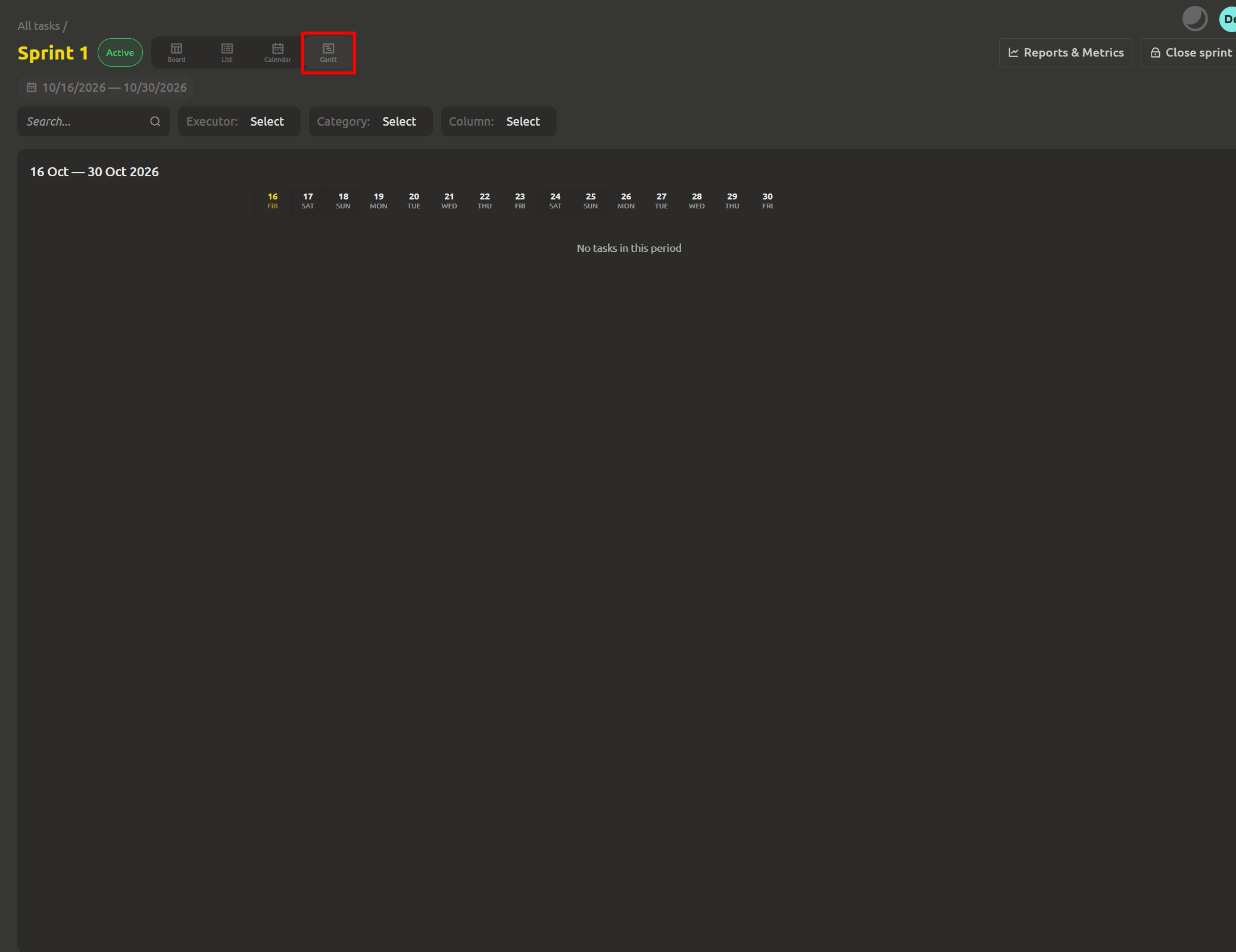
On a Kanban board tasks are distributed across workflow stages, while the Gantt chart shows how they are placed in time. The new Gantt display mode is available alongside Board, List and Calendar.
Each task is shown as a bar between its start and end dates. This makes it easier to spot overlaps, potential overloads and how work is spread across days. The start date can be set directly on the chart, and if there are no tasks in the selected period you will see a clear message: "No tasks in this period".
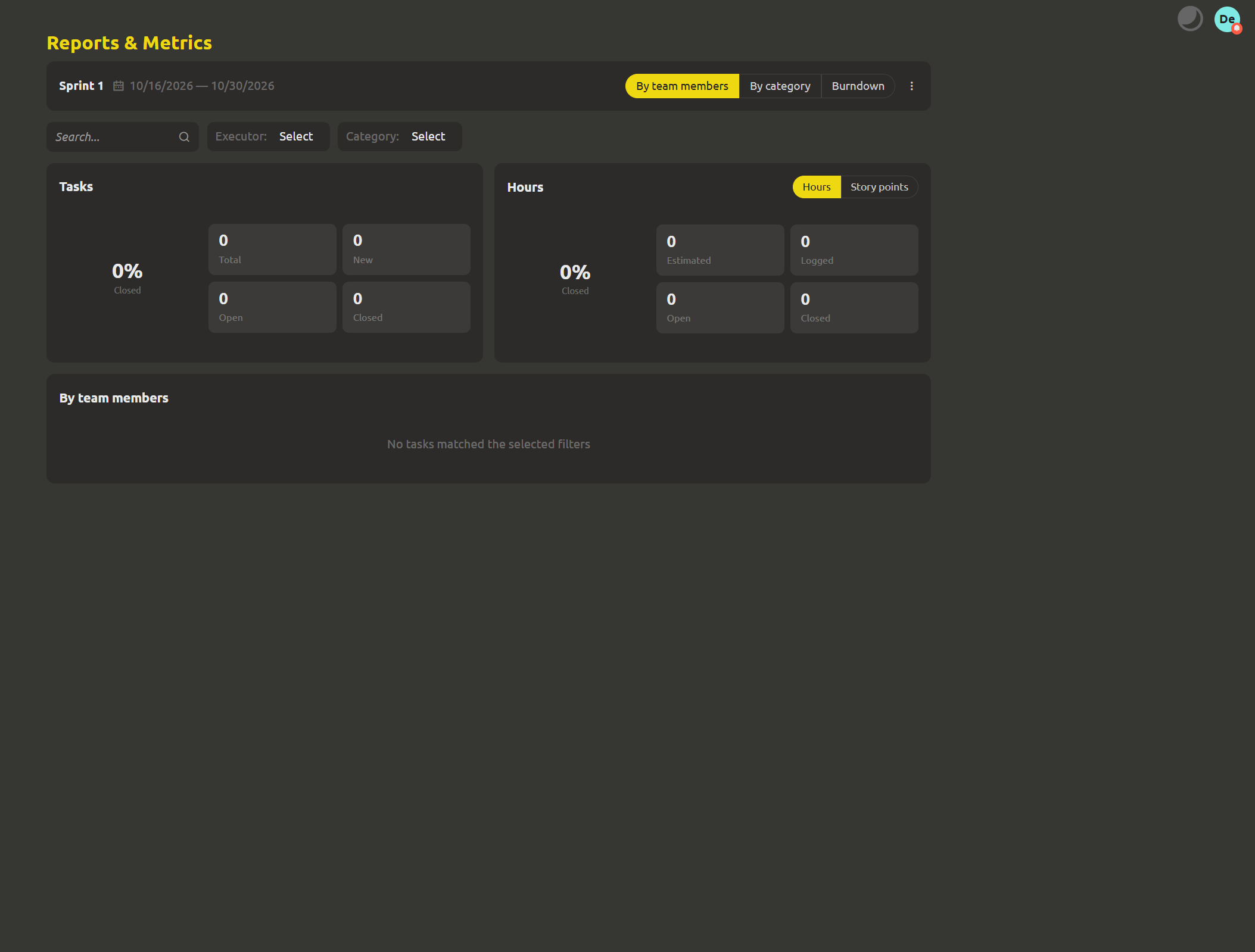
The refreshed "Reports & Metrics" section
The Metrics section has been completely rebuilt and is now called Reports & Metrics.
At the top of the page are summary cards for the selected period, and below them are tables where data can be grouped by category, team member or sprint. A unit switcher lets you view results in tasks, hours or story points — the latter option is new in this update.
Now every figure can be verified rather than taken on faith. Click any value — say, the number of open or closed tasks, logged time or an estimate — and a "Show details" dialog opens with the list of tasks behind the result. Current filters are applied, so you can check exactly the data you are interested in.
Reports can also be exported: Export CSV is available both in the report itself and in the task list along with the displayed columns. This lets you quickly move data from the browser into a spreadsheet and keep working with it there.
Burndown chart
Another new report helps answer the question: is the team going to complete what was planned? The burndown chart shows how the remaining work changes over the selected period.
It has two lines: the ideal one shows how the workload should shrink — from the initial value to zero — and the actual one reflects how many tasks or how much work is really left each day. Comparing the two lines shows how close the team's actual pace is to the plan.
The chart works in three modes: tasks, hours and story points. If needed, it can be limited to a single sprint so you can follow each iteration separately.
Other improvements
- The archive now supports more than just tasks: boards, checklists and sprints can be moved there and then restored.
- Moving tasks between columns and boards has become more reliable.
- The task preview window is wider, so the information in it is easier to read.
- Long task titles are now neatly shortened on calendar cards.
Create, structure, automate
We look forward to your feedback — thank you for helping us improve IMS Creators! Sprints give work a clear rhythm, the Gantt chart shows the plan on a time scale, and the updated reports let you verify every figure and see what it is made of.
Subscribe to our social networks: chat on Discord, community on Facebook and our articles on Medium . You can also reach us through the feedback form.
We wish you good luck and inspiration in developing your future games! See you next time!