
This tutorial is a part of the Getting started series — Day 5, Week 2.
The problem: blind spots when editing
Over the week you built a small but real design graph. Ability cards point at their Owner character, enemies carry loot tables that link to the cards they drop, and every element inherits from a base object. It's connected — but you can't see that while only one element is on screen at a time.
That's a blind spot. When you edit a card, you're guessing at its consequences: which character has this as an ability? Which enemies drop it? If I change the damage, who notices? Answering by memory works until the project passes a certain size — then you edit one thing and break five you didn't know existed.
And there's a second, sharper problem hiding in the way you built the links. You deliberately stored each connection in one place — the Owner link lives on the card, the loot table lives on the enemy. That's great for keeping things consistent. But it also means the answer to a natural question lives somewhere it isn't: to ask "what abilities does Chloe have?" you'd have to open every ability card and read its Owner. The links know; you don't.
The graph exists to fix that exact asymmetry.
Where the connections come from
Before the view, it helps to know what it's actually tracing. Your design links are the connections you've already built this week:
- Owner — an Element selector field on the
Ability Cardbase, pointing a card at its one character. - Loot table — the structure array on the
Enemybase, each row linking a Game Card (Element selector) with a Drop chance. - Derives — every
Ability Cardderives fromGame Card, every concrete enemy from theEnemybase.
These live in each element's data, and they're the edges the graph draws.
Open the link graph
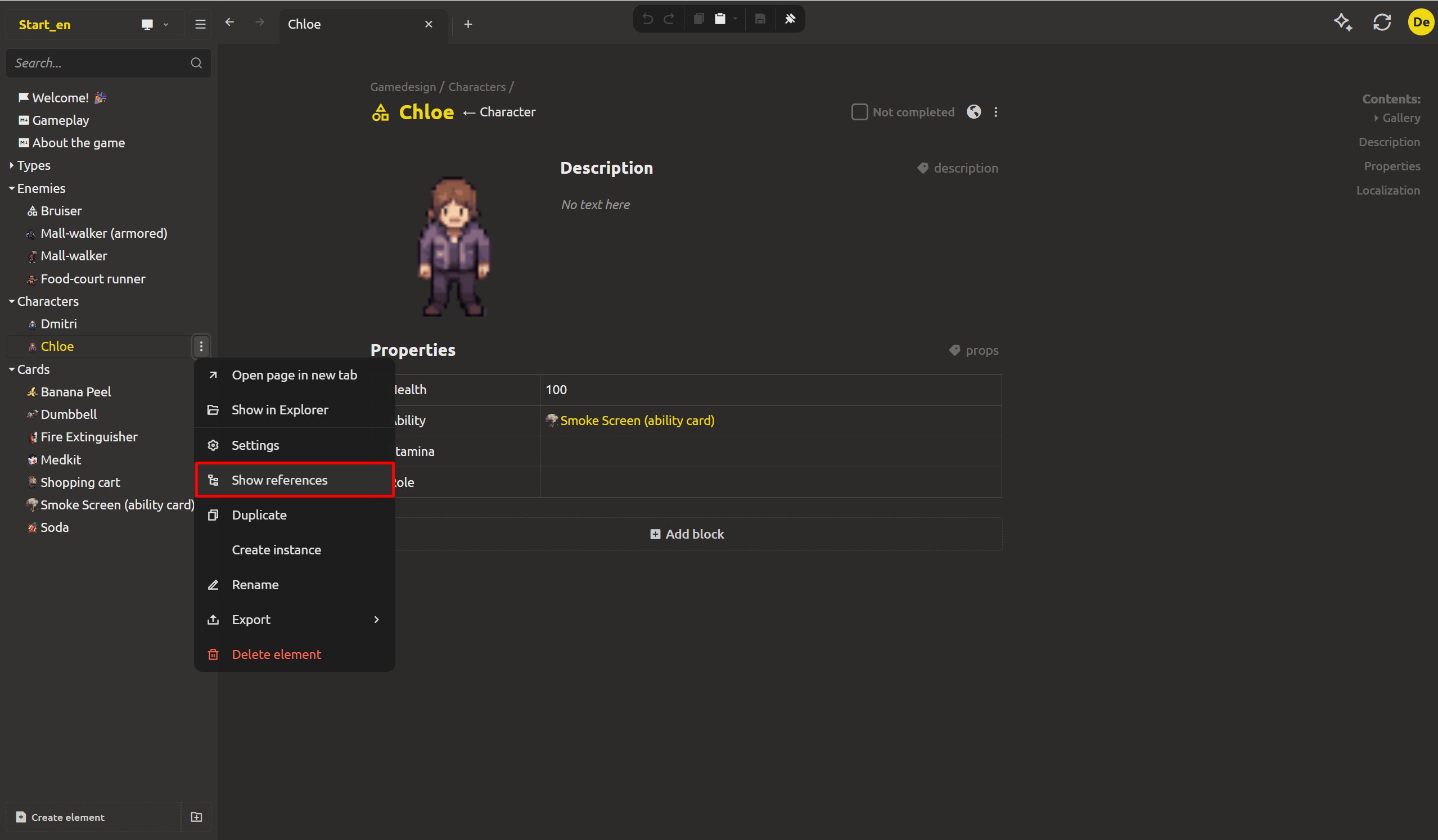
Open any element and click the three dots in the element header, then choose Show references.
The References dialog opens. Your element sits at the center, and everything connected to it is drawn around it — as one graph. A base object is shown as a rounded rectangle; the elements derived from it appear around it. And crucially, the graph draws links in both directions: not just the elements each link points at, but every element that points back.
One screen, and you see both sides of every one-way link.
Question 1: what abilities can Chloe use?
Here's the first reverse question. You never stored a list of abilities on the character — the Owner link lives once, on each ability card. To answer "what can Chloe do?", open Chloe, click the three dots in her header, choose Show references.
Around her, the graph draws every element, including the ability cards whose Owner points back at her — the links you made from the card side up above. Smoke Screen appears (and if you renamed it, as we did on Wednesday, it shows its new name). One graph read, and the character's whole deck is visible without a single field maintained on the character.
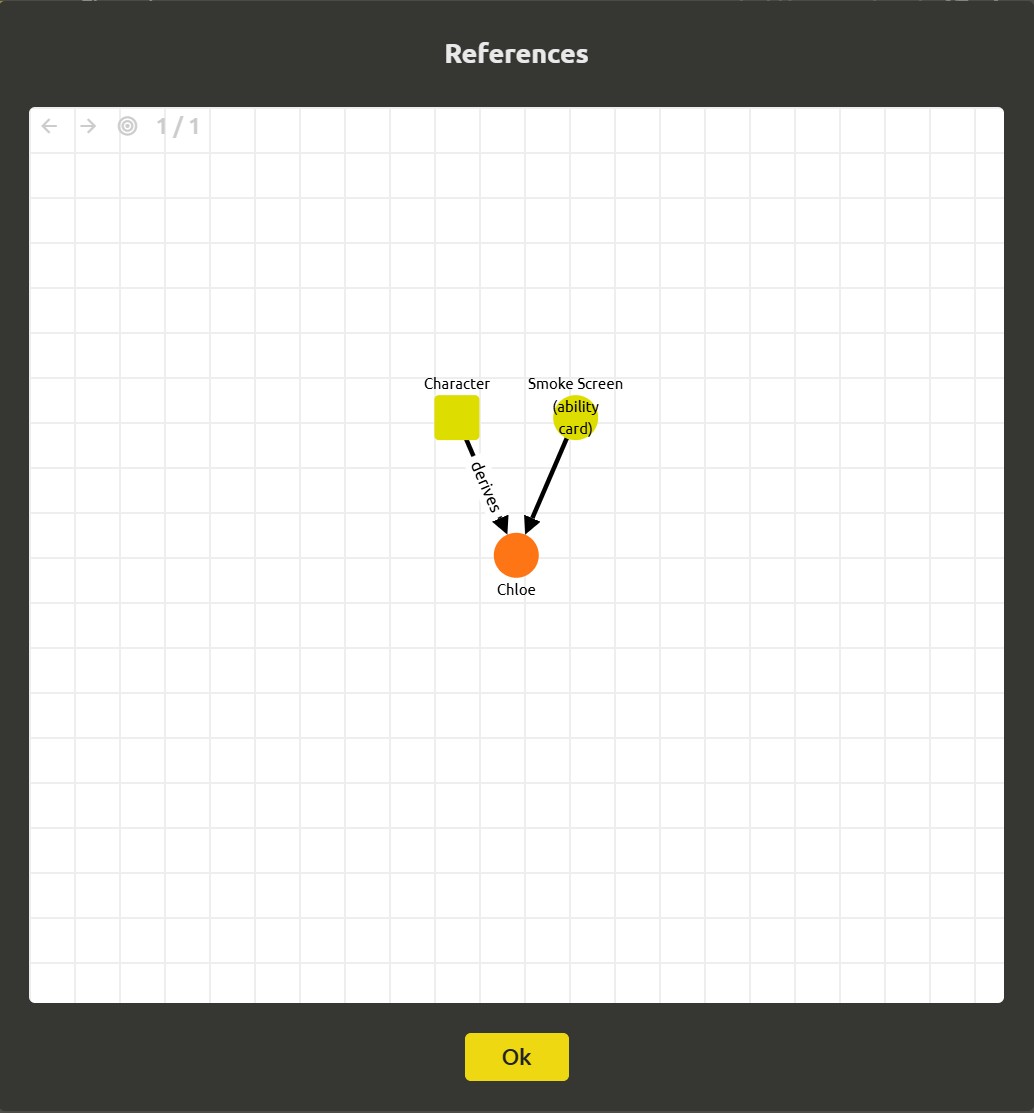
The one-way design choice and the two-way view are the same structure working together: store the link once where it belongs, read it from anywhere you need.
Question 2: who drops this card?
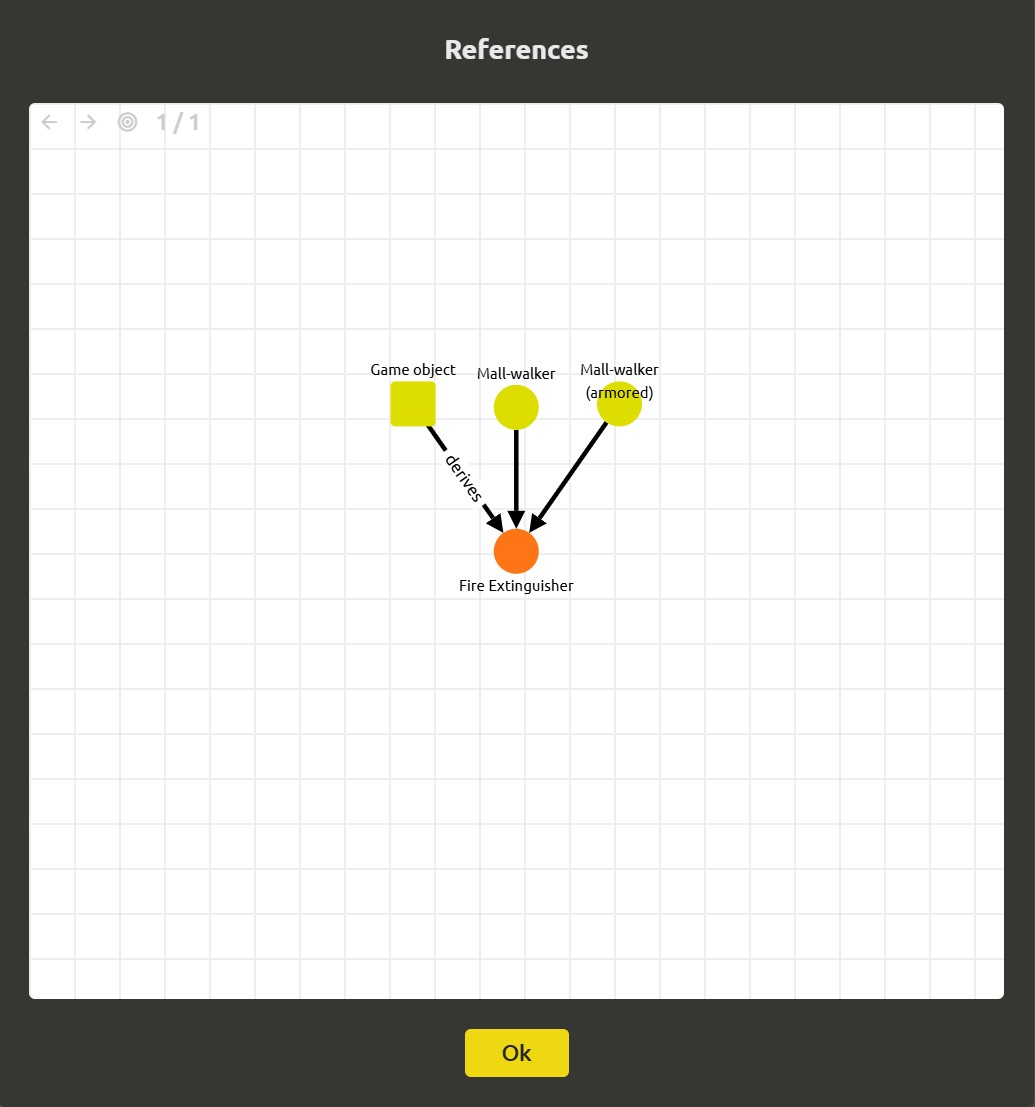
The second reverse question runs through the loot table. Enemies reference a Game Card from their loot table rows — so the card, stored once, never keeps a list of "who drops me". Answer it by opening the card instead.
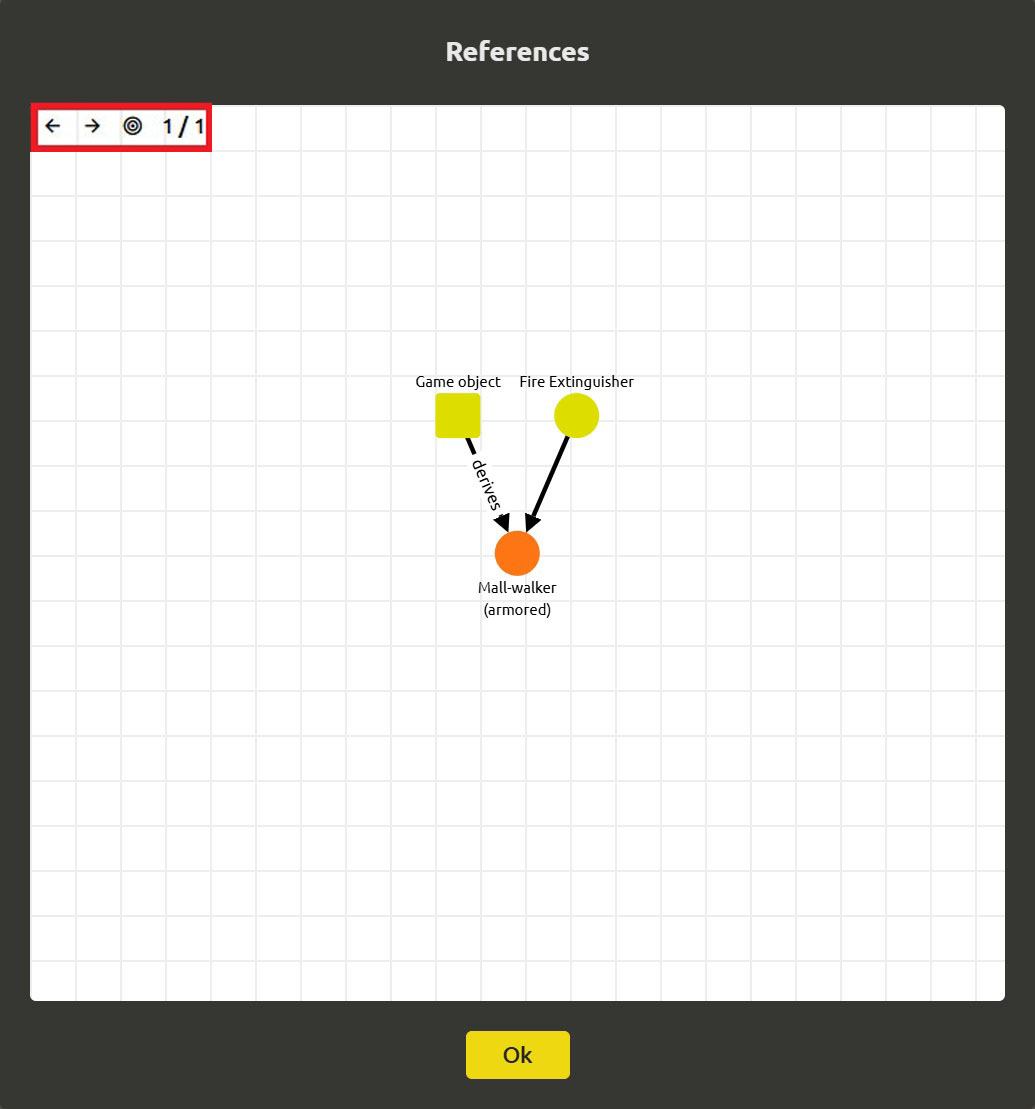
Open the Fire Extinguisher card, choose Show references. The graph centers on the card and draws every enemy whose loot table links to it: the Mall walker that drops it at 0.3, the armored variant at 0.5. If a boss also drops it, it's on screen too. "Who drops this card?" is answered by looking at the card — the enemies came to it.
Week 2 recap
This week you turned scattered, loosely-typed ideas into a design you can ask questions of:
- Data types gave your values real behavior — a field is a number or a string, not an ambiguous string.
- Base objects removed the repetition — enemy, character and card each get their schema from one definition, and multilevel inheritance made
Ability Carda card plus an Owner. - References replaced copy-pasted names with stable links —
Ownerlives once on each card, and renaming no longer breaks the deck. - Structures and enums standardized vocabulary — loot tables are lists of typed rows, and a character's Role is a value from
Character Role, not a guess. - The link graph — today — made every connection visible and answerable, so you can read what a character can do and who drops a card just by looking.
What's next: balance
Your design is structured, linked, and standardized. The next thing a game needs is numbers that feel right — and the balance spreadsheet you keep on the side is already drifting from the design. Next week we'll pull the numbers into the design itself, so your balance and your design can never disagree.
Ready? Edit all game cards in one collection grid - the next post in this series.
FAQ
How do I open the link graph in IMS Creators?
Open an element, click the three dots in the element header, and choose Show references. This opens the References dialog with the element centered and its connections drawn around it.
What do the nodes in the graph represent?
Each node is a design element. The element you opened is the main node at the center; everything connected to it — characters, ability cards, loot table cards, base objects — appears as neighbors around it. A base object is drawn as a rounded rectangle, other elements as circles.
Which links does the graph draw?
Every connection in the elements' data, in both directions: Element selector links (a card's Owner, a loot row's Card), inheritance from base objects (an Ability Card deriving from Game Card), and backlinks pointing from other elements at your element. One-way storage, two-way reading.
What does an edge label like "derives" mean?
The edge labels describe the relationship between two elements. Derives marks an inheritance connection — an element that inherits its schema from a base object. This lets you tell at a glance how elements derive from shared definitions.
How do I know what depends on an element before I edit it?
Click the element in the graph and read its neighbors. Every element that references it and every element that derives from its base appears around it, so you can see the impact of a change before you make it.
Why does the graph matter as the project grows?
By hand, the more elements you have, the harder it is to predict what a change touches. The graph fits here perfectly. Instead of remembering who uses a given object, you look at the connections directly — and because it reads links both ways, questions like "what can this character do?" can always be answered, no matter the scale of your project.